5. Open a browser window (i.e. Google Chrome) and connect to Duet3D Web interface via default IP:
192.168.0.250.
If the above steps are performed correctly, the browser window should display the Duet Web Interface.
6.1.2 Manual operation
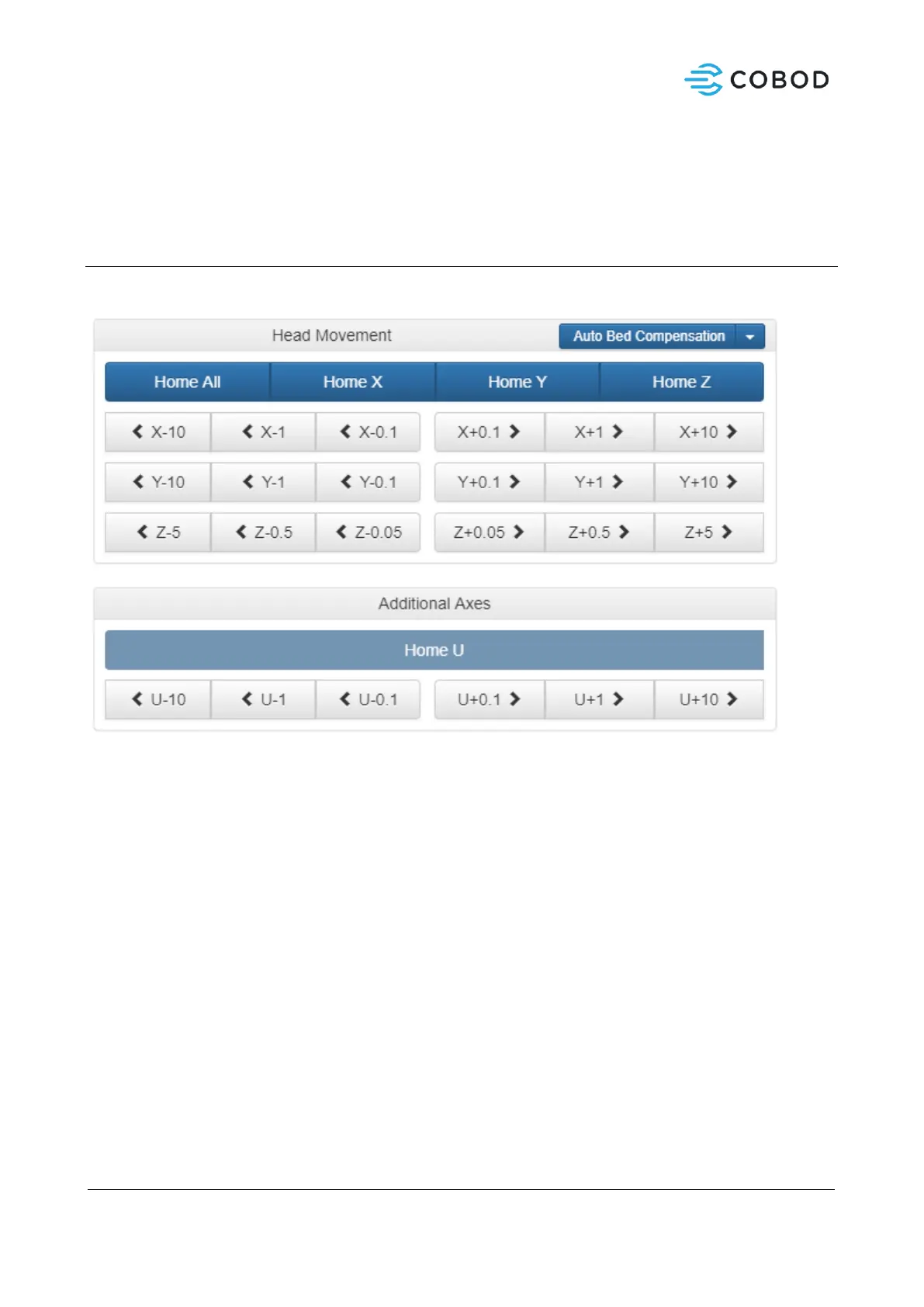
The machine can be controlled manually using the Duet web interface.
Figure 13: Duet web interface - manual movement
The print head and axes can be moved manually using the buttons under the “machine control” panel in
the web interface.
X-axis movement:
• Positive direction to the right, when standing in front of the machine.
• Distance is in millimeter.
• To change the amount on a button, right click on the button and insert a new value, i.e. 200
mm, 500 mm 1000 mm
Y-axis movement:
• Positive direction moving backwards (away), when standing in front of the machine.
• Distance is in millimeter.
• To change the amount on a button, right click on the button and insert a new value, i.e. 200
mm, 500 mm 1000 mm
Z-axis movement:
• Positive direction upwards.



 To Next Page