C001537_04_CR2 User Manual - 31
Save Settings
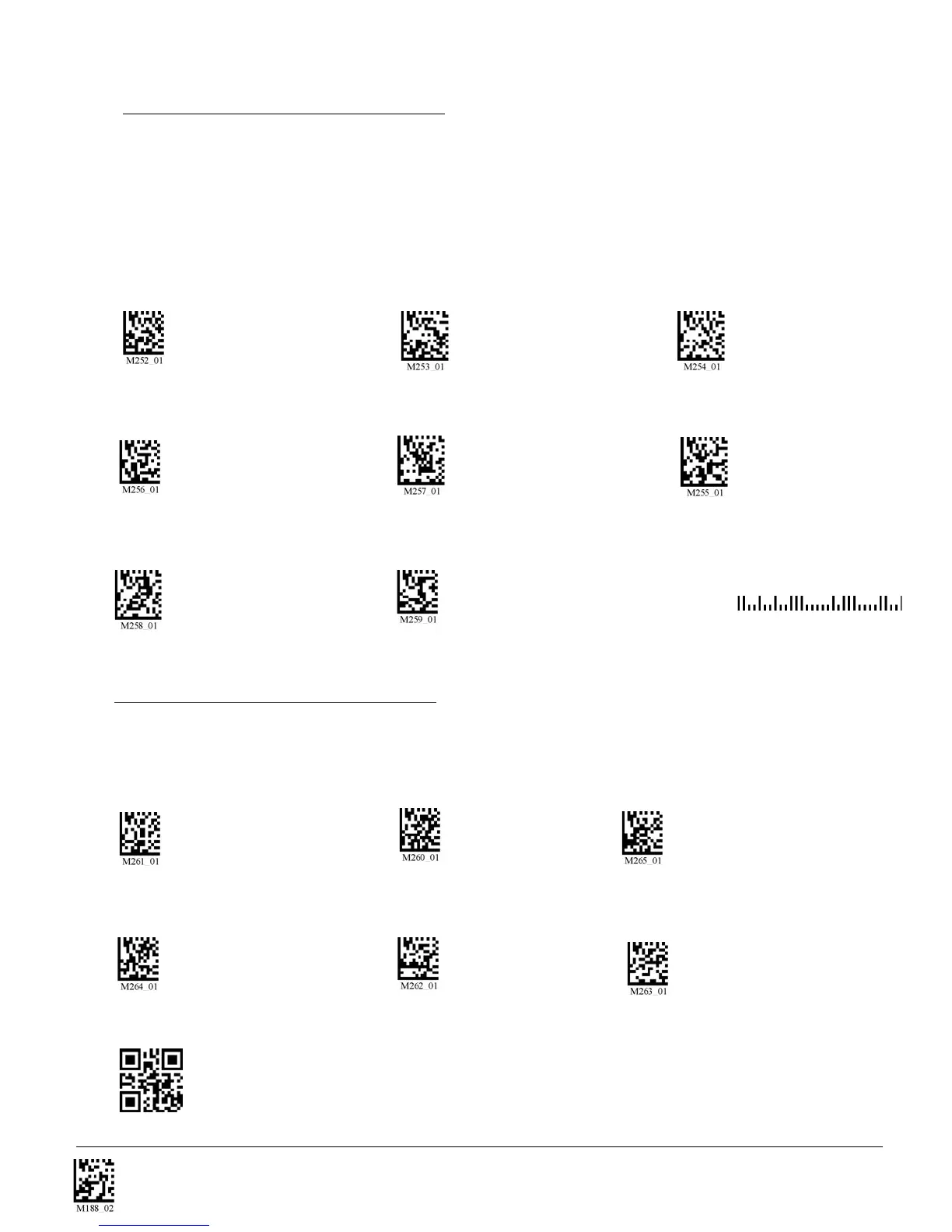
All postal codes default settings are OFF. Scan the following codes to enable the appropriate Postal
symbology:
Note: If you wish to change which Postal code is activated, you MUST scan the disable all postal codes
symbol and then scan your desired symbology.
Australian Post On Japan Post On KIX
Planet On Postnet On Postnet and Planet On
4.18 - Postal Symbologies
Royal Mail On Disable All Postal Codes (Default) Sample Postnet Code
4.19 - QR Code Symbology
Scan the following codes to enable/disable QR Code symbology settings:
QR Code On QR Code Off (Default) Enable Checksum
Disable Checksum (Default) QR Code Inverse On Both Inverse and Standard On
Sample QR Code


 To Next Page