C001537_04_CR2 User Manual - 48
Save Settings
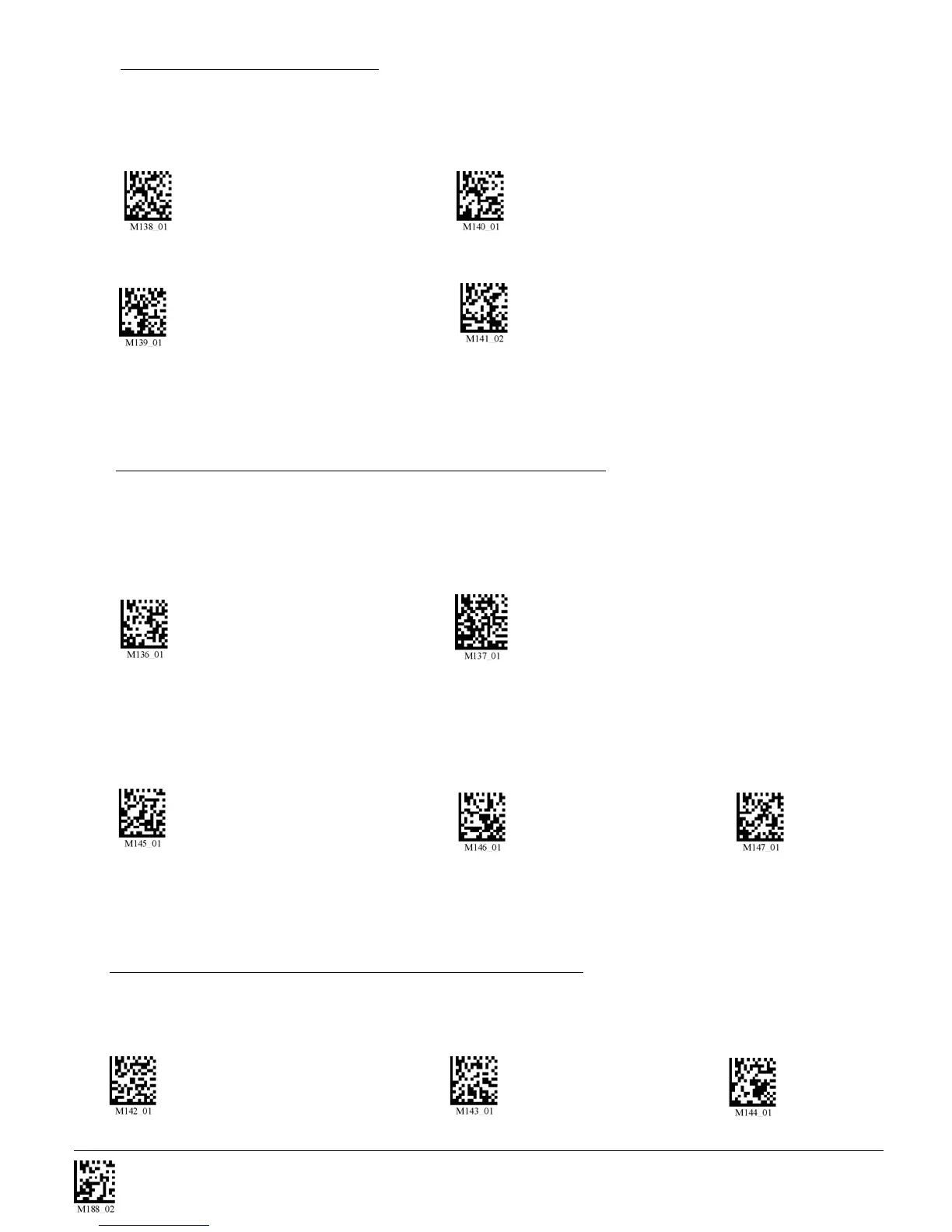
Scan the following codes to set delay time between scans:
0 Seconds (Default) 1 Second 3 Seconds
7.4.2 - Continous Scan - Trigger Delays
7.4 - Continous Scan
Scan the following codes to turn continous scanning on/off:
Both Near & Far Field On Near Field Only On
Far Field Only On Off (Default)
Note: This function is only reccommended for short term use because of battery consumption.
See section 7.4.1 for Sleep Time Out Settings
Will only work in versions 2098 and above. Scan one of the codes below to set the amount of time a
cabled CR2 will operate in continous scan mode before entering sleep mode:
Cabled - 2 hours (Default) Cabled - Always
Scan one of the codes below to set the amount of time a uncabled CR2 will operate in continous scan
mode before entering sleep mode:
Uncabled - 5 minutes (Default) Uncabled - 15 Minutes Uncabled - 30 Minutes
Note: This function is only reccommended for short term use because of battery consumption.
7.4.1 - Continous Scan - Sleep Time Out


 To Next Page