C001537_04_CR2 User Manual - 47
Save Settings
7.2 - Volume and Vibration Settings
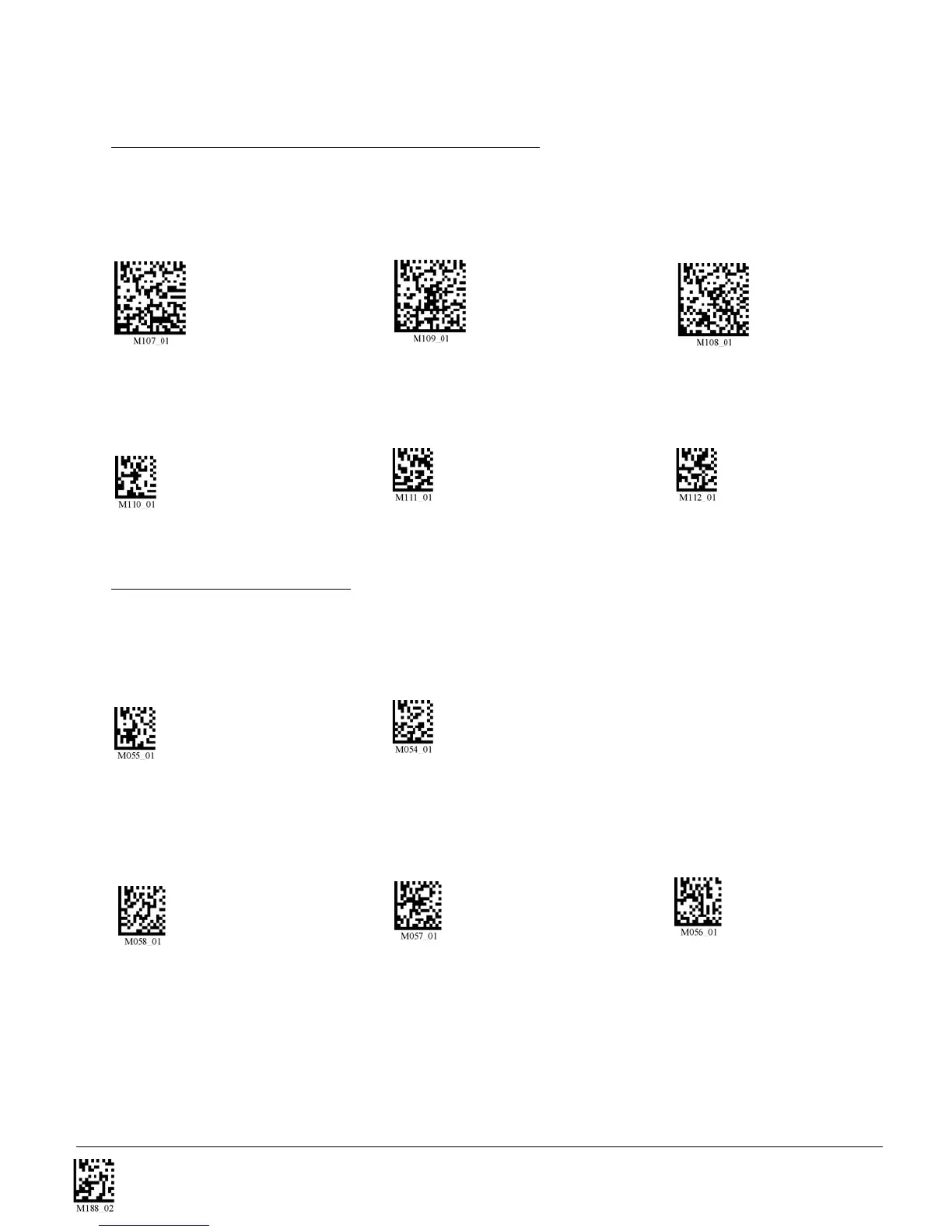
Scan the following codes to set vibration mode:
Vibrate On / Beep On Vibrate On / Beep Off Vibrate Off / Beep On (Default)
Scan the following codes to set your reader’s volume:
Beep Off Beep Low Beep High (Default)
7.3 - Laser Settings
Scan one of the following codes to set the brightness of the CR2 laser.
High (Default) Medium Low
Scan the following codes to turn laser targeting on/off:
On (Default) Off


 To Next Page