20
Chapter 2: Getting Started
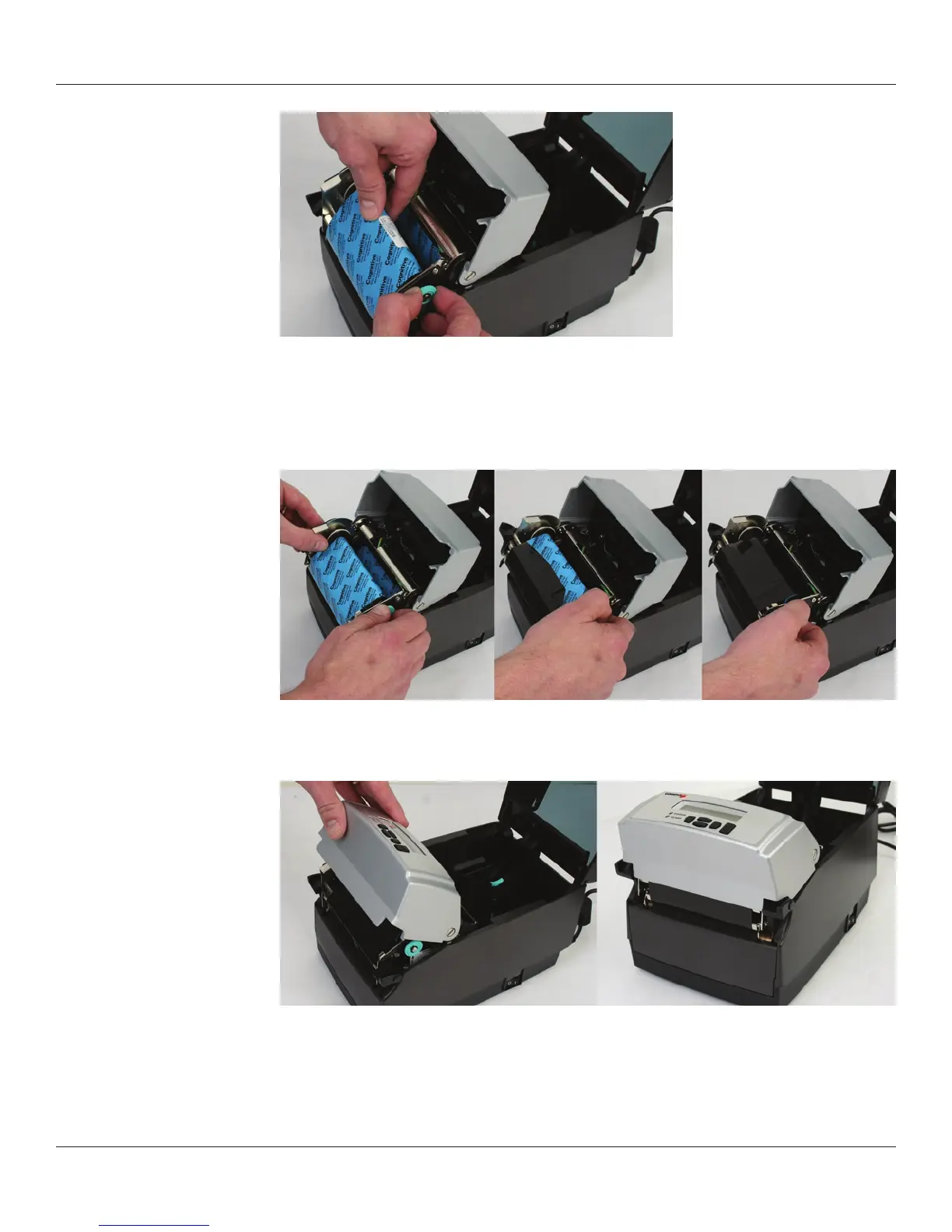
Figure 2-34. Seating the Ribbon Take Up Core Into the Take Up Spindle Notches
Once the ribbon take up core has been installed, turn the take up spindle clockwise to
wind the ribbon leader onto the take up core. Rotate the green take up spindle clockwise
until the black ribbon begins winding on the take up core as shown in Figure 2-35.
Figure 2-35. Winding the Ribbon Onto the Take Up Core
Gently lower the user interface but DO NOT LATCH the printer. Refer to Figure 2-36.
Figure 2-36. Lowering the User Interface without Latching the Mechanism
Set User Interface Down:
DO NOT LATCH



 To Next Page