21
Chapter 2: Getting Started
Loading Media
All C Series printers have media loading instruction labels on the bottom of the dust
cover.
To increase the life of the printhead, CognitiveTPG recommends using CognitiveTPG
approved media with all C Series printer models. The CognitiveTPG printhead warranty
requires CognitiveTPG approved media. For more information regarding CognitiveTPG
approved media please contact a local reseller or Customer Service.
Lift the top dust cover (Thermal Transfer printers have already completed this step in
the ribbon loading section).
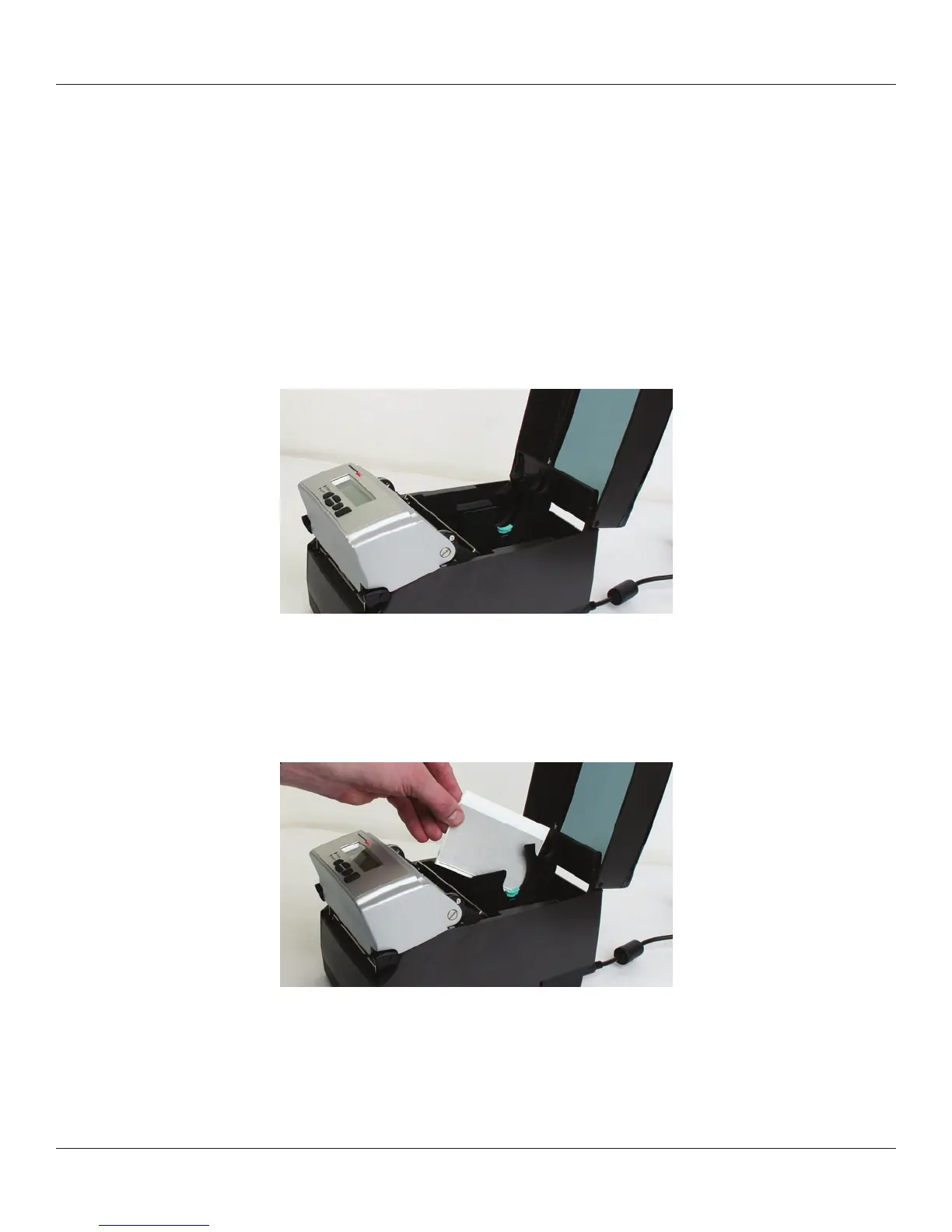
Figure 2-37. Lifting the Dust Cover
Remove the Manufacturing Test Sample from inside the printer and le the
Manufacturing Test Sample with the warranty and other C Series documentation for
future reference (Thermal Transfer printers have already completed this step in the
ribbon loading section).
Figure 2-38. Removing the Manufacturing Test Sample from the Printer
Insert the spindle into the CognitiveTPG approved sample media roll (see inward and
outward wound media gures below).



 To Next Page