24
Chapter 2: Getting Started
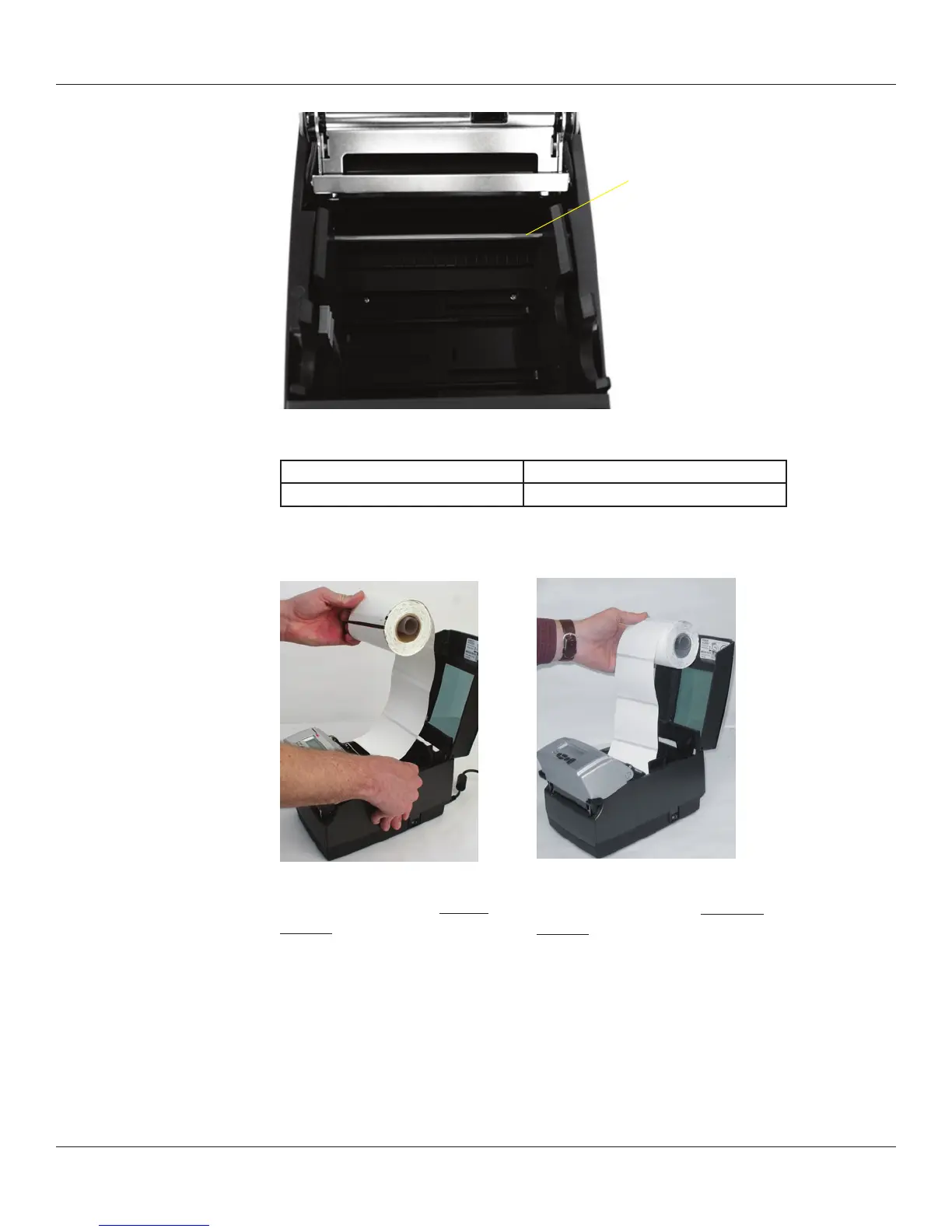
Figure 2-42. C Series Top View of Media Guide from Behind Printer
Device Use
A – Media guide (silver bar) Guides the labels through the printer
Unroll a few labels. Position the media, print side up, into the printer as shown in Figure
2-43.
Figure 2-43a. Media Print Side
Must be Facing Up for Inward
Wound Media
Place the media under the media guide bar as shown in Figure 2-44.
A
Figure 2-43b. Media Print Side
Must be Facing Up for Outward
Wound Media



 To Next Page