25
Chapter 2: Getting Started
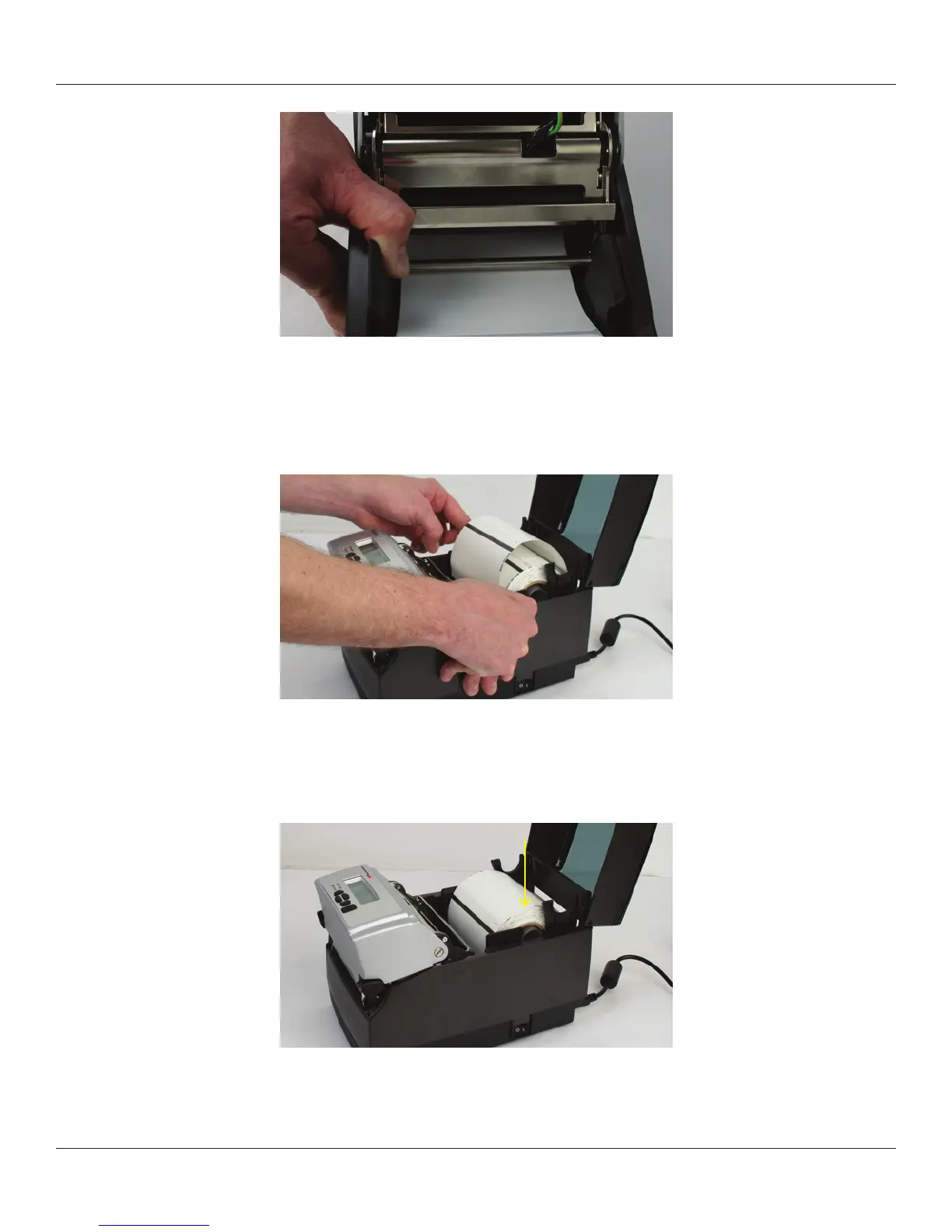
Figure 2-44. Place the Media Under the Media Guide Bar
Lower the media between the two media guides. Position the media as shown in Figure
2-45. Before completely lowering the spindle in the slots as shown, unlock the guides if
they are locked so they can spring load against sides of the media roll.
Figure 2-45. Lower the Media Roll Into Lower Media Guide Slots
Once the guides are against the sides of the roll, push the roll down in the slot as shown
in Figure 2-46. This locks the media guide in the proper position. The media should look
as shown.
Figure 2-46. Push Down on the Right Side of the Roll to Lock the Media Guide
Lift the mechanism as shown in Figure 2-47.



 To Next Page