27
Chapter 2: Getting Started
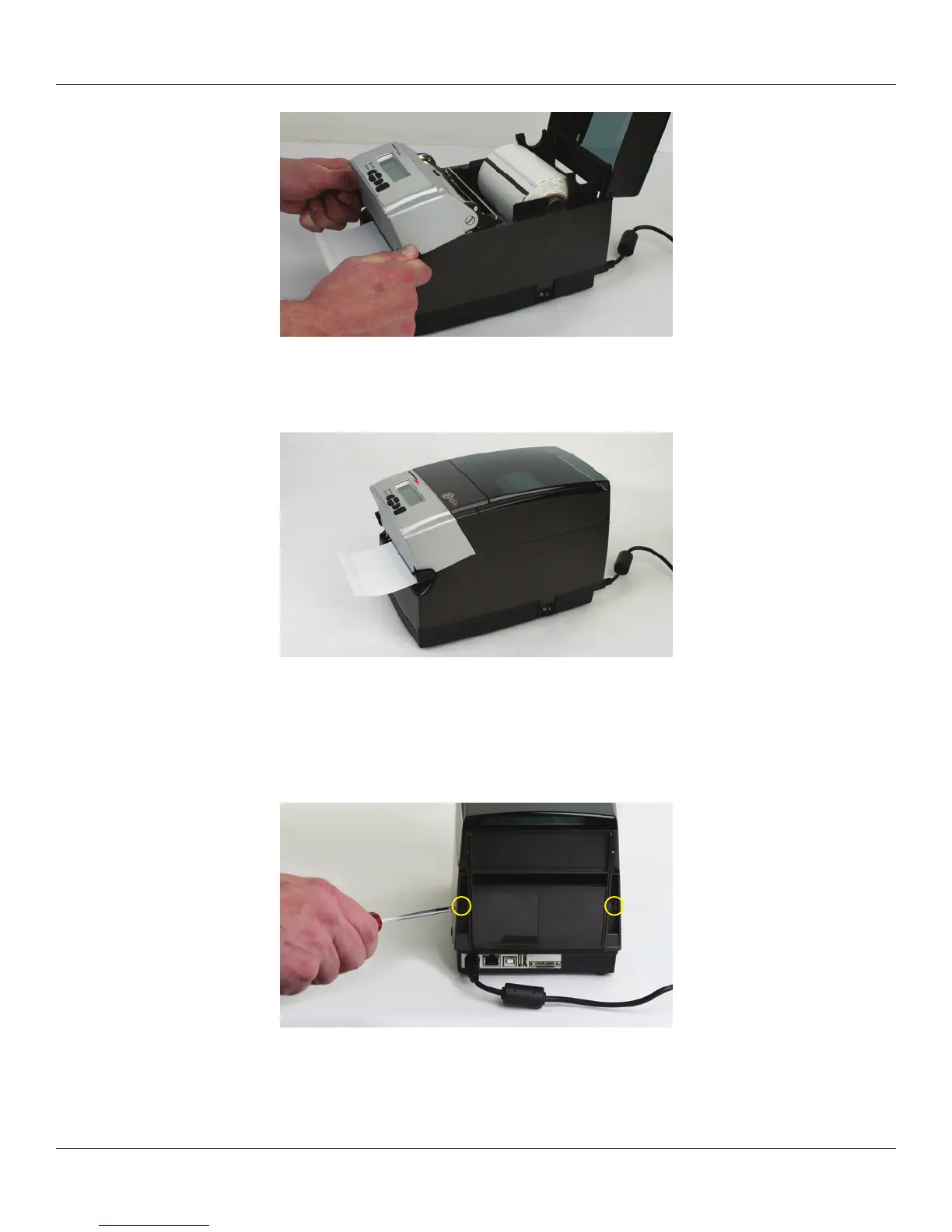
Figure 2-50. Latching the Mechanism
Close the dust cover to enclose standard size media while printing.
Figure 2-51. Closed Dust Cover
Loading Large Roll OD Media
Locate the rear door screws at the rear of the printer as identied with the arrows in
Figure 2-52. Remove the screws with a #2 Phillips screwdriver.
Figure 2-52. Rear Door Screws Identied by Circles
Open the rear door and leave it in the position shown in Figure 2-53.



 To Next Page