28
Chapter 2: Getting Started
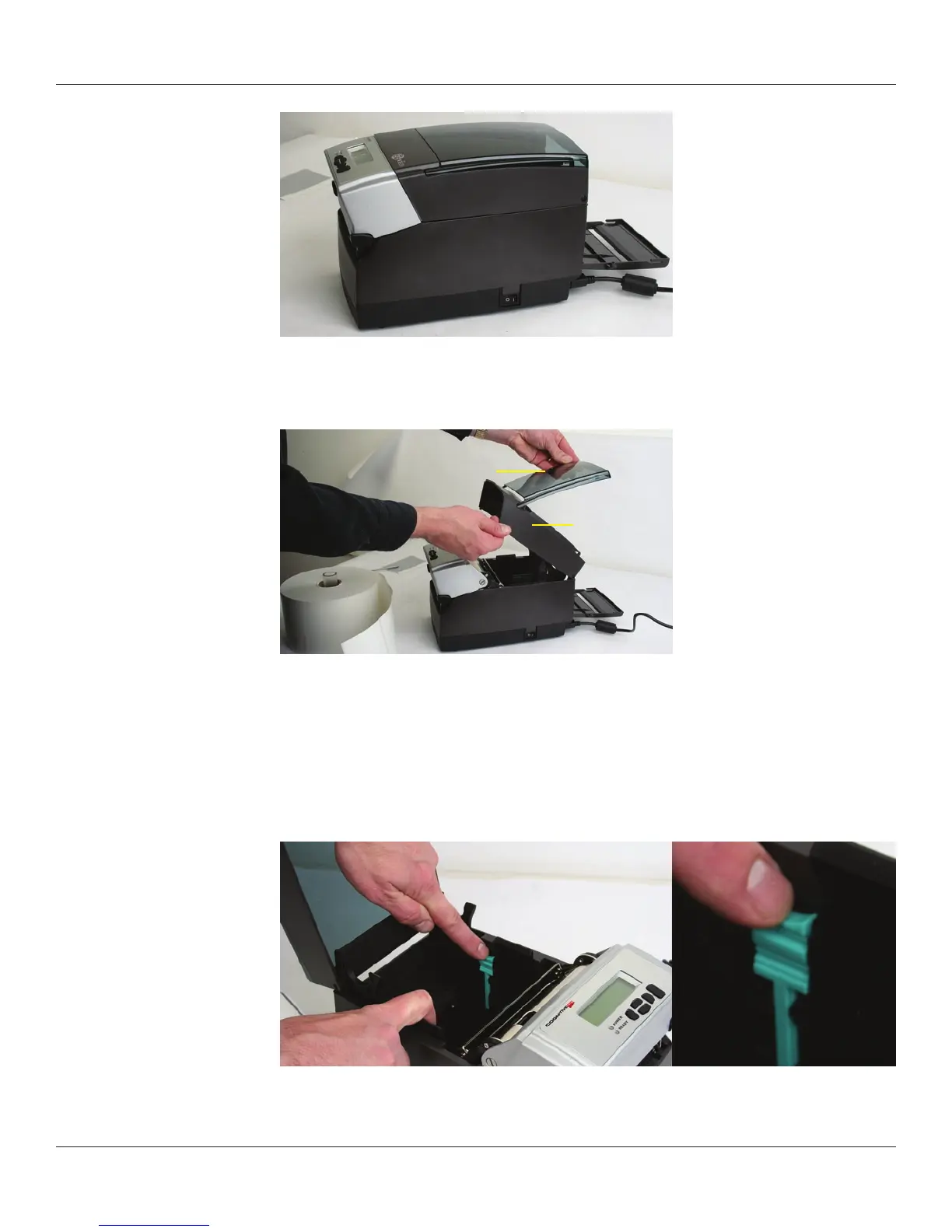
Figure 2-53. Open Rear Door as Shown
Open the media covers as shown in Figure 2-54.
Figure 2-54. Open Media Covers
Remove the manufacturing test sample if this is the rst time loading media, and take a
moment to review operation of the media guides. The guides are spring loaded in order
to provide proper media control during printing. The right guide has a green locking
tab, shown in Figure 2-55 that holds the guides in any position. This is useful, if the same
width media is often used. Once the guides are set to the width of the media, it can be
locked in place for simplied future loading.
Figure 2-55. Media Guide Locking Tab
Upper Media Cover
Intermediate
Media Cover



 To Next Page