Chapter 40
Connecting to XT-100 to Set Delay
There are two general methods to connect to the XT-100 to set the delay:
Local
Locally via Web Browser UI via Ethernet interface or via the MT-100A Microterminal
Remote
Remotely via the Ethernet TCP/IP (socket) interface or via the Serial Port RS-232 interface
41 About the default IP address and DHCP
The IP address for each instrument is determined by a DHCP Server on your network since DHCP is turned ON by default. The default
hostname of your instrument is COLBY_YYMMNNNN where YYMMNNNN is the serial number of your instrument. The instrument serial
number, default hostname, and MAC:ID is provided with each instrument produced. This information is provided on the front page of this
manual and located on the Backpanel of your instrument.
42 Working with Web Browser UI
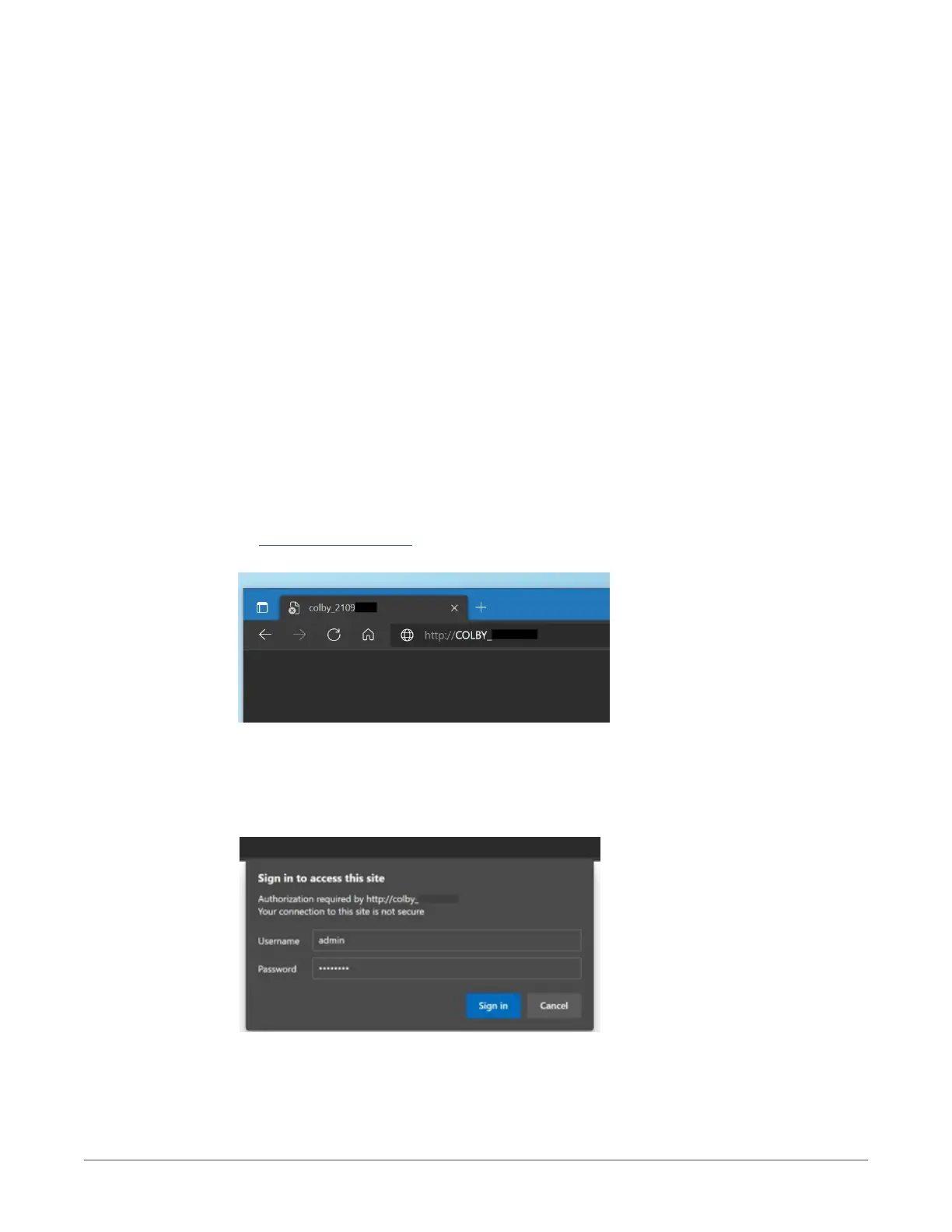
From your Web Browser enter http://COLBY_YYMMNNNN into the search URL:
43 About the default Username and Password
The default Username is admin and Password is password. You will need to enter these values to sign-in to the XT-100 web server page.
5
COLBY INSTRUMENTS XT-100 VERSION 1.0 OPERATING AND PROGRAMMING MANUAL



 To Next Page