Chapter 20
Getting Started
21 Using the XT-100 for the First Time
After unpacking the instrument, carefully inspect it for any shipping damage. Remove all standard accessories from the shipping carton.
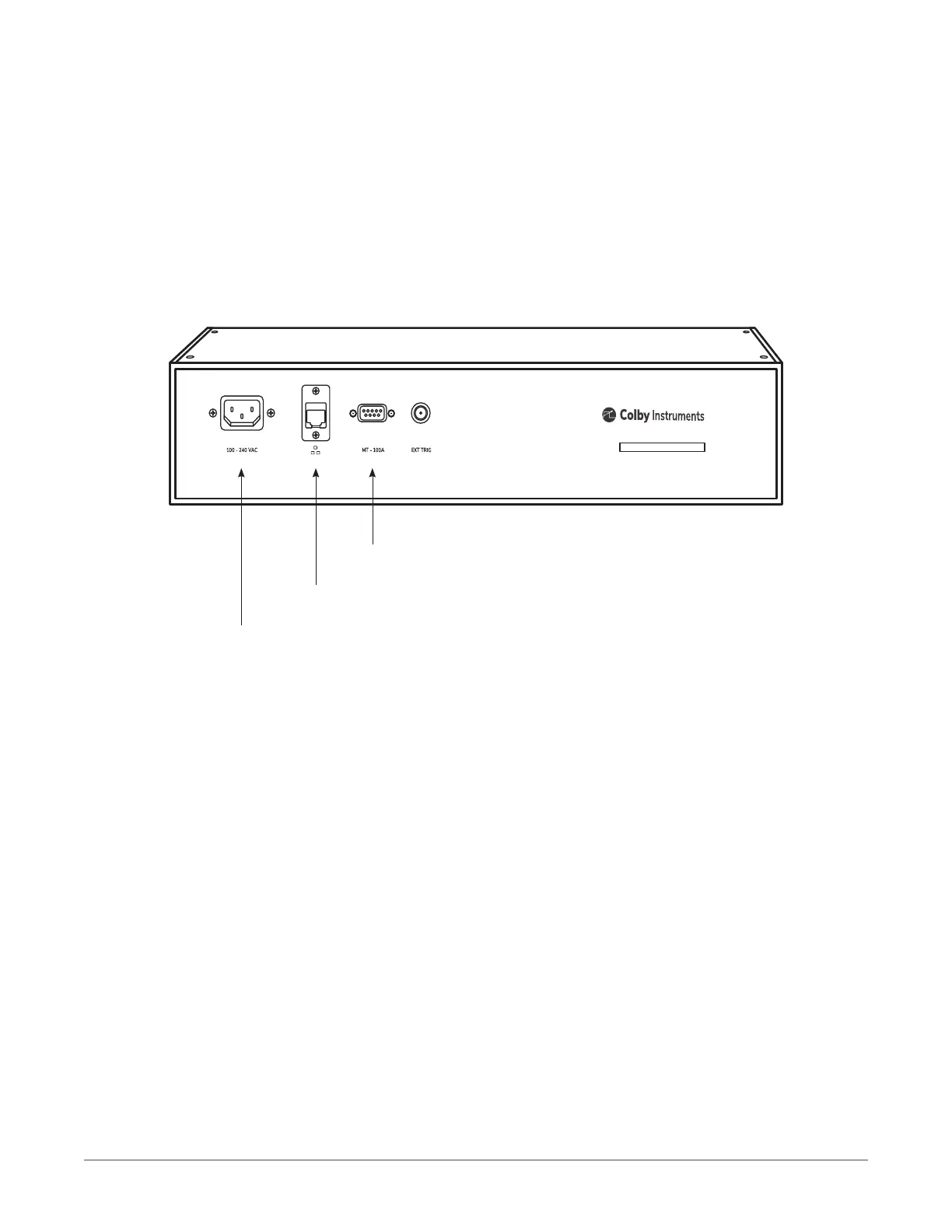
Model XT-100 back panel
211 Connecting cables to the XT-100
1. Plug in the XT-100 to a power source by inserting the AC power cord into the 85 to 240 VAC power entry
module located on the back panel.
2. If you have an RJ-45 Ethernet cable, connect the cable into the Ethernet Port connector.
3. If you have the (optional) MT-100A MicroTerminal, connect the mated cable to the XT-100 and to the
MT-100A MicroTerminal.
3 Insert MT-100A DB-9 cable (optional)
2 Insert Ethernet cable
1 Insert the AC Power Cord
2
COLBY INSTRUMENTS XT-100 VERSION 1.0 OPERATING AND PROGRAMMING MANUAL



 To Next Page