413 Attaching the MT-100A Microterminal to the RS-232 port
Ensure the MT-100A Mode is set by sending the command:
command/query response description
mode term on enable MT-100A terminal mode on
to the XT-100. This command can be sent via TCP/IP or via RS-232. If the MT-100A is already connected, you can set the MT-100A Mode
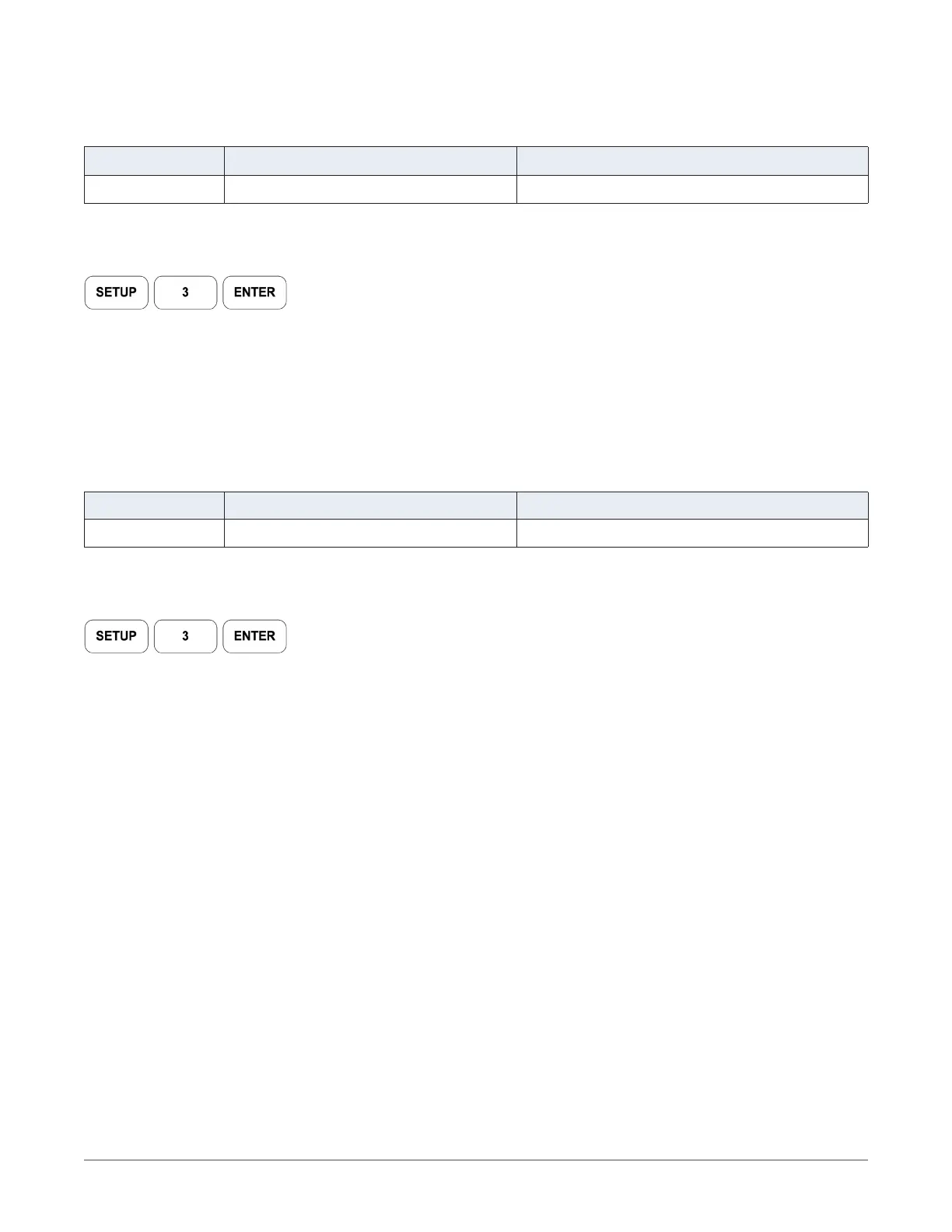
ON by pressing:
on the MT-100A.
Note: if the MT-100A Mode is OFF, command prompts from the XT-100 will be displayed incorrectly
Use the supplied DB-9 mated cable (supplied with MT-100A) to connect the MT-100A Microterminal to the XT-100 System Unit.
414 Attaching the PC to the RS-232 port
Ensure the MT-100A Mode is set by sending the command:
command/query response description
mode term off set MT-100A terminal mode off
to the XT-100. This command can be sent via TCP/IP or via RS-232. If the MT-100A is already connected, you can set the MT-100A Mode
OFF by pressing:
on the MT-100A.
You must use a “null modem” cable when connecting the PC to the XT-100 System Unit. The null modem cable should have a male DB-9
connector to the XT-100 and a female DB-9 connector to the PC.
RS-232 Port speed is 9600 baud, 8 data bits, and 2 stop bits.
11
COLBY INSTRUMENTS XT-100 VERSION 1.0 OPERATING AND PROGRAMMING MANUAL



 To Next Page