User Manual
11
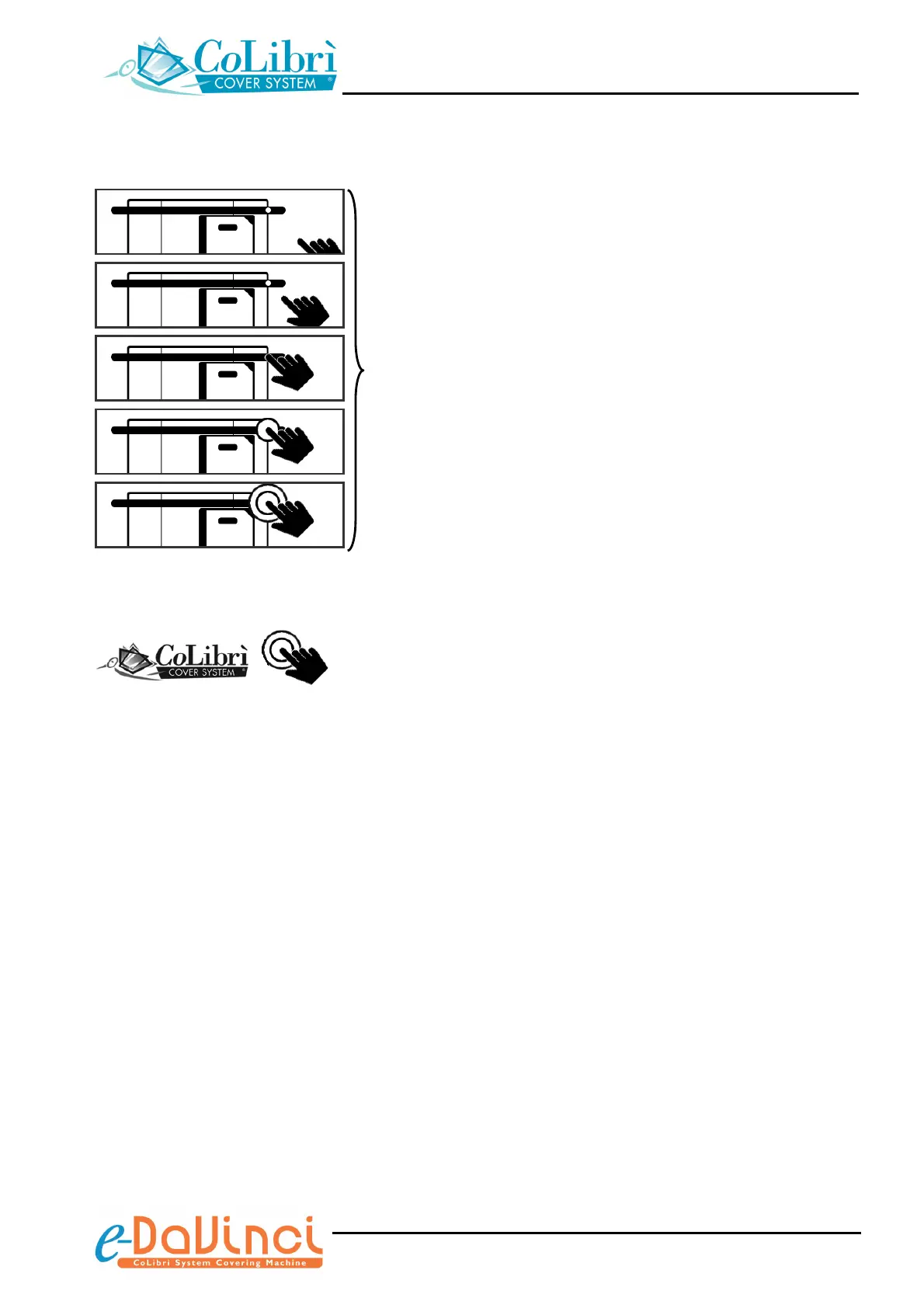
Once you have correctly positioned the object, these icons
indicate that you have to press the cycle start push-button
(or pedal).
Then the machine will automatically carry out the welding
and trimming operations.
(nnn = progressive number of welding/trimming cycles
carried out)
Standby icon
After 5 minutes of idling, the book covering machine
automatically switches to the “standby” status, it disables
the display backlighting and shows the icon represented to
the left.
To leave the standby status press the cycle start push-
button: the display backlighting will be restored and the
warm up icons will re-appear
+ Prior to press the push-button to leave the standby
status, make sure there’s no cover inside the
machine.
nnn
nnn
nnn


 To Next Page