10
User Manual
3.2 Operator Interface
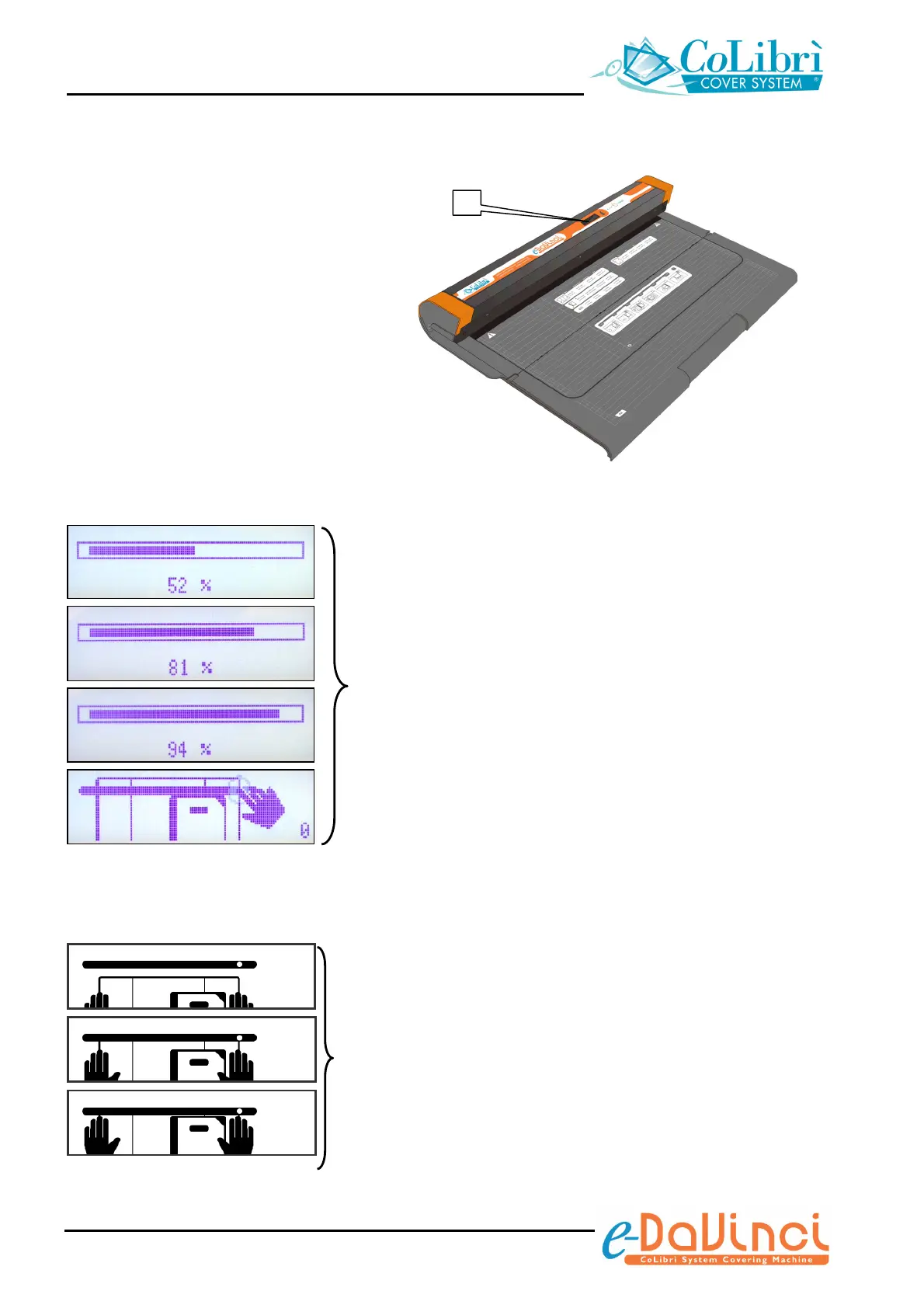
The CoLibrì e-DaVinci book covering
machine is fitted with a liquid crystal display
(1) that shows various information icons
and prompts.
Some of them instruct the operator about
the operations he has to manually carry
out; the others illustrate the operations the
machine is automatically carrying out.
Warm up icons
The warm up icons appear when the machine is switched
on or when it exits from standby status (standby status
starts after approximately 5 minutes of idling).
Warm up may last up to 2 minutes; a progress bar indicates
the percentage of elapsed time.
When the machine is ready to use the manual operation
icons will appear on the display.
Manual operation icons
These icons show you how to insert the object to be
covered, as indicated on section 4 - “How to cover/wrap”.
nnn
nnn
nnn
1


 To Next Page