16
User Manual
4.2.2 How to Cover Softcover Books
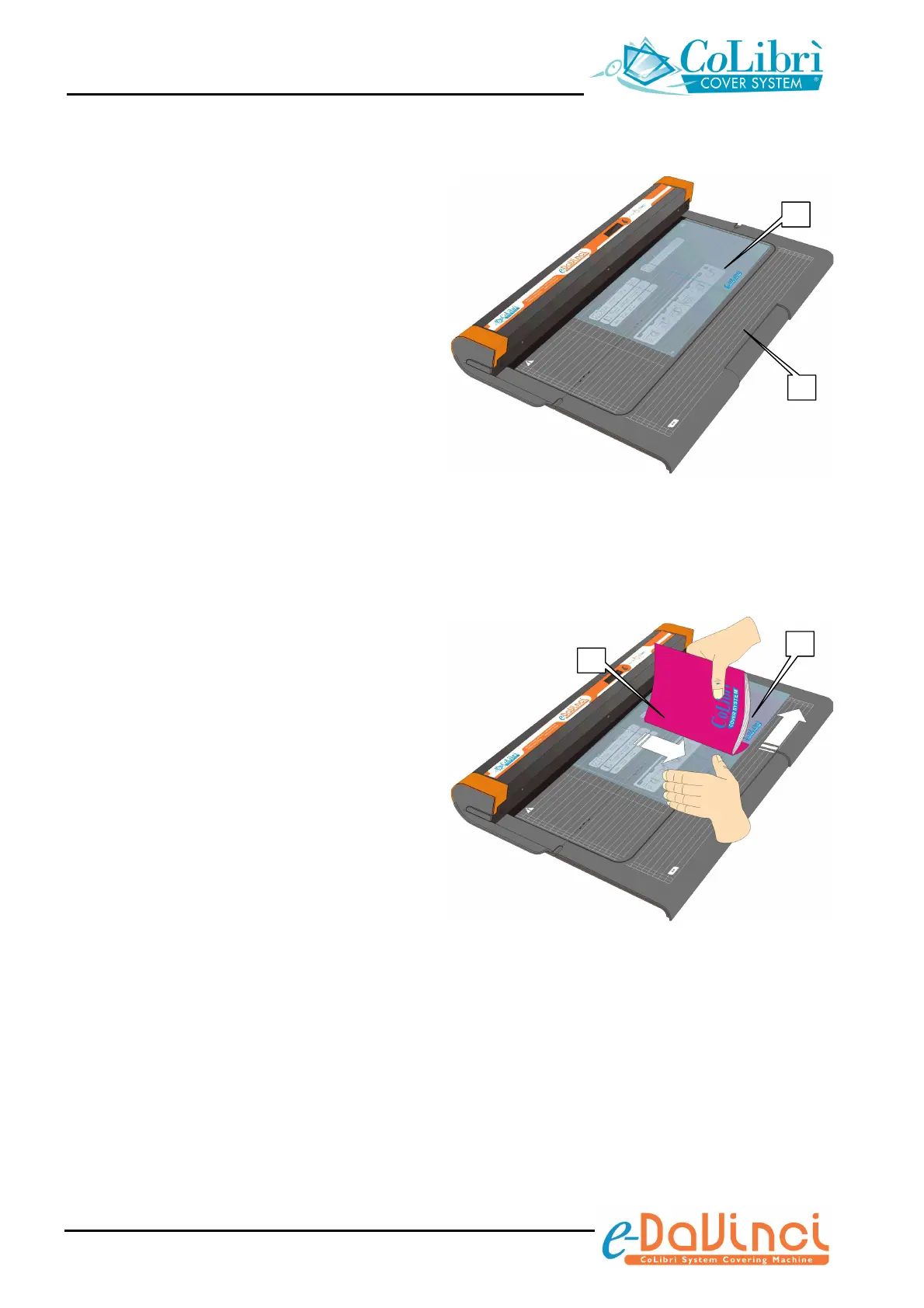
1. Choose the cover size (Mini, A4 Standard,
Standard or Standard) suitable to the size
of the book to be covered, as described on
section 4.1- “Choosing the size of the
cover/document pocket”. Lay the cover (a)
on the work surface of the unit (b) with the
two pockets of the cover facing up (the
CoLibrì logo printed on the cover should be
legible on the bottom side of the cover).
2. Insert the back cover of the book (c) into
the right pocket (d) of the cover, sliding it
down flush with the bottom edge of the
pocket.
a
b
c
d


 To Next Page