24
User Manual
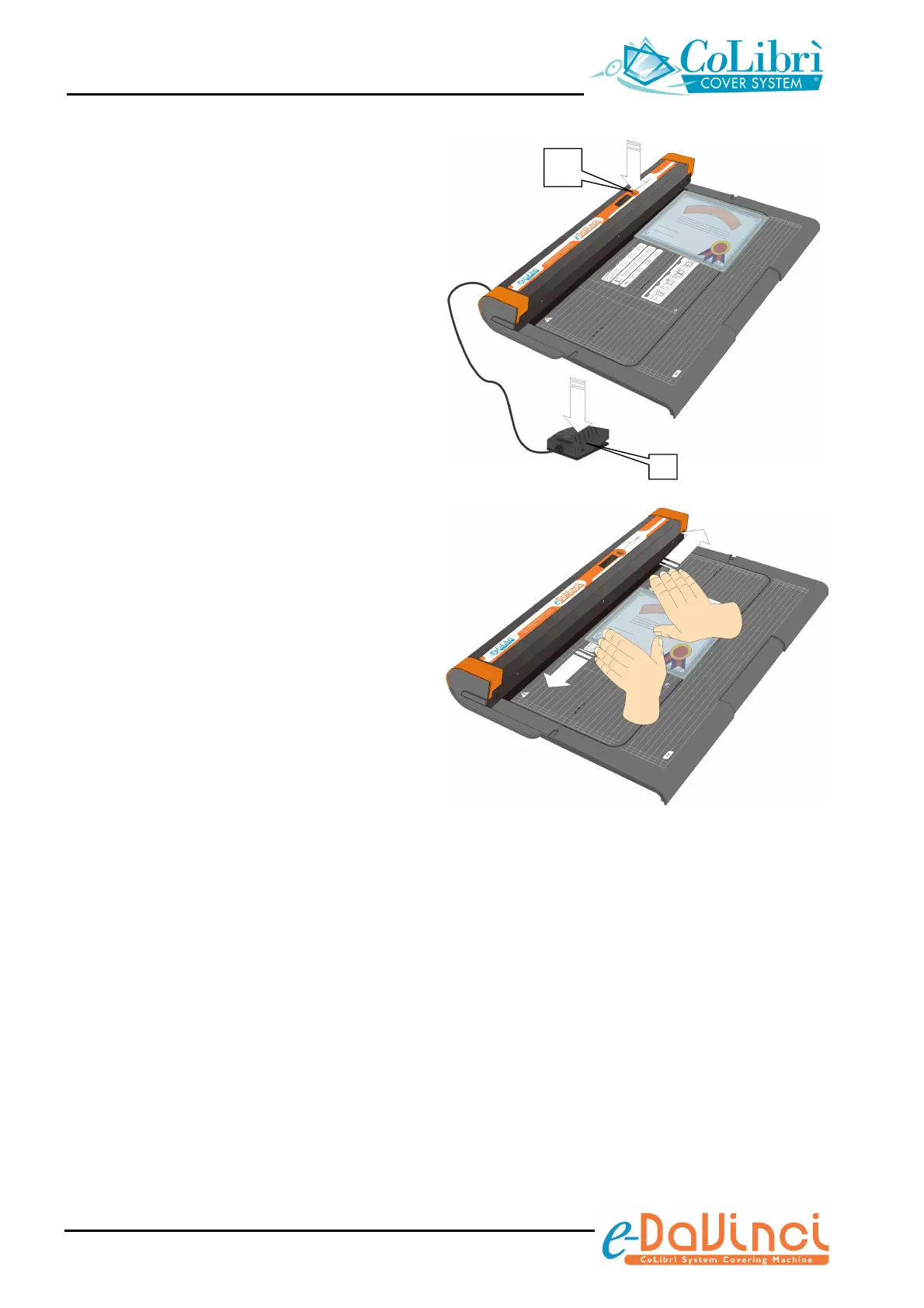
4. Carry out the trim by pressing the cycle
start push-button (f) or pedal (g).
The LCD display will show the sequence of
the operation the machine is automatically
carrying out.
5. Remove the document pocket from the
welding bar.
+ Do not pull the pocket towards you but
remove it from the welding area by sliding
the fingers from the inner side to the outer
side in order to properly detach the
envelope. This allows you to obtain a
clean separation of the pocket from the
welding bar and avoids plastic gloss
appearing on the welding of the pocket.
At the end of the trimming operation, the
document will be sealed and protected
inside a transparent, made to measure
and, if necessary, removable transparent
pocket.
f


 To Next Page