11
3 LCD Operation Instruction
3.1 Operation Instructions(X4s)
Knob/OK:
➢ In the main interface, press the knob/OK to enter the operation menu.
➢ On the operation menu, rotate the knob to scroll to a menu item, press the knob/OK
to select the item or enter its submenu.
➢ Rotate the knob to adjust parameters after selecting the menu item with the
parameter and press the knob/OK to save the parameter.
3.2 Main Interface
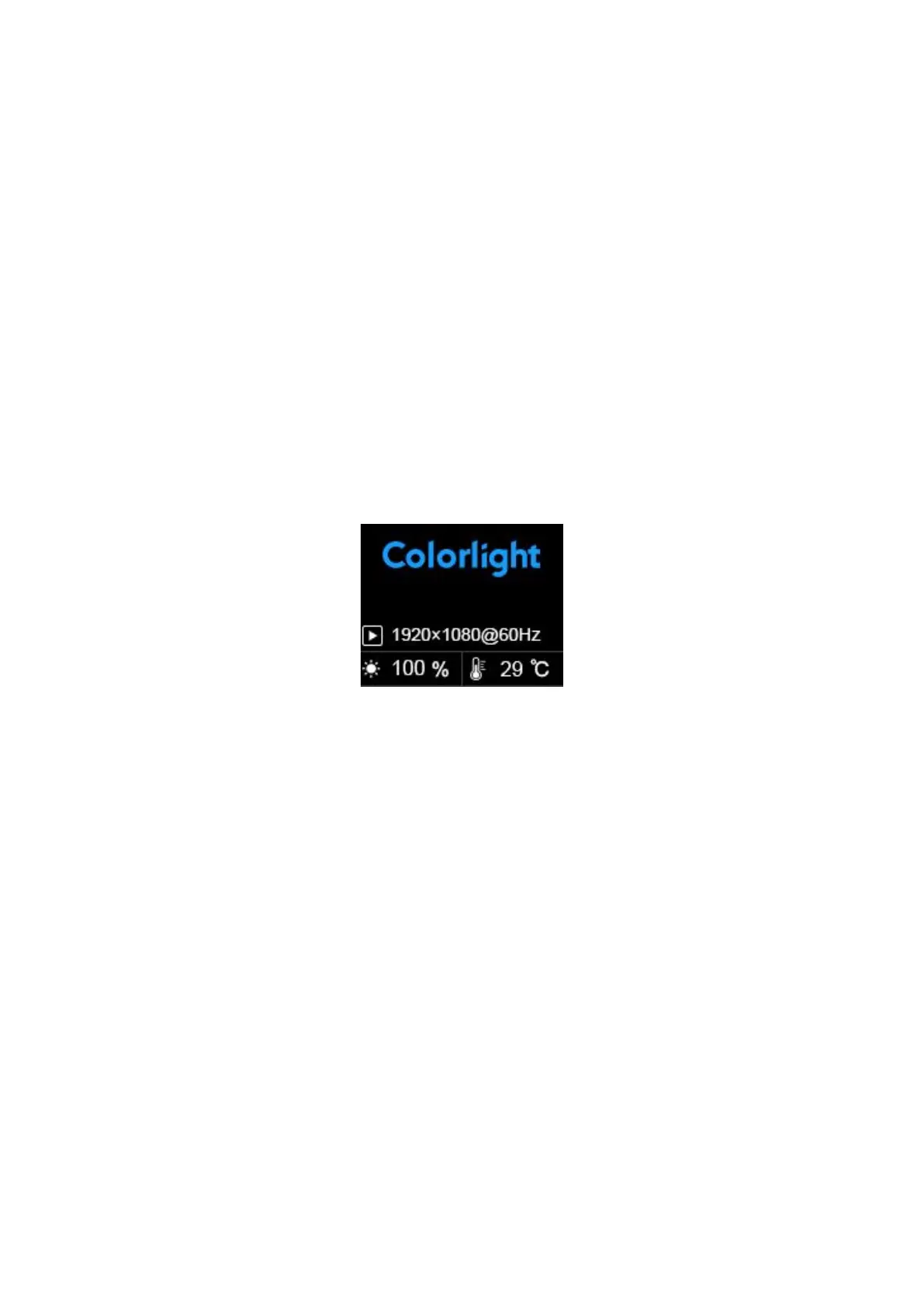
After starting up the X4s controller, the main interface of the LCD display is as follows:
First row: Company name
Second row: Self-defined name of the controller
Third row: Image resolution
Fourth row: Brightness, Temperature



 To Next Page