4
2 Operation Instructions
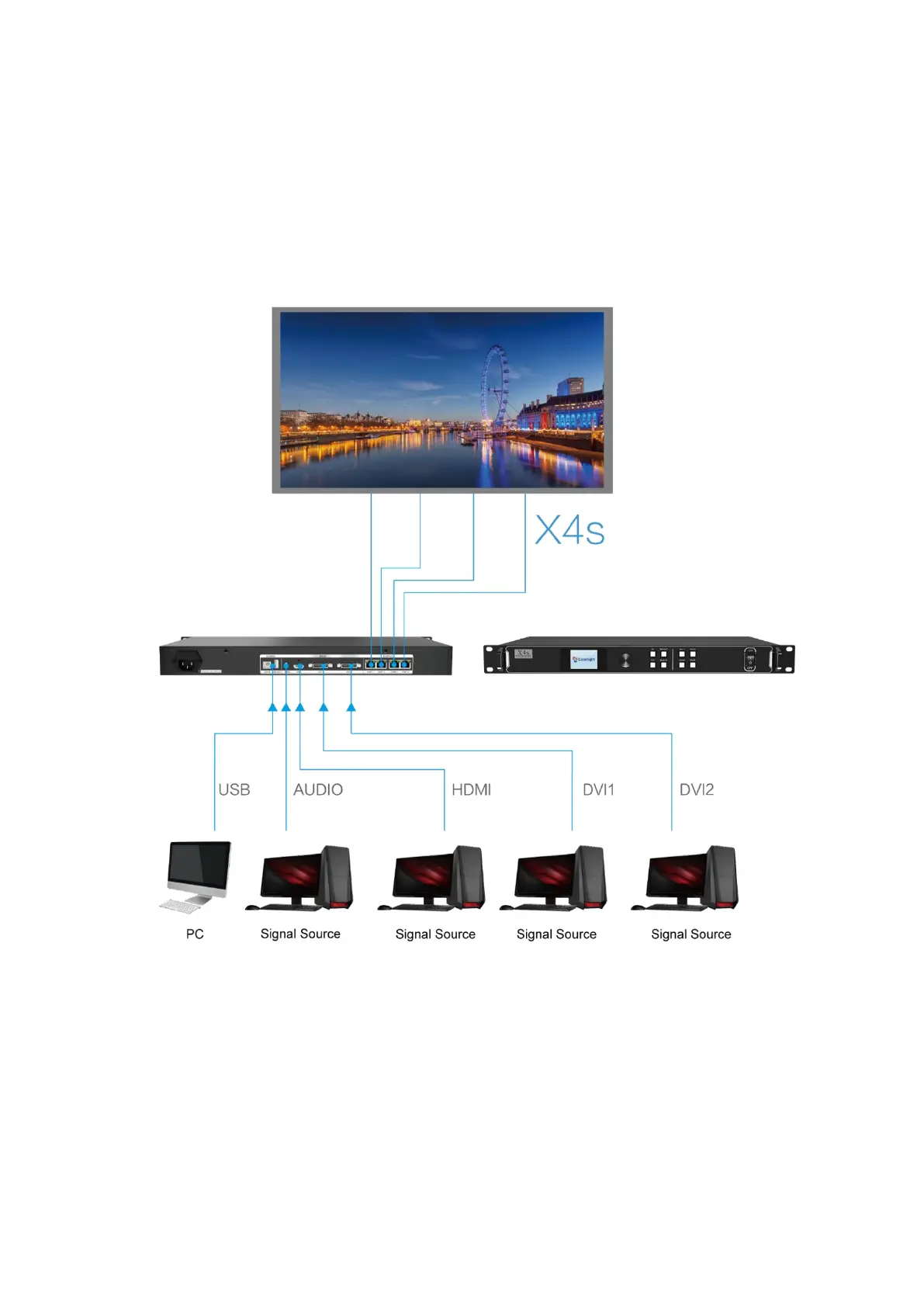
The following are operation instructions taking the X4s controller as an example.
2.1 Signal Connection
2.2 Power On
Press the power switch on the front panel, and the device will be turned on and enter
the self-test status, and then all the button lights will light up in sequence until booting
successfully. The device will display the last saved settings while the device never
debugged will display the factory default settings.



 To Next Page