16
3.3.6 Output Shift
Rotate the knob and select Output Shift to enter the Output Shift submenu.
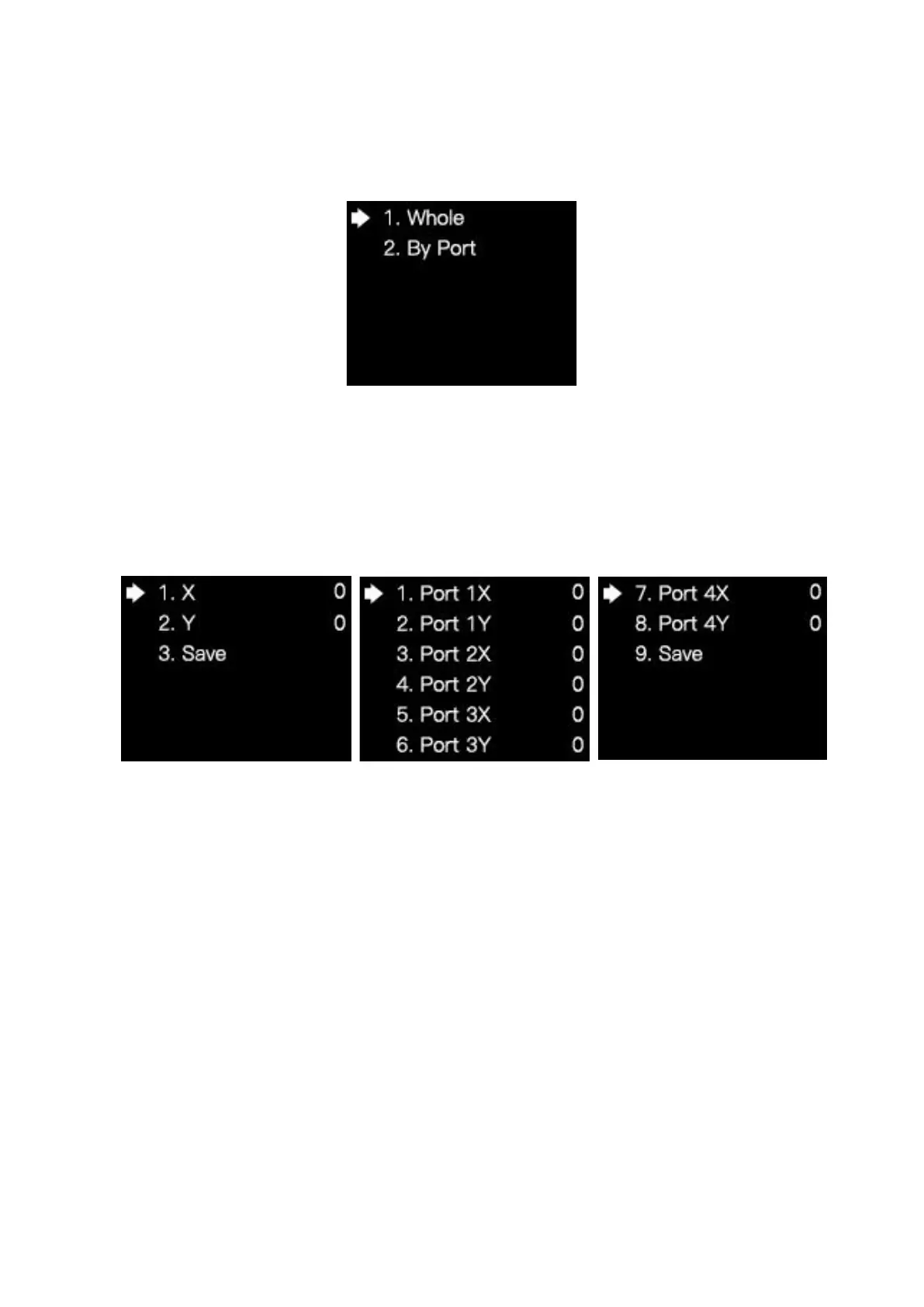
Output shift contains two selections: Whole and By Port. On the submenu of Whole,
you can rotate the knob to set the row starting point (X) and the column starting point (Y) of
the whole image and save the setting; On the submenu of By Port, you can respectively set
the row starting point (X) and the column starting point (Y) of the image of the 4 Ethernet
ports and save the setting.



 To Next Page