15
3.3.4 Output Area
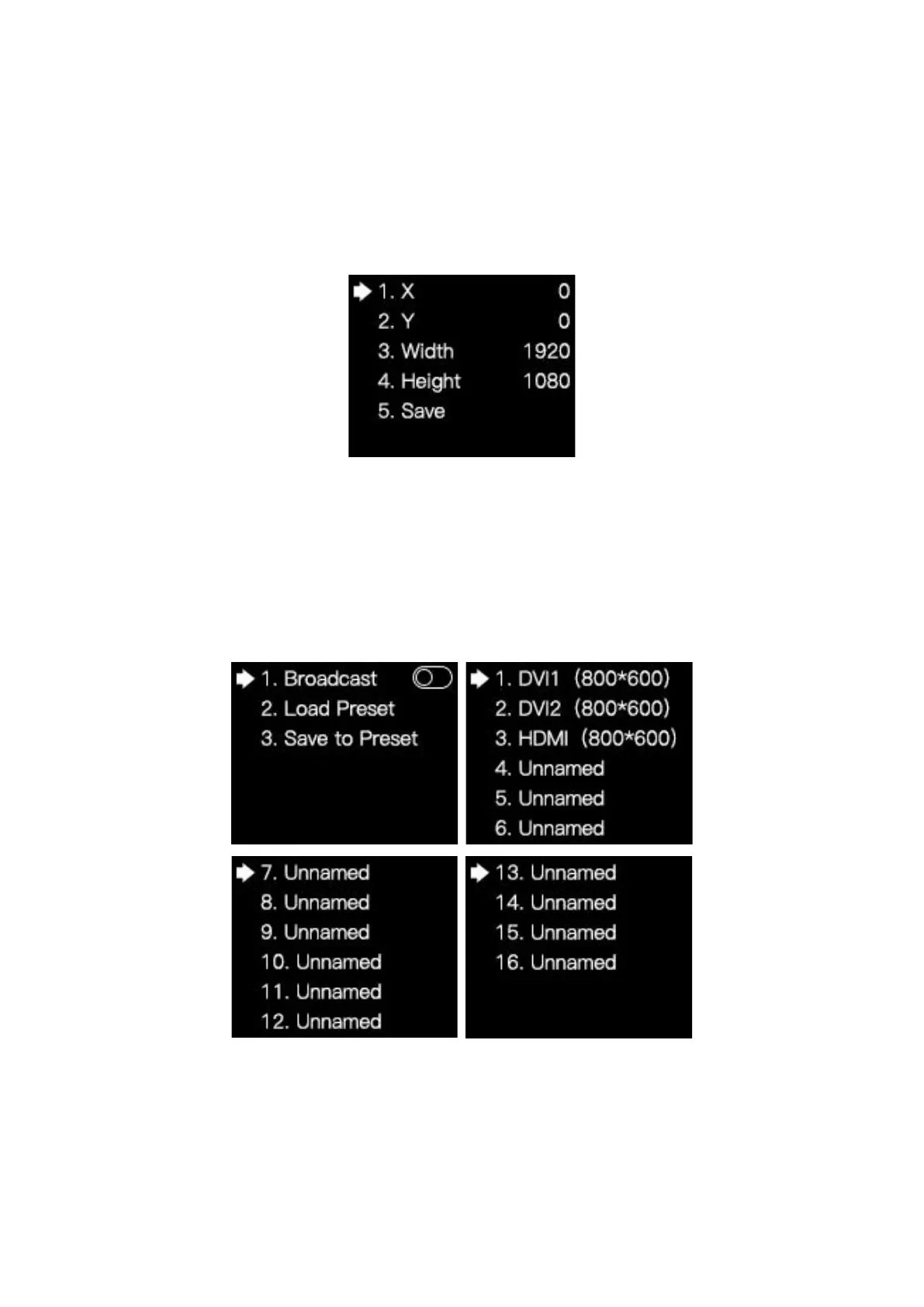
Rotate the knob and select Output Area to enter the Output Area submenu, in which
you can view and set the row starting point, column starting point, and the width and height
of the output image. Finally select Save.
3.3.5 Preset Setting
Rotate the knob and select Preset Setting to enter the Preset Setting submenu.
In the submenu, you can turn the Broadcast function on or off; or select Load Preset
and choose an item to load preset parameters; or select Save to Preset to save the
parameters of the current image.



 To Next Page