13
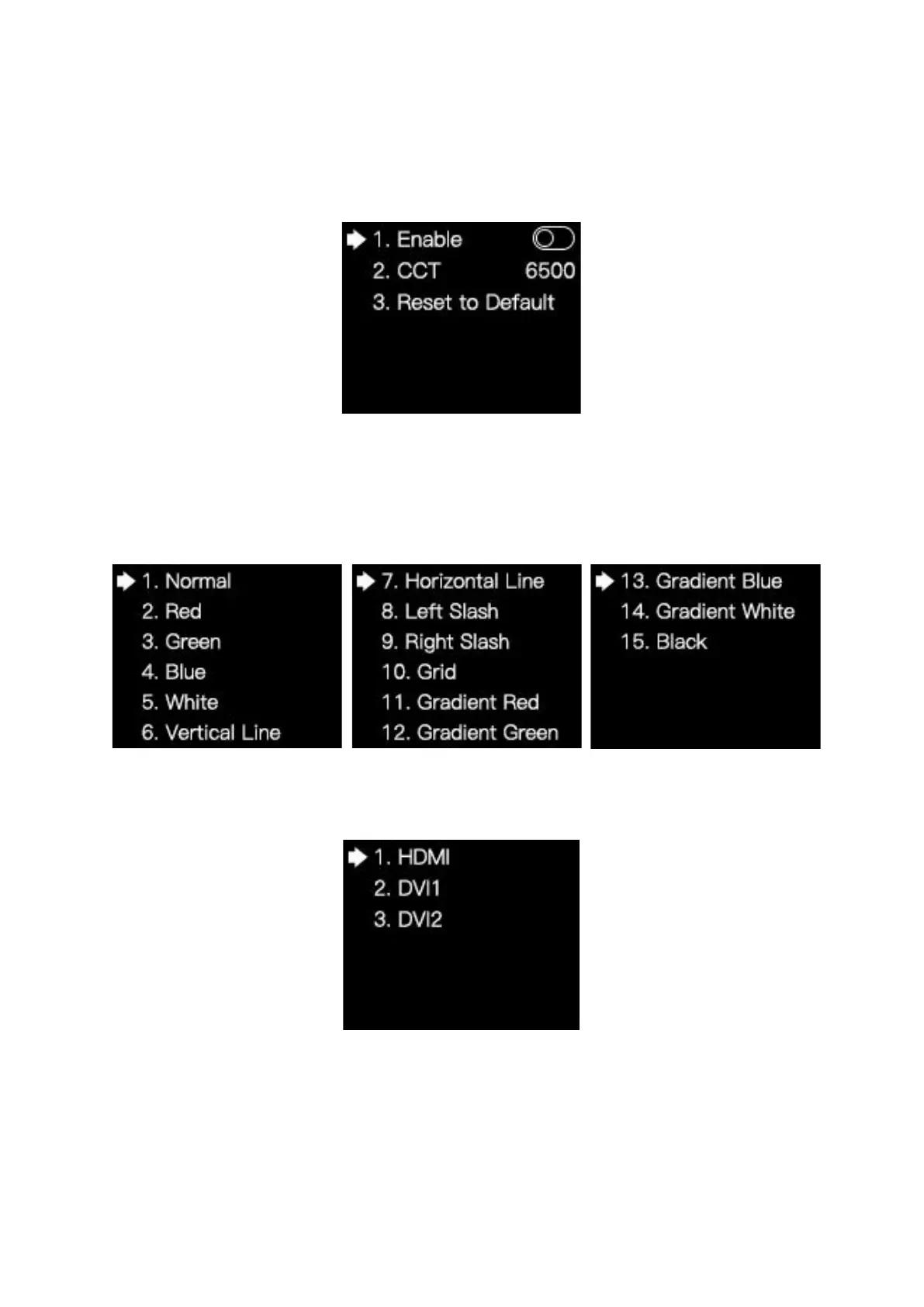
3. CCT: Press the knob/OK to turn on or off Enable. If Enable is turned on, you can
rotate the knob to change the value of color temperature(range: 2000-10000), or select
Reset to Default to reset the value of color temperature as 6500.
4. Black: Press the knob/OK to turn on or off the LED screen.
5. Freeze: Press the Knob/OK to freeze or unfreeze the image of the LED screen.
6. Better Gray: Press the knob/OK to turn on or off the Better Gray function.
7. Test Mode: In the Test Mode menu, you can rotate the knob and select a test mode.
3.3.2 EDID Setting
Rotate the knob and select EDID Setting to enter the EDID Setting submenu.



 To Next Page