14
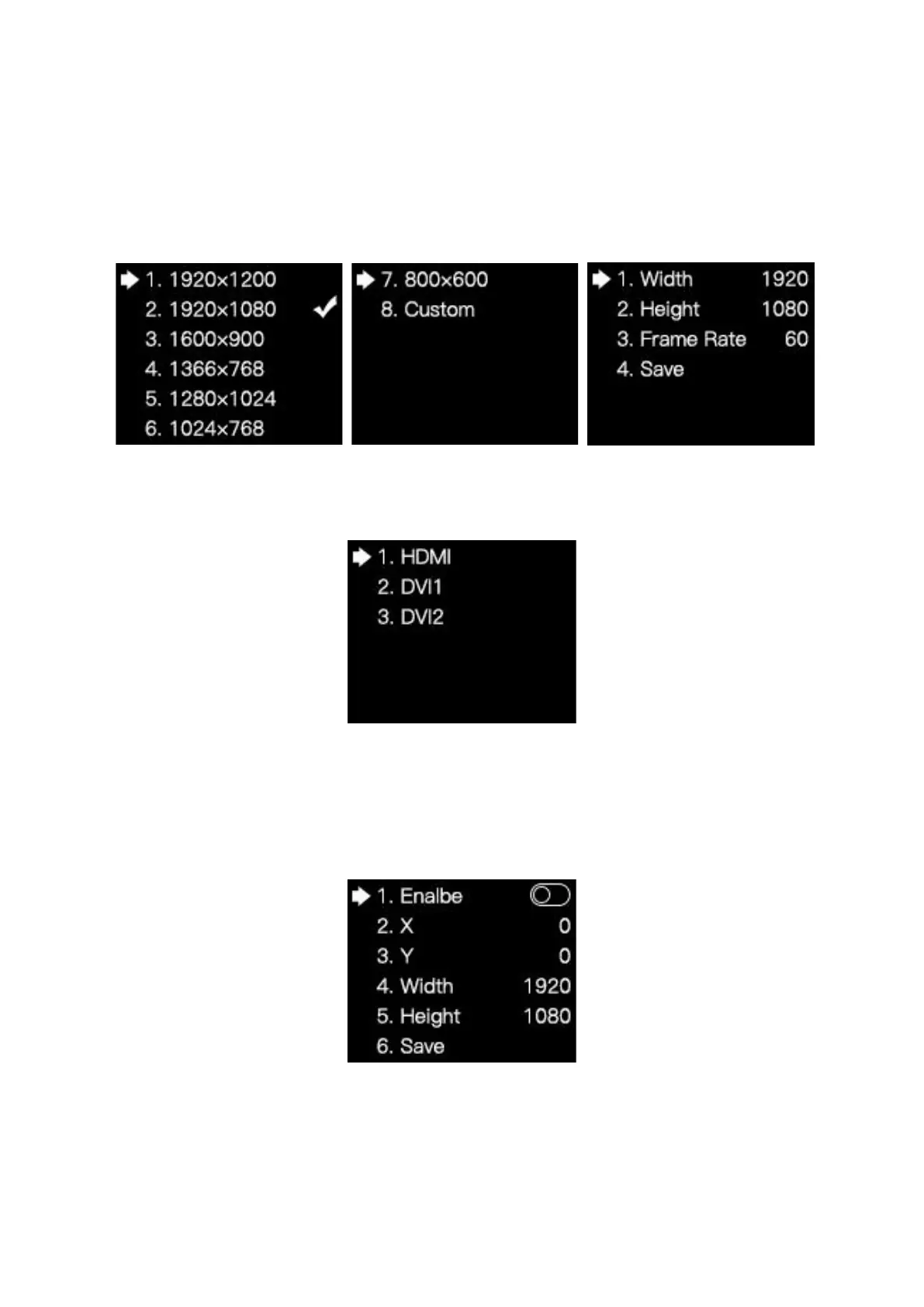
In the EDID setting submenu of HDMI, DVI1 or DVI2, you can rotate the knob and select
a conventional resolution to save the selected resolution to the sender, or select Custom
and set the width, height and frame rate, and then select Save to save the setting to the
sender.
3.3.3 Cropping Setting
Rotate the knob and select Cropping Setting to enter the Cropping Setting submenu.
In the cropping setting submenu of HDMI, DVI1 or DIVI2, press the knob/OK to turn the
cropping function on or off. If Enable has been switched on, you can rotate the knob to set
the row starting point (X), column starting point (Y), and the width and height of the input
image, and then select Save.



 To Next Page