Operation
Page 23
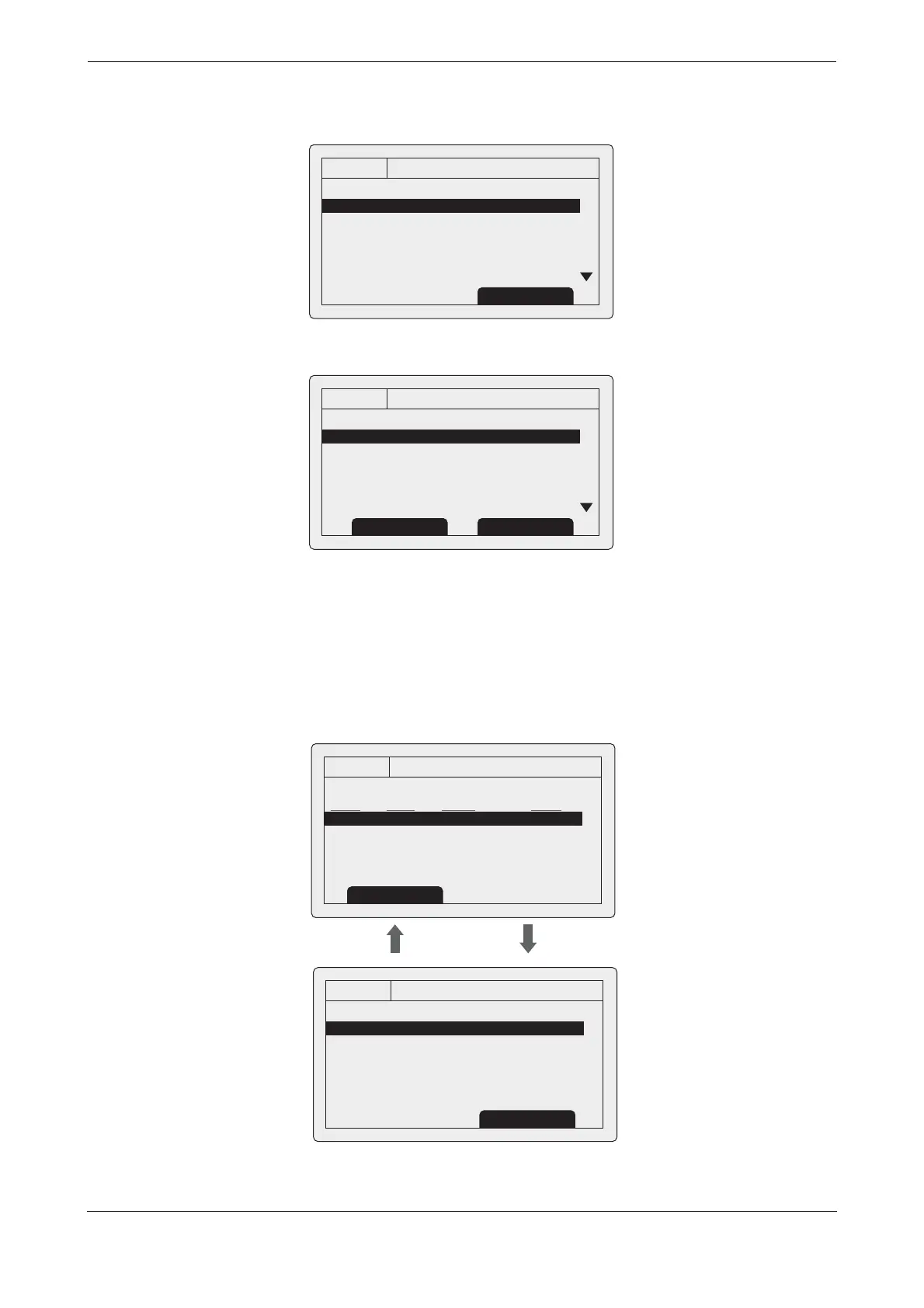
Figure 18 Long range interrogation notification; automatic response mode enabled
Figure 19 Long range interrogation notification; manual response mode enabled
A list of received Long range interrogation messages is available at any time via the main menu ‘Messages’
sub menu. See section
3.16 for more details. The Long range message list shows the time and date of
reception of each message along with the sending base station’s MMSI. Full details on each Long range
interrogation in the list can be viewed by pressing the ‘View’ function key. The Long range message list and
details views are shown in
Figure 20.
Figure 20 Long range message list and details views
13:20:47
Long range interrogation:
Date: 31/03/2010
Time: 13:15:39
MMSI: 001245368
OK
GPS
INT
Name:
>> RES
Response automatically sent
Acknowledge
13:20:47
Long range interrogation:
Date: 31/03/2010
Time: 13:15:39
MMSI: 001245368
OK
GPS
INT
Name:
>> RES
Set default responses
Respond
Decline
13:20:47
LONG RANGE MESSAGES:
DATE TIME FROM TYPE
08/01 15:52 002543887 Speed
08/01 15:30 002543887 Position
06/01 09:25 002564410 Course
OK
GPS
INT
View
13:20:47
MESSAGE DETAILS:
Date: 08/01/10
Time: 07:35:39
MMSI: 002543887
Response automatically sent
Name:
>> RES
OK
GPS
INT
Back Back


 To Next Page