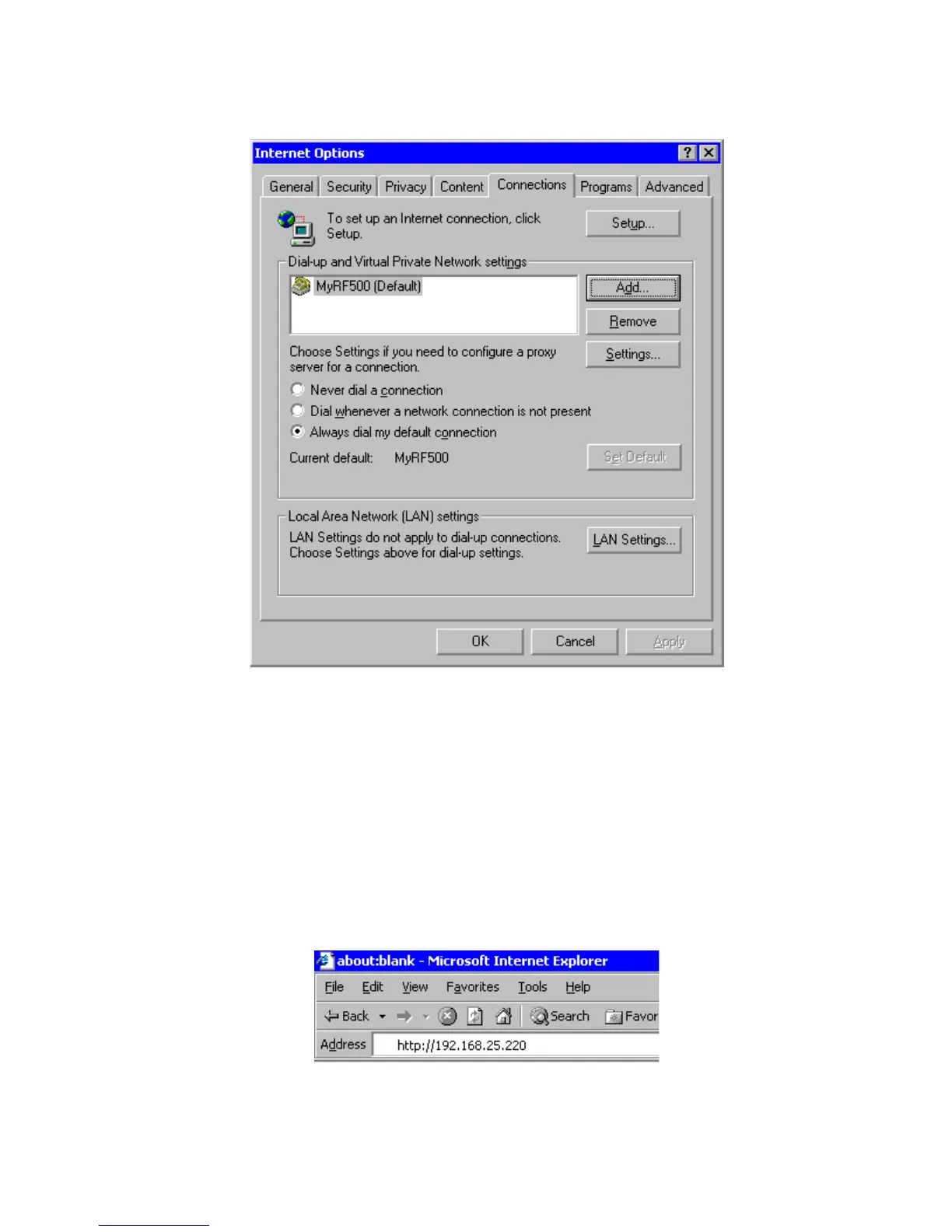
Figure 13 - Internet Options
13. Select the “Always dial my default connection” item and click “OK”.
14. Connect the Gateway modem jack to an analogue telephone outlet using the appropriate
lead and adaptors. Ensure the PC modem is also connected to a telephone outlet.
Internet Explorer will now be configured for dial up to the Gateway.
Viewing the Commission-Gateway Web Pages
Each Gateway is shipped with a default IP address of 192.168.25.220. Start the Web Browser
on the PC and enter this address into the Address Bar. Press “Enter” key or click “Go”.
Figure 14 - Browser Address Bar



 To Next Page