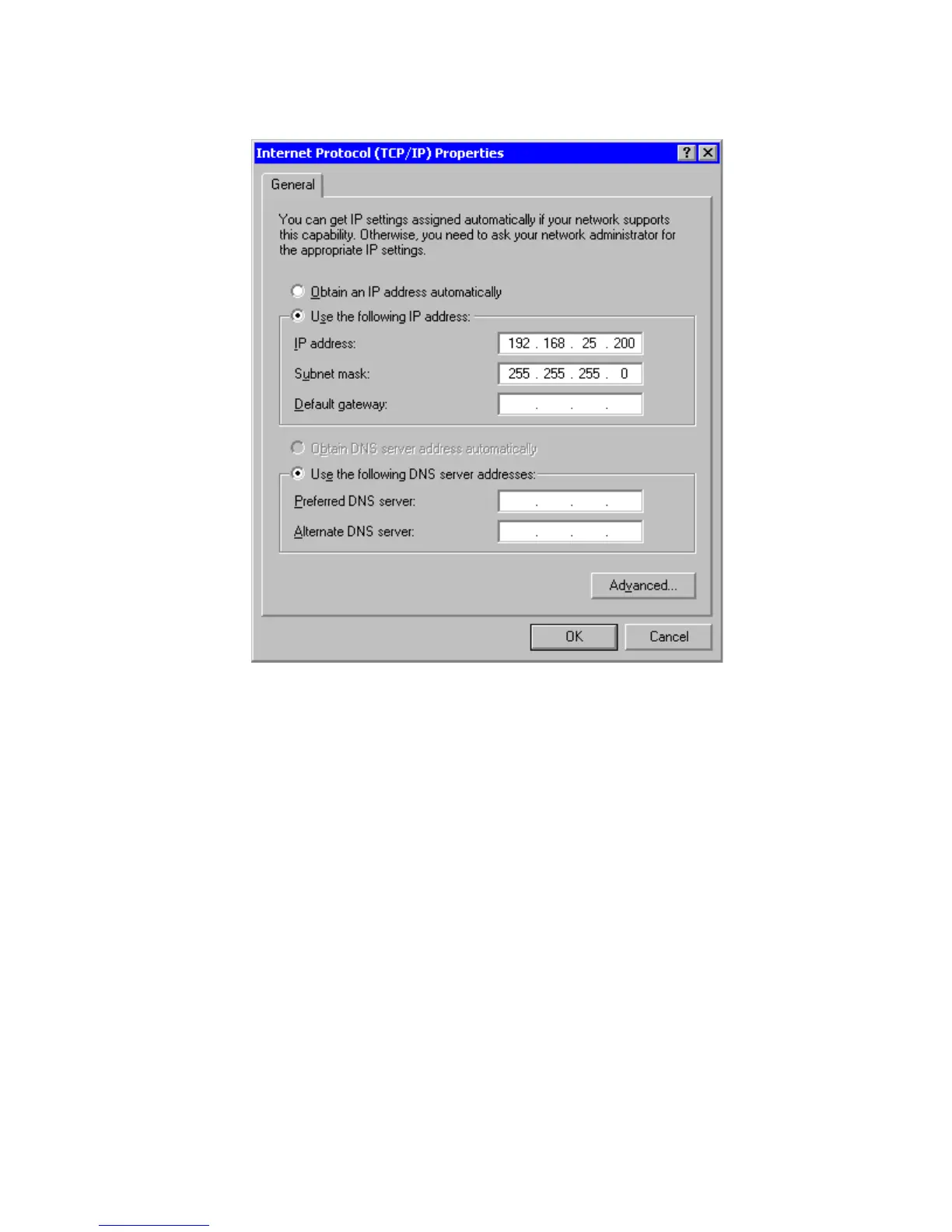
Figure 9 – General Tab
4. Select the “Use the following IP address” button.
5. Enter the following IP address: 192.168.25.200
6. Enter the following subnet mask: 255.255.255.0 then click OK
Gateway to PC Network Connection via Modem
This procedure requires that the PC has a modem installed.
For Windows 98, ME, 2000 and XP



 To Next Page