25
320×240 dot single color LCD Screen
5.5.2 Moving in the sub-menus
Press UP arrow key or DOWN arrow key to choose the setting items;
5.5.3 Parameter modification
Press LEFT arrow or RIGHT arrow key to modify a parameter;
5.6 Settings
5.6.1Register Settings
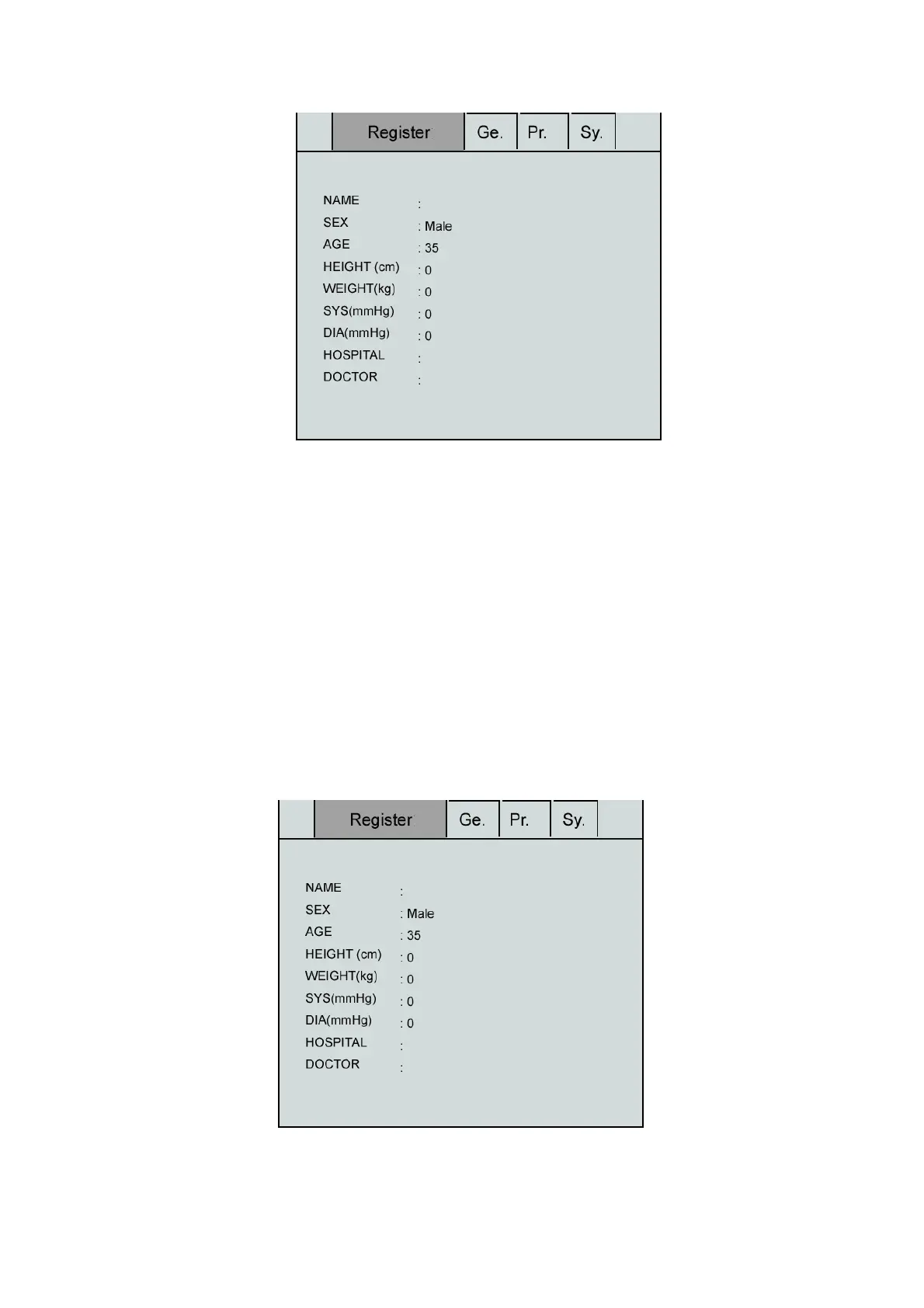
Press Menu key to select “Setting” Menu, select the “Register”, as shown in the following figure:
Register Interface
Select the Sub-item of the Register Setting Window



 To Next Page