4.2.1.4 How to use the Trigger port
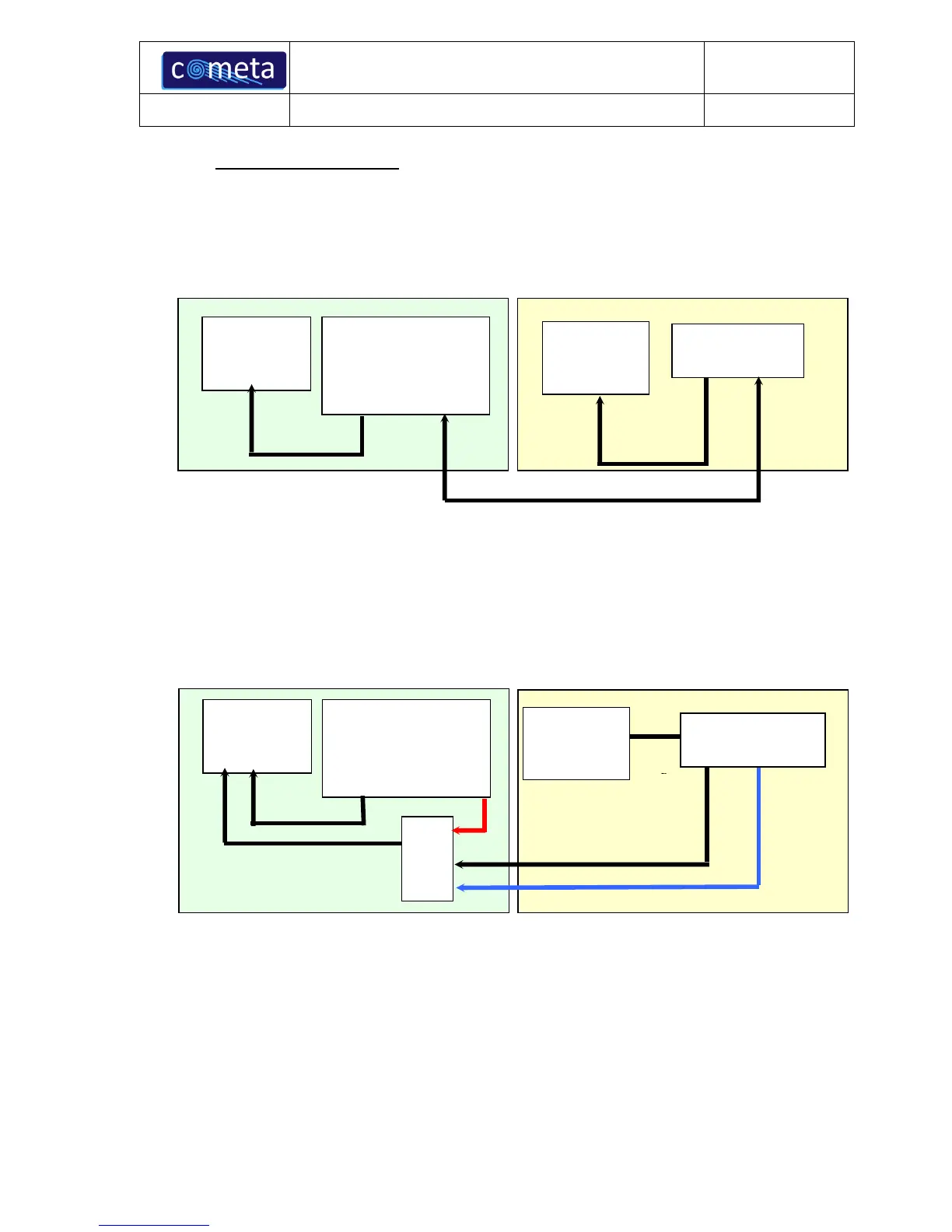
Usually, the Triggers (Input and Output) are used when the Wave Plus system is interfaced with third-
party devices by digital port (USB). Here below, you can see the typical configuration in order to obtain
the synchronisation between the Wave Plus EMG system and a third-party device by using the Trig
In/Out port.
For further details on how to use the Trigger option, please refer to the third party software manual
provided by the producer of the software used.
However, it is some way possible to synchronize the Wave Plus EMG system and a third-party device
also using the analog EMG signals. Here below, there is a simple scheme which describes how to
implement this type of synchronism.
We can consider two possible modes for synchronous recording. In the first case, we assume that the
third-party device is able to control the synchronous acquisition by using its own “internal
synchronisms” mechanism; in this case the synchronisms will be totally handled by software/firmware
of the third-party device self. In the second case, we assume the third-party acquisition device must
“read” a trigger signal or record a “start” event into the acquisition data streaming (e.g. the event
related to the TMS stimulation).
In this latter case, we suggest to record both, the signals coming from the Wave Plus analog output and
the trigger signal, using the same A/D converter. In that way, not only the Wave Plus data, but also the



 To Next Page