a) Go immediately to the user to check his/her
health condition.
39
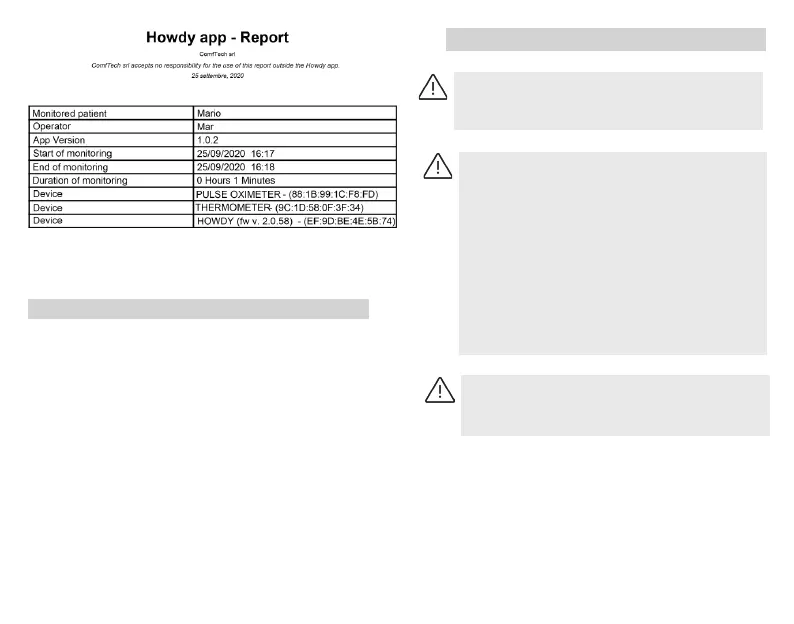
Figura 10.
Header of monitoring report
Notications can be visualized pressing “Notications”
button.
The notied events will then be saved in the nal report
le.
The events can be of a technical nature, identied with
yellow (eg: low battery in the Electronic Unit, system
disconnected, notications activation/disactivation/
silencing) or of a physiological nature,identied by red,
such as heart rate/breathing rate outside the congured
threshold (this threshold cannot be modied by the user).
The “Modify Thresholds” button allows, by accessing with
the admin password, to change the Thresholds of the
physiological parameter and to select the parameters of
whom you want to receive notications.
EVENTS NOTIFICATION SYSTEM
WHAT TO DO IN CASE OF NOTIFICATION
b) If the user has no obvious health problems,
check the following possible conditions:
-Check if the electronic unit has detached from
the textile unit.
-Check if the textile sensors are in the correct
position and are in direct contact with the skin of
the user.
-Check if the electronic unit is switched on.
-Check if the battery of the electronic unit has
sucient charge.
- Check if the Bluetooth connection and the data
transmission is on.
c) If none of the above conditions are met,
therefore you believe that the device is working
correctly, we recommend to call the doctor.



 To Next Page