EasyManua.ls Logo

Commodore 1541 - Page 16

Commodore 1541
80 pages
Print Icon
To Next Page IconTo Next Page
To Previous Page IconTo Previous Page
Loading...
or
a
file
is
OPENed
for
writing.
BEWARE;
the
BAM
isn't
updated
until
the
file
is
CLOSEd,
even
though
the
directory
changes
right
away.
If
a
file
isn't
CLOSEd
pro
perly,
all
data
in
thai
file
will
probably
be
lost.
The
directory
can be
LOADed
into
your
memory
just
like
a
BASIC
program.
Place
the
diskette
in
the
drive,
and
type
the
following
command:
LOAD
"$",
8
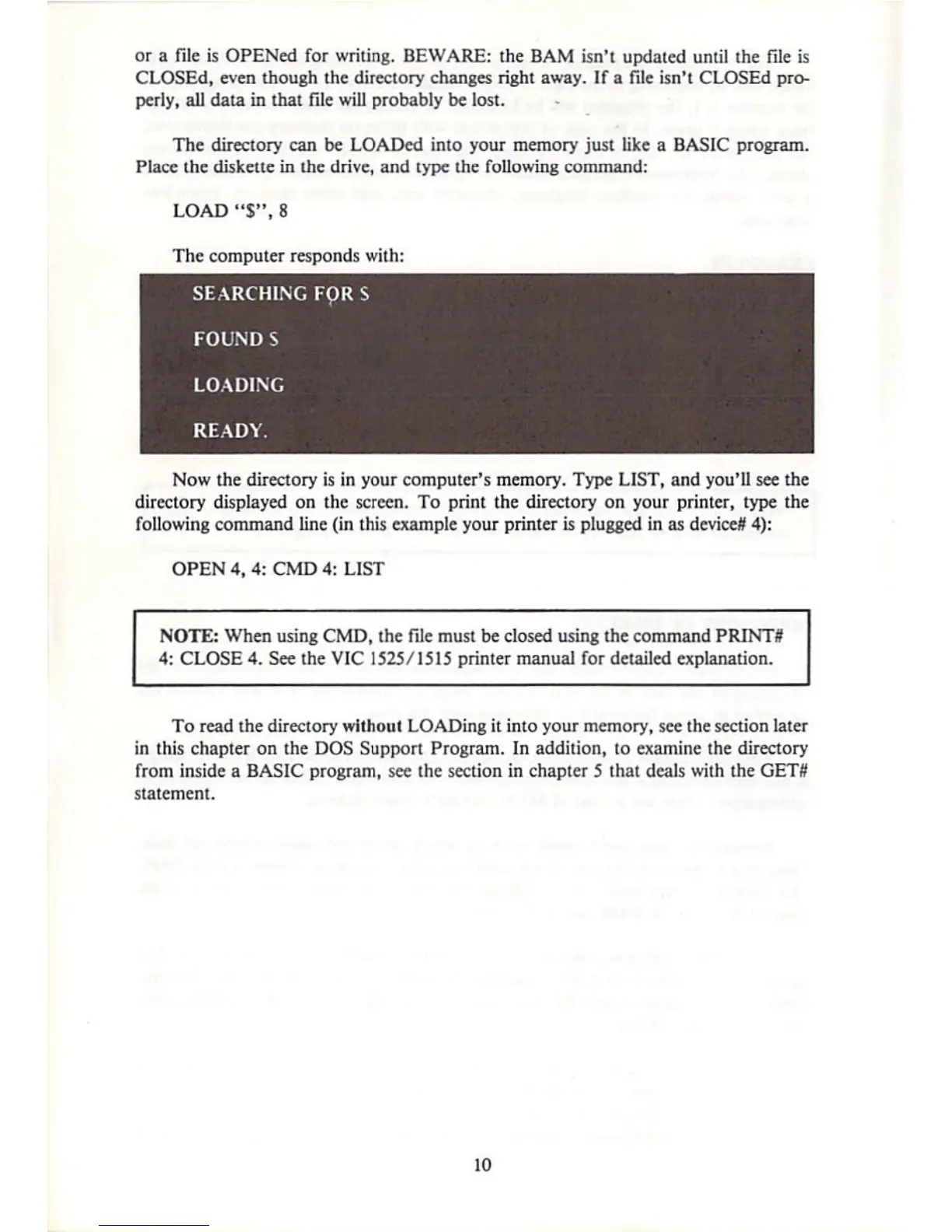
The
computer
responds
with:
SEARCHING
FQRS
FOUND
S
LOADING
READY.
Now
the
directory
is
in
your
computer's
memory.
Type
LIST,
and
you'll
see
die
directory
displayed
on
the
screen.
To
print
the
directory
on
your
printer,
type
the
following
command
line
(in
this
example
your
printer
is
plugged
in
as
device?
4):
OPEN
4,
4:
CMD
4:
LIST
NOTE:
When
using
CMD,
the
Tile
must
be
closed
using
the
command
PRINTS
4:
CLOSE
4.
See
the
VIC
1525/1515
printer
manual
for
detailed
explanation.
To
read
the directory
without
LOADing
it
into
your
memory,
see
the
section
later
in
this
chapter
on
the
DOS
Support
Program.
In
addition,
to
examine
the directory
from
inside
a
BASIC
program
t
see
the
section
in
chapter
5
that
deals
with
the
GET#
statement.
10

Other manuals for Commodore 1541

Related product manuals