EasyManua.ls Logo

Commodore 1541 - User Commands

Commodore 1541
80 pages
Print Icon
To Next Page IconTo Next Page
To Previous Page IconTo Previous Page
Loading...
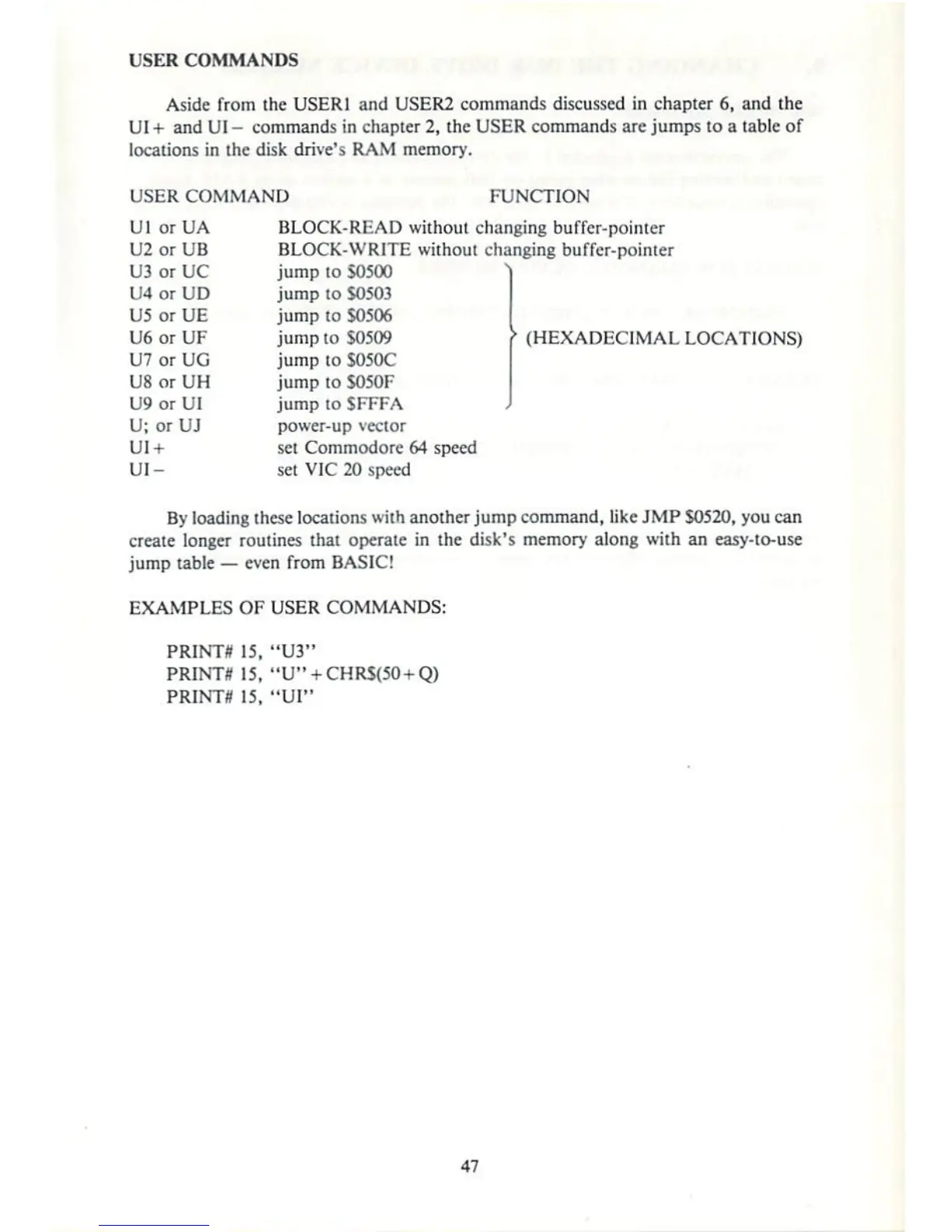
USER
COMMANDS
Aside
from
the
USER]
and
USER2
commands
discussed
in
chapter
6,
and
the
UI
+■
and
UI
-
commands
in
chapter
2,
the
USER
commands
are
jumps
to
a
table
of
locations
in
the
disk
drive's
RAM
memory-
USER
COMMAND
FUNCTION
Ul
orUA
BLOCK-READ
without
changing
buffer-pointer
U2
or
UB
BLOCK-WRITE
without
changing
buffer-pointer
U3
or
UC
jump
to
50500
U4
or
UD
jump
to
SO5O3
U5
or
UE
jump
to
$0506
U6
or
UF
jump
to
S05O9
HEXADECIMAL
LOCATIONS)
U7
or
UG
jump
to
S050C
USorUH
jumptoS050F
U9
or
UI
jump
to
SFFFA
U;
or
UJ
power-up
vector
UI+
set
Commodore
64 speed
UI-
set
VIC
20 speed
By
loading
these
locations
with
another
jump
command,
lite
JMP
$0520,
you
can
create
longer
routines
thai
operate
in
the
disk's
memory
along
with
an
easy-to-use
jump
table
even
from
BASIC!
EXAMPLES
OF
USER
COMMANDS:
PRINT*
15,
"U3"
PRINT*
15,
"U^+CHRStfO
+
Q)
PRINT*
15,
"Ul"

Other manuals for Commodore 1541

Related product manuals