EasyManua.ls Logo

Commodore 1541 - Creating a Relative File

Commodore 1541
80 pages
Print Icon
To Next Page IconTo Next Page
To Previous Page IconTo Previous Page
Loading...
7.
RELATIVE
FILES
RELaiive
Tiles
allow
you
to
easily
zero
in
on
exactly
the
piece
of
data
thai
you
want from
the
file,
ll [s
more
convenient
for
data
handling
because
it
allows
you
to
structure
your
files
inio
records,
and
into
fields
within
those
records.
The
DOS
keeps
track
of
the tracks
and
blocks
used,
and
even
allows
records
to
overlap
from
one
block
to Ihc
next.
31
is
able
10
do
this
because
it
establishes
side sec
tors,
a
series
of
pointers
for the
beginning
of
each
record.
Each
side
sector
can
point
to
up
to
120
records,
and
there
may
be
6
side
sectors
in
a
file.
There
can
be
up
to
720
records
in
a
file,
and
each
record
can
be
up
to
254
characters,
so
the
file
couid
be
as
large
as
(he
entire
diskette.
CREATING
A
RELATIVE
FILE
When
a
RELaiive
file
is
first
to
be
used,
the
OPEN
statement
will
create
that
file;
after
that,
that
same
file
will
be
used.
The
replace
option
(with the
@
sign)
does
not
erase
and
re-creale
the
file.
The
file
can
be
expanded,
read,
and
written
into.
FORMAT
FOR
THE
OPEN
STATEMENT
TO
CREATE
RELATIVE
FILE:
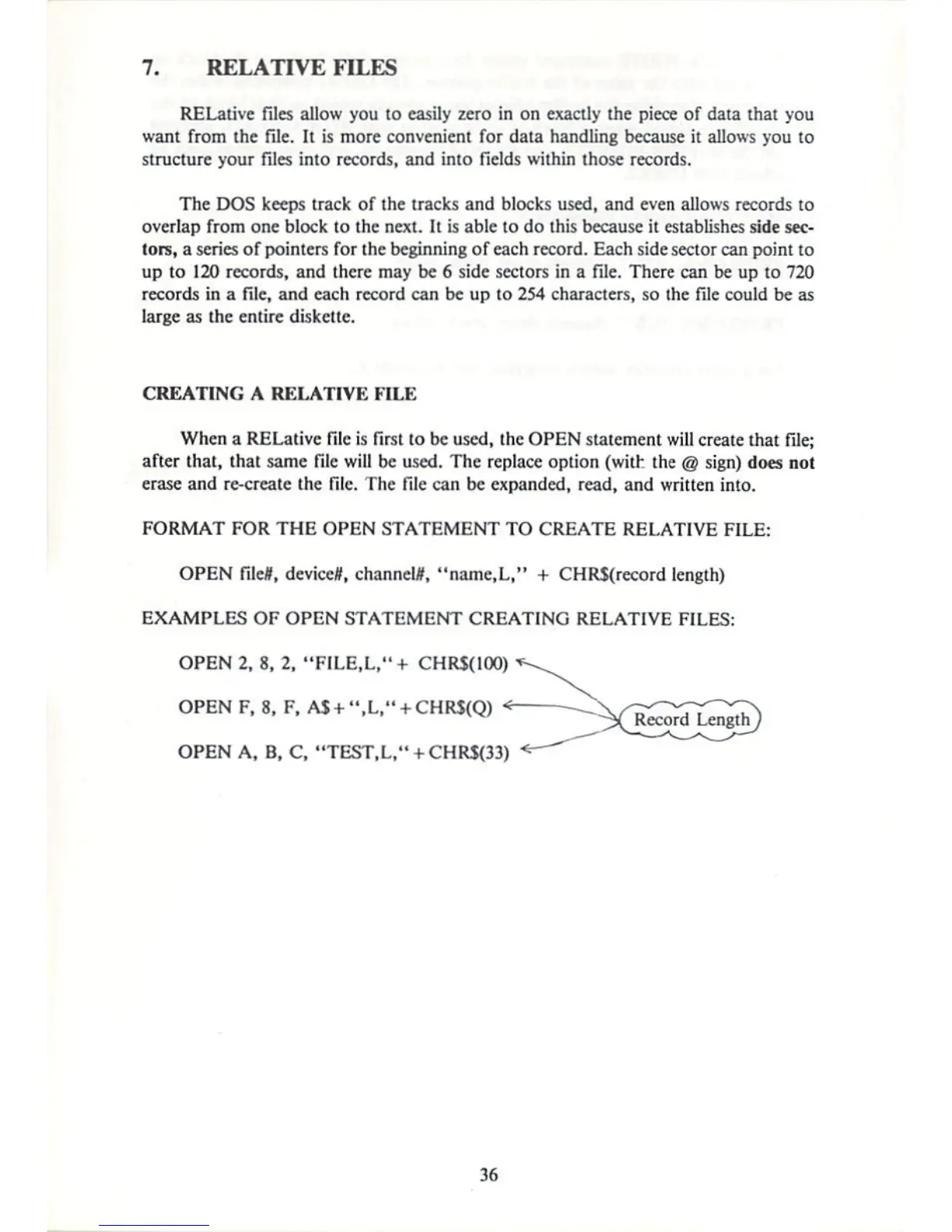
OPEN
file#t
device*,
channel*,
"name,L,"
+
CHRS(record
length)
EXAMPLES
OF
OPEN
STATEMENT
CREATING
RELATIVE
FILES;
OPEN
2,
8,
2,
"FILE.L,"
+
CHRS(IOO)
OPENF,
8,
F,
A$+",L,"
OPEN
A,
B,
C,
"TEST,L/'
+
CHRS{33)
36

Other manuals for Commodore 1541

Related product manuals