EasyManua.ls Logo

Commodore 1541 - Software Method

Commodore 1541
80 pages
Print Icon
To Next Page IconTo Next Page
To Previous Page IconTo Previous Page
Loading...
9.
CHANGING
THE
DISK
DRIVE
DEVICE
NUMBER
SOFTWARE
METHOD
The
device
number
is
selected
by
the
drive
by
looking
at
a
hardware
jumper
on
the
board
and
writing
the
number
based
on
thai
jumper
in
a
section
of
its
RAM.
Once
operation
is
underway,
it
is
easy
to
write
over
the
previous
device
number
with
a
new
one.
FORMAT
FOR
CHANGING
DEVICE
NUMBER:
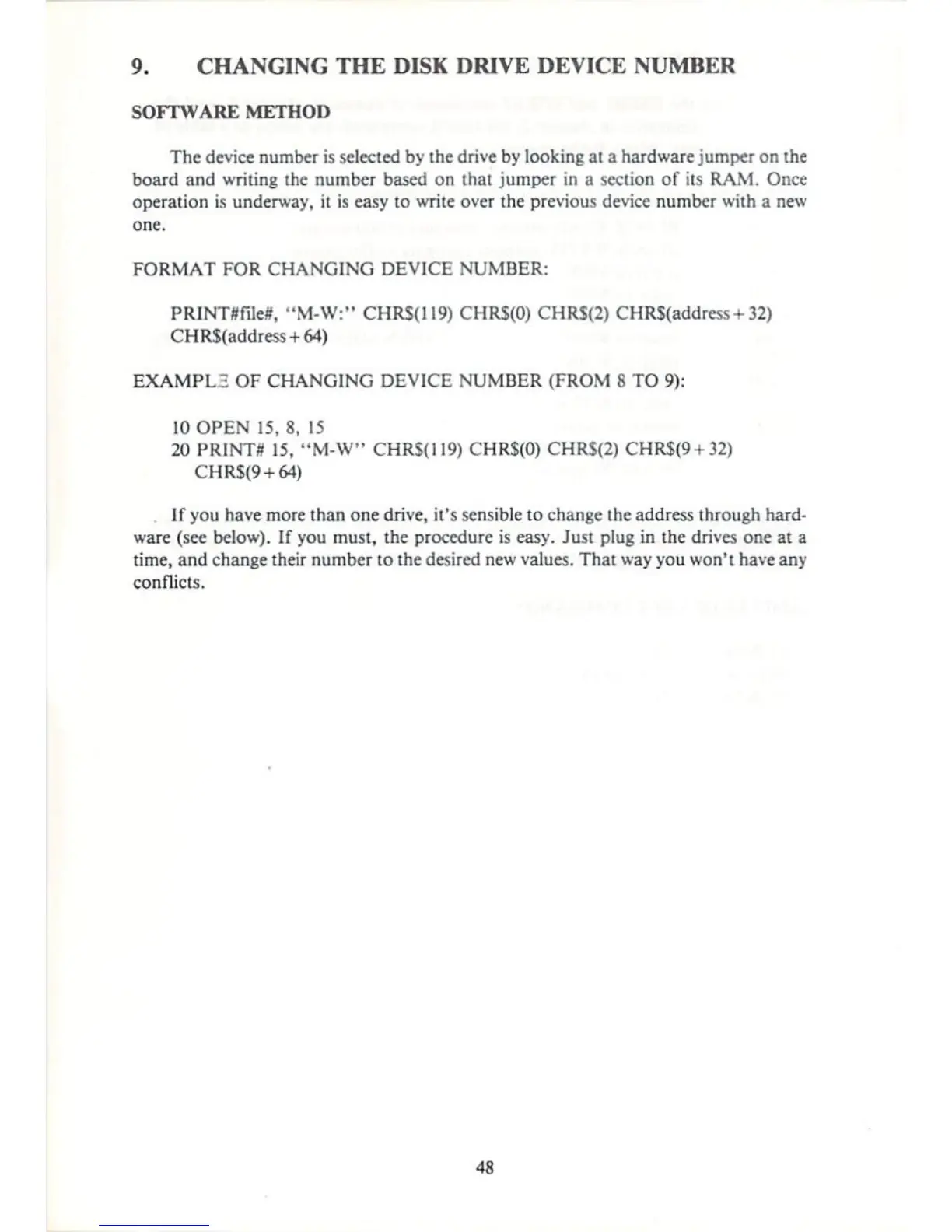
PRINTflfileS,
"M-W:"
CHRS(119)
CHRS(O) CHRS(2)
CHR$(address
+
32)
CHR$(address
+
64)
EXAMPLE
OF
CHANGING
DEVICE
NUMBER
(FROM
8
TO
9):
10
OPEN
15,
8,
15
20
PRINTS
15,
"M-W"
CHR${i!9)
CHR$(0) CHRS(2)
CHRS(9
+
32>
CHRS(9
+
64)
If
you
have
more
than
one
drive,
it's
sensible
to
change
[headdress
through
hard
ware
(see
below).
If
you
must,
the
procedure
is
easy.
Just
plug
in
the
drives
one
at
a
time,
and
change
their
number
to
the
desired
new
values.
That
way
you
won't
have
any
conflicts.
48

Other manuals for Commodore 1541

Related product manuals