EasyManua.ls Logo

Commodore 1541 - Programming the Disk Controller; Memory-Read

Commodore 1541
80 pages
Print Icon
To Next Page IconTo Next Page
To Previous Page IconTo Previous Page
Loading...
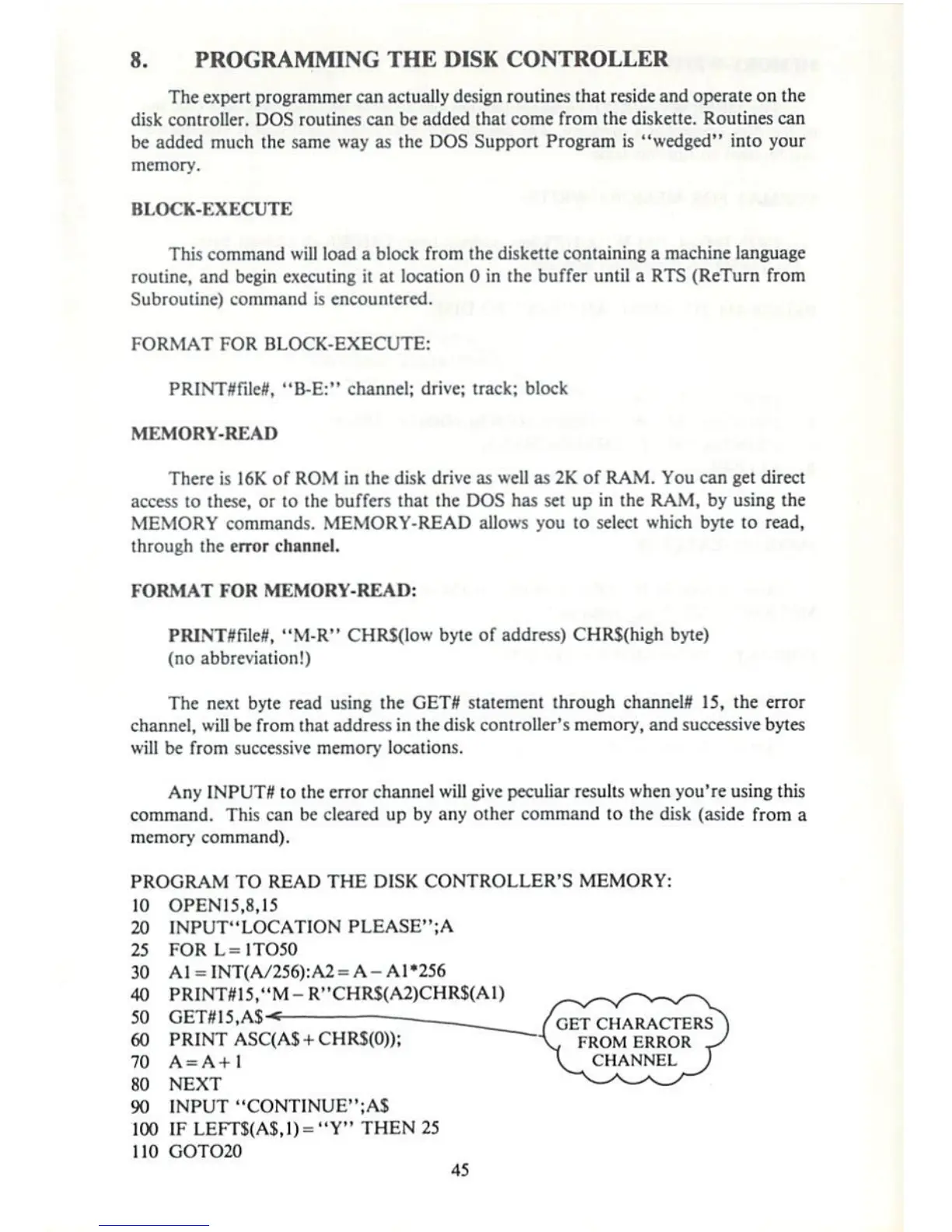
8.
PROGRAMMING
THE
DISK
CONTROLLER
The
expert
programmer
can
actually
design
routines
that
reside
and
operate
on
the
disk
controller.
DOS
routines
can
be
added
that
come
from
The
diskette.
Routines
can
be
added
much
the
same
way
as
the
DOS
Support
Program
is
"wedged"
into
your
memory.
BLOCK-EXECUTE
This
command
will
load
a
block
from
the
diskette
containing
a
machine
language
routine,
and
begin
executing
it
at
local
ion
0
in
the
buffer
until
a
RTS
(ReTurn
from
Subroutine)
command
is
encountered.
FORMAT
FOR
BLOCK-EXECUTE:
PRINTflfiletf,
"B-E:"
channel-
drive;
track;
block
MEMORY-READ
There
is
!6K
of
ROM
in
the
disk
drive as
well
as
2K
of
RAM.
You
can
get
direct
access to
these,
or
to
the
buffers
that
the
DOS
has
set
up
in
the
RAM,
by
using
the
MEMORY
commands.
MEMORY-READ
allows
you
to
select
which
byte
to
read,
through
(he error
channel.
FORMAT
FOR
MEMORY-READ:
,
H1M-R"
CHRSflow
byte
of
address)
CHR5(high
byte)
(no
abbreviation!)
The
next
byte read
using
the
GETtf
statement
through
channels
15,
the
error
channel,
will
be
from
that
address
in
the
disk
controller's
memory,
and
successive
bytes
will
be
From
successive
memory
locations,
Any
INPUTS
to the error
channel
will
give
peculiar
results
when
you're
using
this
command.
This
can
be
cleared
up
by
any
other
command
to
the
disk
(aside
from
a
memory
command).
PROGRAM
TO
READ
THE
DISK
CONTROLLER'S
MEMORY:
10
20
25
30
40
jyJ
60
70
so
90
100
]10
OPEN15,8,15
INPUT"LOCATION
PLEASE";A
FOR
L=lTO50
Al
=
INT(A/256):
A2=
A
-
A
1*256
PRINT#15,4'M-R"CHRS(A2)CHRS(A1)
OtlffljfAl
_^^
PRINT
ASC(A$
+
CHRS(0));
A=A+
1
NEXT
INPUT
"CONT1NUE";AJ
IF
LEFTS(AIJ)
=
"Y>r
THEN
25
GOTO20
/GET
CHARACTERS
~\
FROM
ERROR
\
CHANNEL
}
45

Other manuals for Commodore 1541

Related product manuals