EasyManua.ls Logo

Commodore CDTV/P - Page 27

Commodore CDTV/P
40 pages
Print Icon
To Next Page IconTo Next Page
To Previous Page IconTo Previous Page
Loading...
3-
10
Getting Started
We
suggest
you
start
off
with the
Welcome
CD
(factory-
inserted in the disk
caddy).
The
Welcome
CD
provides
an
entertaining introduction to the
CDTV/P,
including
an
overview
of
the features
and
capabilities.
WARNING
NEVER
PLACE
ANY
COMPACT
DISK
INTO
THE
CDTV
/P
UNLESS
THE
DISK
IS
INSIDE
THE
CADDY!
PUTTING
A
COMPACT
DISK
IN
THE
CDTV
/P
WITHOUT
THE
CADDY
WILL
DAMAGE
YOUR
DISK
AND
COULD
DAMAGE
YOUR
CDTV
/P.
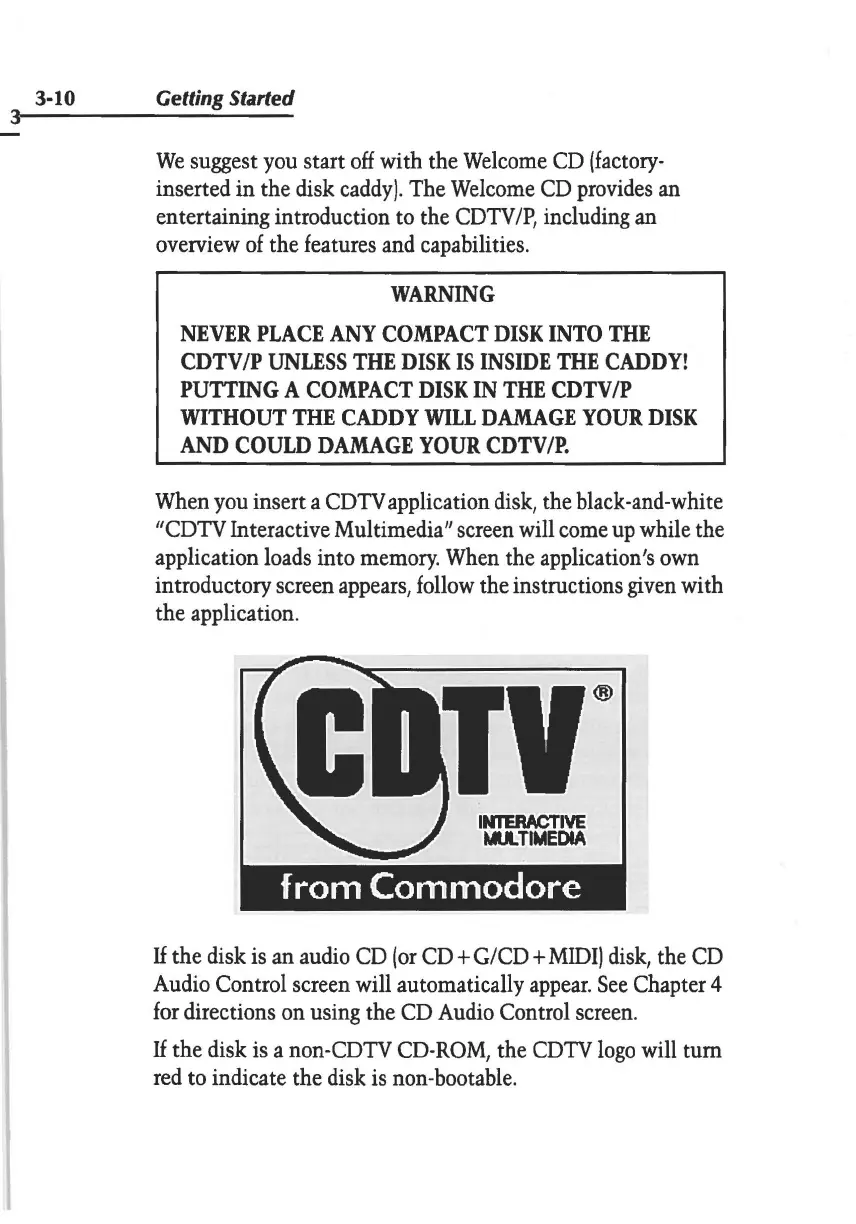
When
you
insert a
CDTV
application
disk,
the black-and-white
"CDTV
Interactive Multimedia" screen will
come
up
while the
application
loads
into
memory.
When
the application's
own
introductory screen
appears,
follow
the instructions
given
with
the application.
INIBIACTIVE
MUl.
TIMEDIA
f
ram
Commodore
If
the disk
is
an
audio
CD
(or
CD+
G/CD
+
MIDI)
disk,
the
CD
Audio
Control screen will automatically
appear.
See
Chapter 4
for
directions
on
using the
CD
Audio
Control
screen.
If
the disk
is
a
non-CDTV
CD-ROM,
the
CDTV
logo
will tum
red
to indicate the disk
is
non-bootable.