EasyManua.ls Logo

Commodore CDTV/P - 4 Using the Cdtv;Pas a CD Player; CDTV;P CD Audio Control Screen

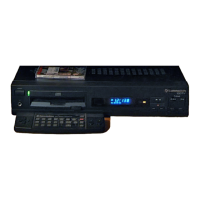
Commodore CDTV/P
40 pages
Print Icon
To Next Page IconTo Next Page
To Previous Page IconTo Previous Page
Loading...
Using
the CDTVIP
As
A CD Player 4-1
4.
Using
the
CDTV/P
As
A
CD
Player
The
CDTV
IP
is
a fully functional
CD
player
capable
of
playing
standard
audio
CD,
CD+ G
and
CD+
MIDI
disks.
Audio
compact disks
ICDsl
and
CDTVIP
application
disks
have
a
different
format.
The
CDTV
IP
system software
recognizes
the
difference,
and
automatically
prepares
to
play
an
audio
CD
when
you
insert the disk in the
CDTV
IP.
To
play
a
CD,
CD+ G
or
CD+
MIDI
disk,
just
place
the disk in
the
caddy
and
insert in the
disk
slot.
When
playing
a
CD
audio
disk,
you
can
use
the mouse
and
the
display
screen
to select
various
modes
of
operation, such
as
random
play,
search,
etc.
Remember that
for
optimum
sound
quality
you
can
use
headphones
or
connect the
COTY
IP
to a stereo system,
as
shown in Chapter
2.
CDTV/P
CD
Audio
Control
Screen
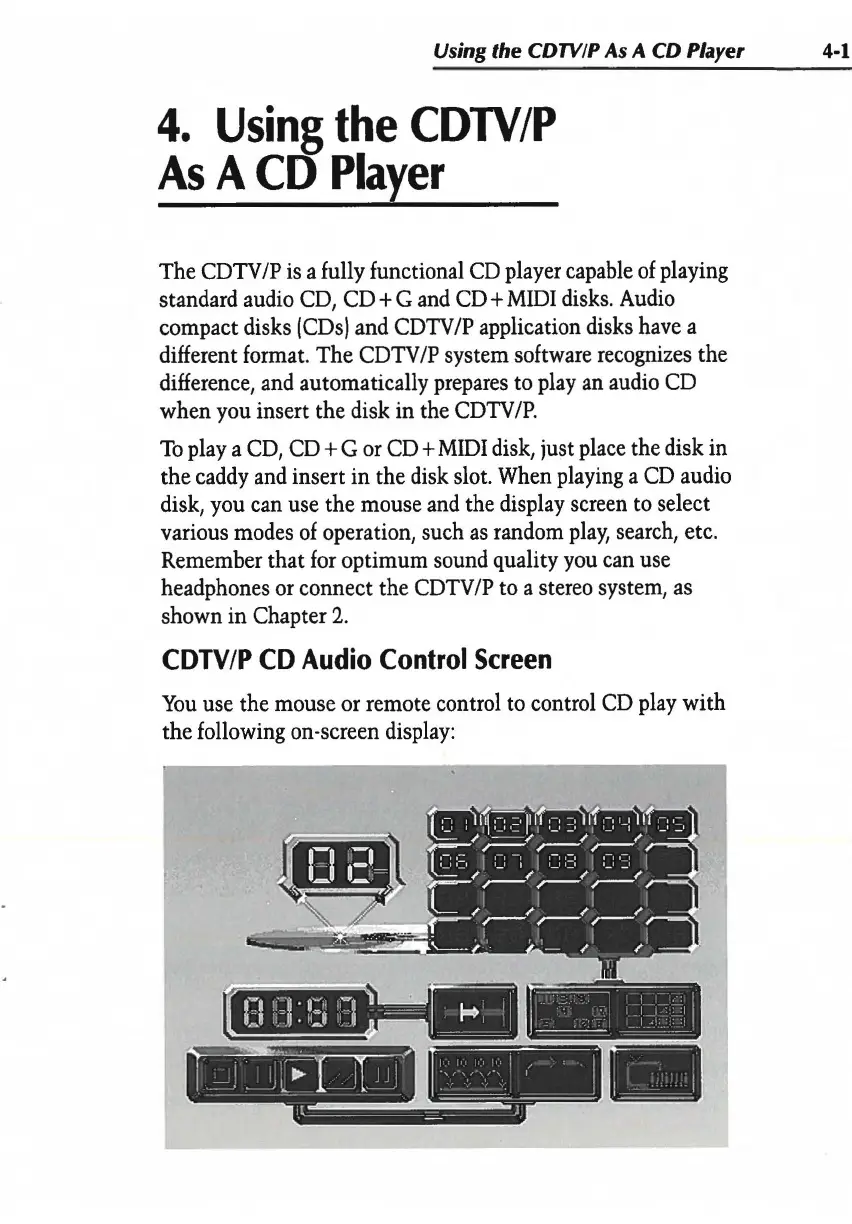
You
use
the mouse
or
remote control
to
control
CD
play
with
the following on-screen
display:
,
-----~
- I
'
~
I
_.'.__
, - I I I I
J
-I
_1---:-1
=-