18 MS-DOS User's Guide
Setting the date and
time
[I]
Type
the
date. For example,
if
the
date
is July 6, 1986, you
simply type
the
following command,
then
press
the
RETURN
key:
07-06-86
If
the
date
is already
correct,
or
you
do
not
want
to
answer
this
prompt,
press the RETURN key
to
move
to
the
next
step.
III Type
the
time according
to
a 24-hour clock. For example,
if
it is 1 :30 P.M., type the following,
then
press
the
RETURN key:
13:30
If
the
time is already
correct,
or
you
do
not
want
to
answer
this
prompt,
press
the
RETURN key.
MS· DOS
does
not
accept
your
command
until you
press
the
RETURN key.
Note
If
you make a mistake
when
you
are
typing
the
date
or
time, simply backspace
over
the
mistake and retype.
As
you use
the
BACKSPACE key, you will
notice
that
the
characters
disappear.
If
you make a mistake and have already pressed
the
RETURN key,
press
the
CONTROL·ALT·DEL
keys simultaneously
to
restart
MS·DOS
and try again.
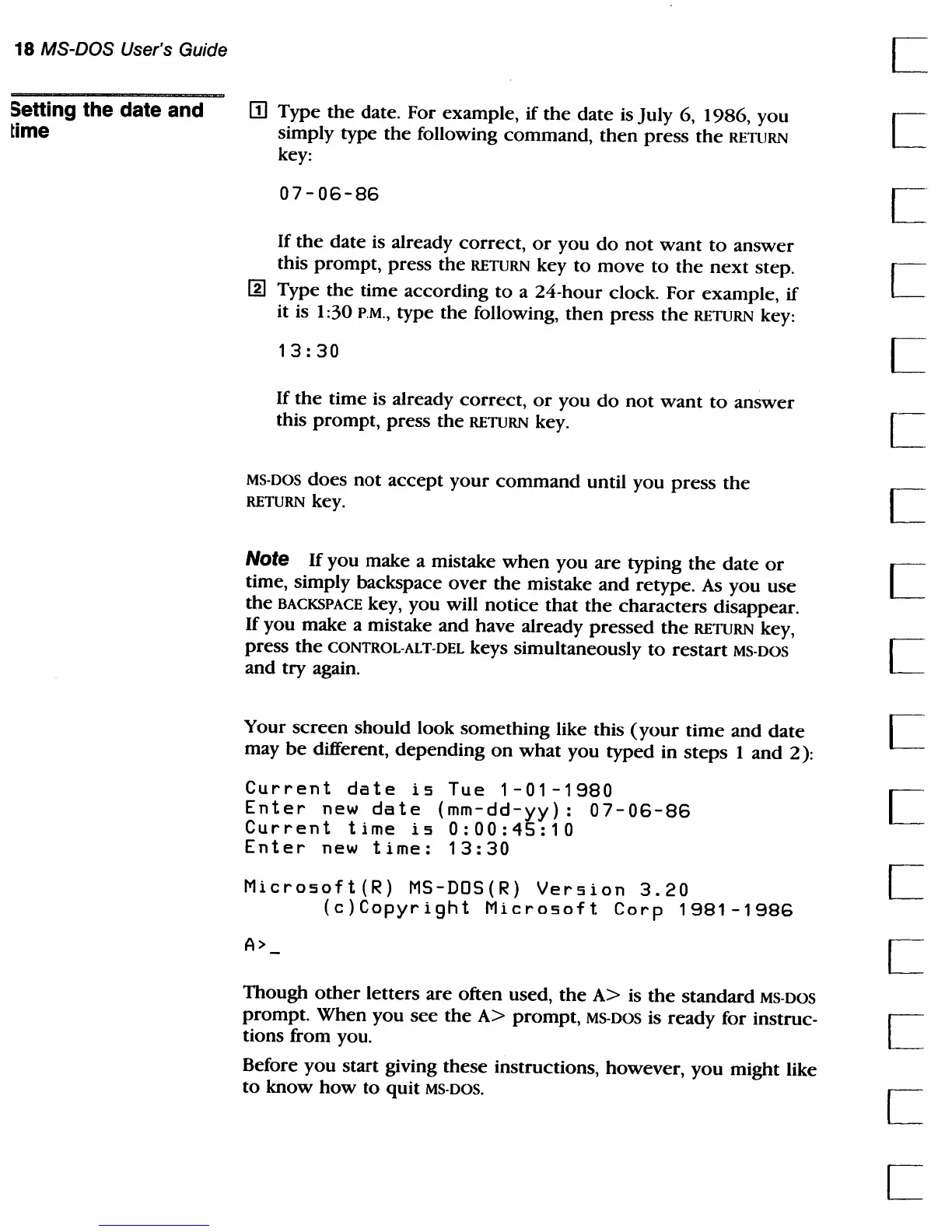
Your
screen
should look
something
like this
(your
time
and
date
may
be
different,
depending
on
what
you
typed
in
steps
1 and 2):
Current
date
is
Tue
1-01-1980
Enter
new
date
(mm-dd-yy):
07-06-86
Current
time
is
0:00:45:10
Enter
new
time:
13:30
Microsoft(R)
MS-DDS(R)
Version
3.20
(c)Copyright
Microsoft
Corp
1981-1986
A>
Though
other
letters are often used,
the
A>
is
the
standard MS· DOS
prompt.
When
you
see
the
A>
prompt,
MS·DOS is
ready
for instruc-
tions from you.
Before
you
start giving these instructions, however,
you
might like
to
know
how
to
quit MS· DOS.



 To Next Page