EasyManua.ls Logo

Commodore PC 20 - The Opening Screen Display

Commodore PC 20
494 pages
Print Icon
To Next Page IconTo Next Page
To Previous Page IconTo Previous Page
Loading...
16 Operations Guide
7. CLOSE DRIVE A
BY
MOVING THE DOOR
LEVER
TO THE
VERTICAL
POSITION.
8. TURN
ON
THE
SYSTEM
UNIT.
Press
the
power
switch
on
the
rear
of
the
System Unit.
The
red
light
on
the
left
front
side
of
the
System Unit
then
comes
on.
After a
short
time
the
computer
accesses
the
System Disk
in
Drive A
and
the
red
light
on
the
front
of
that
drive
comes
on,
indicating
that
the
disk is
being
read.
In
a few
seconds
the
"booting"
or
loading
of
MS-DOS
is
completed,
and
the
initial
MS-DOS
screen
display appears.
WARNING
DO
NOT
ATTEMPT
TO
REMOVE
ANY
DISK WHILE
THE DISK DRIVE
UGHT
IS
ON. DOING SO
DAMAGES
THE INFORMATION
ON
THE DISK
NOTE:
If
your
Commodore
PC is
equipped
with
a "fixed"
or
"hard"
disk,
you
will
only
use
the
above
procedure
for
the
first
time
that
you
load
MS-DOS. See
Appendix
F,
CONFIGURING YOUR
HARD
DISK,
in
the
MS-DOS User's Reference manual for
more
details
on
hard
disk operations. This
manual
is
located
after
the
MS-DOS
User's
Guide
portion
of
this volume.
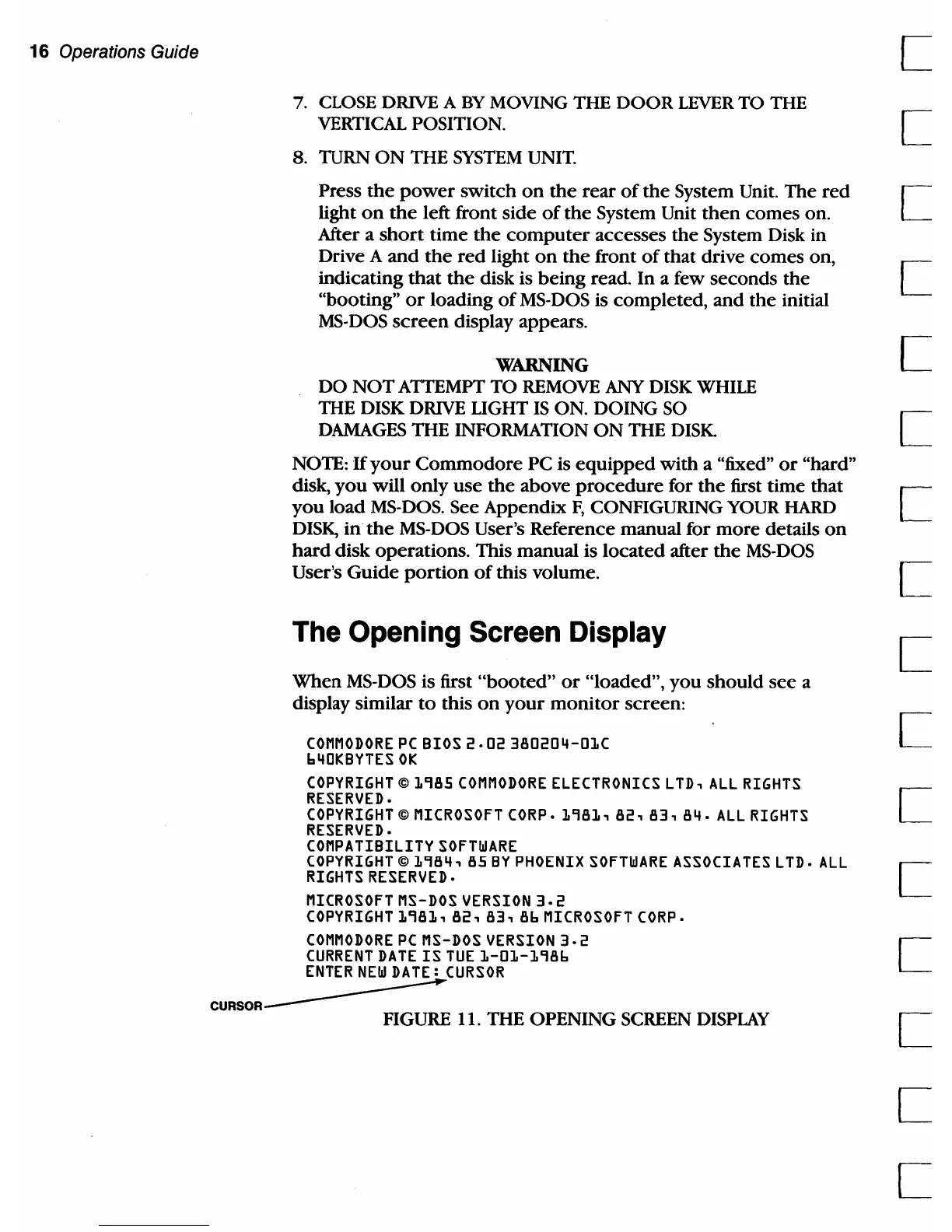
The Opening Screen Display
When
MS-DOS is first
"booted"
or
"loaded",
you
should
see
a
display similar
to
this
on
your
monitor
screen:
COMMODORE
PC
BIOS
2.02
380204-01C
640KBYTES
OK
COPYRIGHT ©
1985
COMMODORE
ELECTRONICS
LTD,
ALL
RIGHTS
RESERVED.
COPYRIGHT © MICROSOFT CORP.
1981,
82,
83,
84.
ALL
RIGHTS
RESERVED.
COMPA
TIBILITY
SOFTWARE
COPYRIGHT ©
1984,
85
BY
PHOENIX
SOFTWARE
ASSOCIATES
LTD.
ALL
RIGHTS RESERVED.
MICROSOFT MS-DOS
VERSION
3.2
COPYRIGHT
1981,
82,
83,
86
MICROSOFT CORP.
COMMODORE
PC
MS-DOS
VERSION
3.2
CURRENT DATE
IS
TUE
1-01-1986
ENTER
NEW
DA
TE:
CURSOR
CURSOR-----
FIGURE 11. THE OPENING
SCREEN
DISPLAY
c

Table of Contents

Related product manuals