EasyManua.ls Logo

Commodore PC 20 - Using Commands; File Commands; The dir Command

Commodore PC 20
494 pages
Print Icon
To Next Page IconTo Next Page
To Previous Page IconTo Previous Page
Loading...
4 Using Commands
In this chapter you will learn;
How
to
use file commands
How
to
print files
How
to
use disk commands
File
Commands
You can use several
MS-DOS
commands
to
manage
your
files_
Some
of
the
more
common commands are
dir,
copy,
del,
rename,
and
print.
Note The following examples assume that drive A is
the
default
drive_
The Dir Command
If
you
want
to
find
out
what files are
on
a disk, you
can
list its
directory by using
the
MS-DOS
dir
command_ For example,
to
display
the
directory
of
the
disk in drive
B,
you
would
use
the
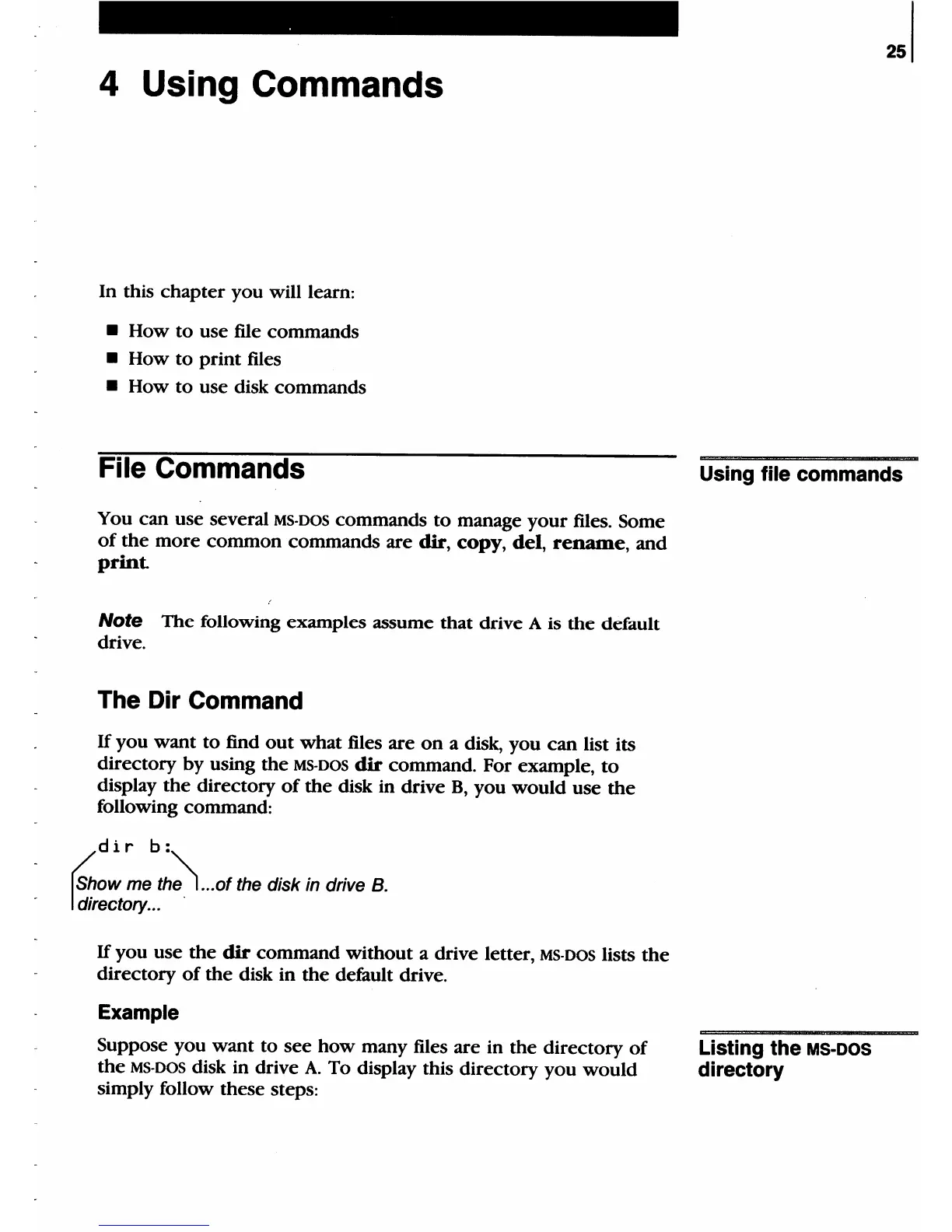
following command;
dir
b:
~ow
me
th~
___
of
the disk in drive
B_
I~~ectol}'___
.
If
you use
the
dir
command without a drive letter,
MS-DOS
lists
the
directory
of
the
disk in
the
default
drive_
Example
Suppose you
want
to
see
how
many files are in
the
directory
of
the
MS-DOS
disk in drive
A.
To display this directory
you
would
simply follow these steps;
251
Using file commands
Listing the
MS-DOS
directory

Table of Contents

Related product manuals