132
MS-DOS User's Guide
Formatting a disk
Note If
you
have only
one
disk drive, MS-DOS
prompts
you
to
insert the disk that you
want
to
format. Refer
to
the
section
"If
You Have Only
One
Floppy Disk Drive" in
Chapter
3.
You can also format a blank disk so
that
some
special MS-DOS files
are copied
onto
it during formatting. These files are necessary
if
you
want
to
use
the
disk
to
start MS· DOS.
So
to
format a blank disk
in drive B and include
the
special MS·
DOS
files,
you
would
use
the
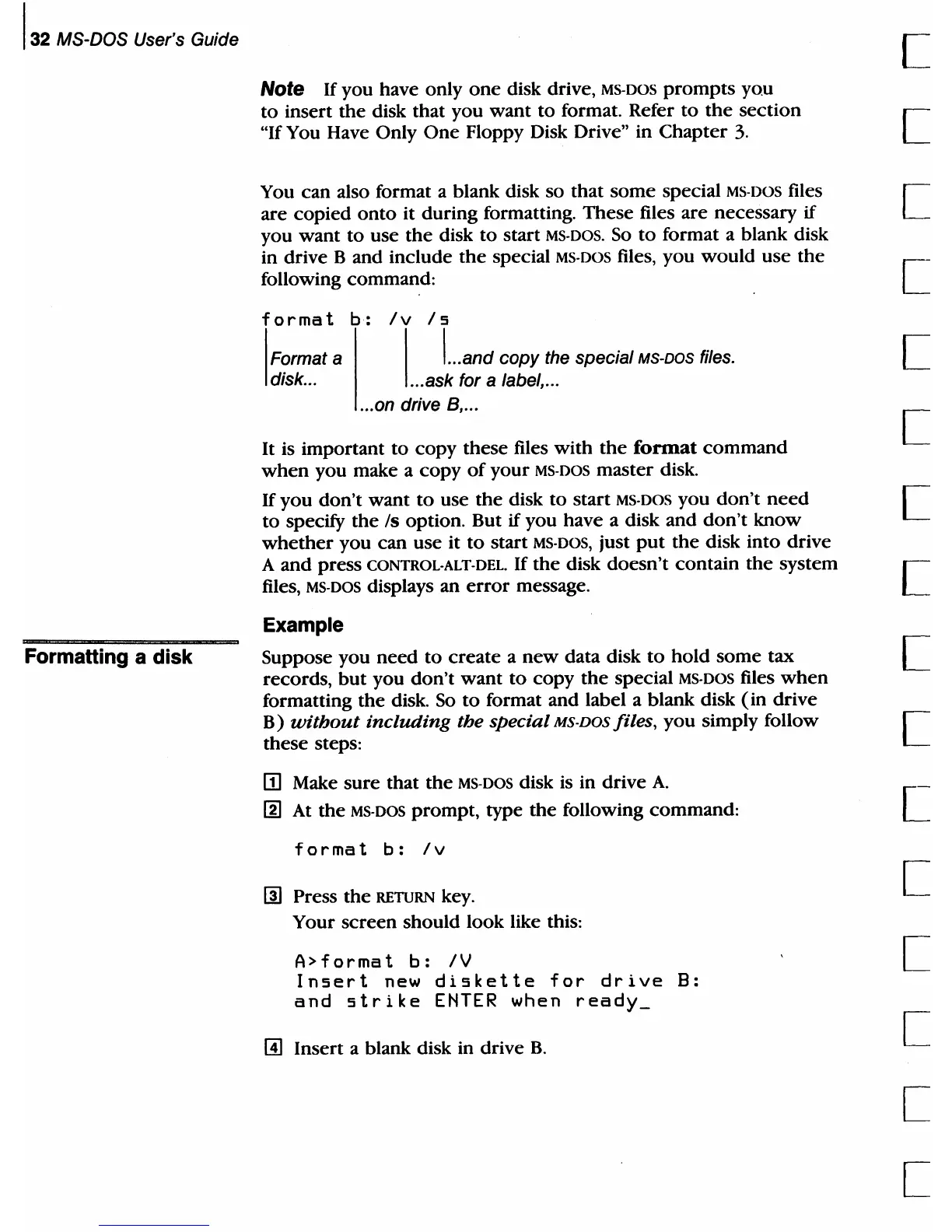
following command:
format
b:
!
Format a
disk
...
/v
/s
I
I ... and copy the special MS-DOS files.
.
..
ask for a label,
...
...
on drive
B,
...
It is important
to
copy
these files
with
the
format
command
when
you make a
copy
of
your
MS-DOS
master
disk.
If
you
don't
want
to
use
the
disk
to
start MS-DOS you
don't
need
to
specify
the
Is option. But
if
you
have a disk and
don't
know
whether
you
can use it
to
start MS·DOS, just
put
the
disk into drive
A
and
press CONTROL-ALT-DEL.
If
the
disk
doesn't
contain
the
system
files,
MS-DOS displays an
error
message.
Example
Suppose you
need
to
create
a
new
data disk
to
hold
some
tax
records,
but
you
don't
want
to
copy
the
special MS-DOS files
when
formatting
the
disk.
So
to
format and label a blank disk
(in
drive
B)
without
including
the special MS-DOS files,
you
simply follow
these steps:
m Make
sure
that
the
MS-DOS disk
is
in drive
A.
[!]
At
the
MS-DOS
prompt,
type
the
following command:
format
b:
/v
rn
Press
the
RETURN
key.
Your
screen
should look like this:
A>
for
rna
t
b:
/ V
Insert
new
diskette
for
drive
8:
and
strike
ENTER
when
ready_
~
Insert a blank disk in drive
B.
c
[
[
[
[
[
[
[
[
[
[
[
[
[
[



 To Next Page