EasyManua.ls Logo

Commodore PC 20 - Page 213

Commodore PC 20
494 pages
Print Icon
To Next Page IconTo Next Page
To Previous Page IconTo Previous Page
Loading...
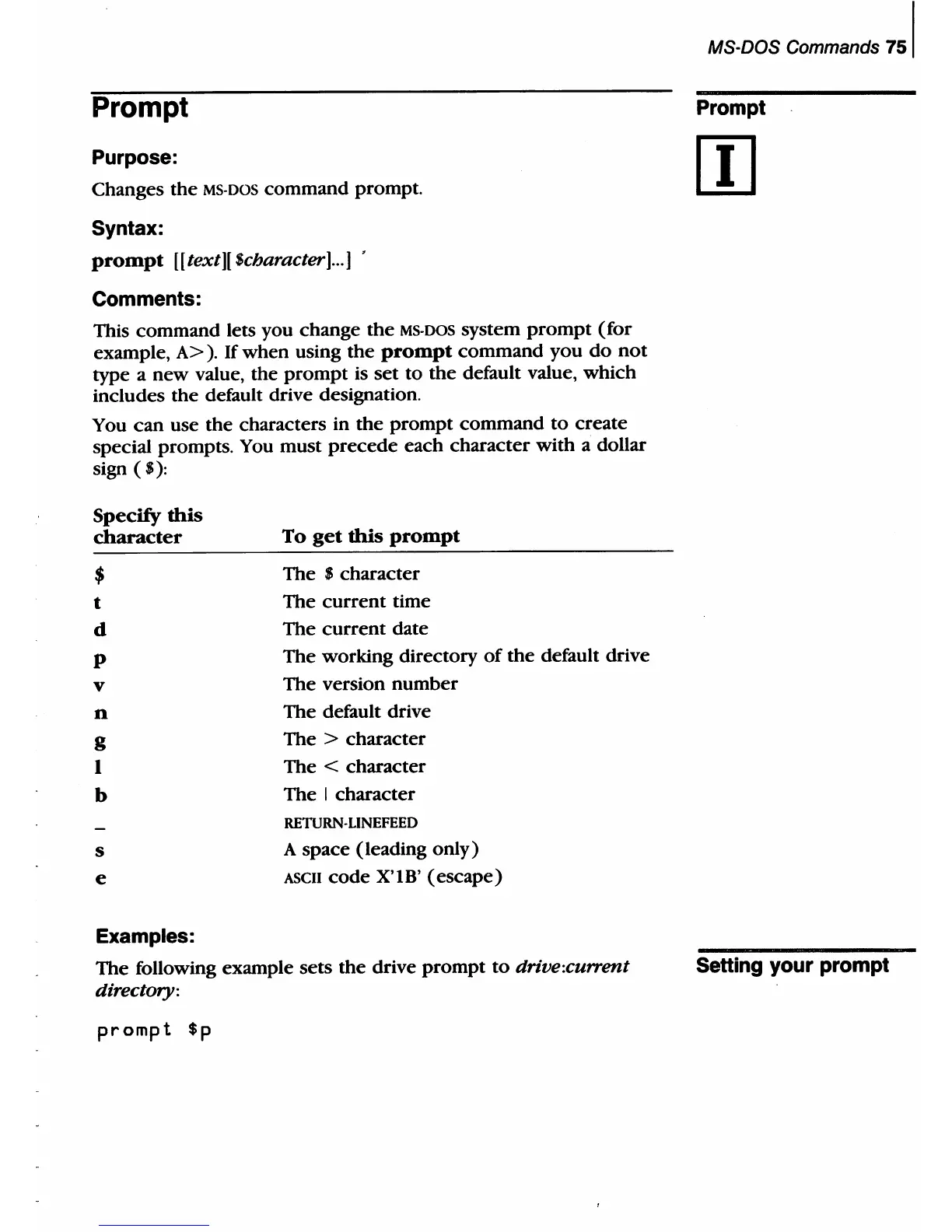
Prompt
Purpose:
Changes
the
MS·
DOS
command
prompt.
Syntax:
prompt
[[
text)[ $character]
...
]
Comments:
This command lets you change
the
MS·DOS
system
prompt
(for
example,
A>
).
If
when
using
the
prompt
command
you
do
not
type a
new
value, the
prompt
is
set
to
the
default value,
which
includes
the
default drive designation.
You
can
use
the
characters in
the
prompt
command
to
create
special prompts. You
must
precede
each character
with
a dollar
sign
($):
Specify
this
character
$
t
d
P
v
n
g
I
b
s
e
Examples:
To
get
this
prompt
The $ character
The
current
time
The
current
date
The working directory
of
the
default drive
The version
number
The
default drive
The
> character
The
< character
The
I character
RETURN·LINEFEED
A
space
(leading
only)
ASCII
code
X'IB'
(escape)
The following example
sets
the
drive
prompt
to
drive:current
directory:
prompt
$p
MS-DOS Commands
751
Prompt
Setting your prompt

Table of Contents

Related product manuals