File Comparison Utility (FC)
1771
Example
1:
To compare
the
two files and display the differences
on
the
screen, type:
fc
pencil.ad
pen.ad
FC
compares penciL
ad
with
pen
ad
and displays
the
differences
on
the
screen.
All
other defaults remain intact.
(The
defaults are:
perform an
ASCII
comparison
with
an internal buffer length
of
100 lines, treat tabs
as
spaces
to
8-column positions,
do
not
ignore case,
do
not
display line numbers, and
do
not
compress
white space.)
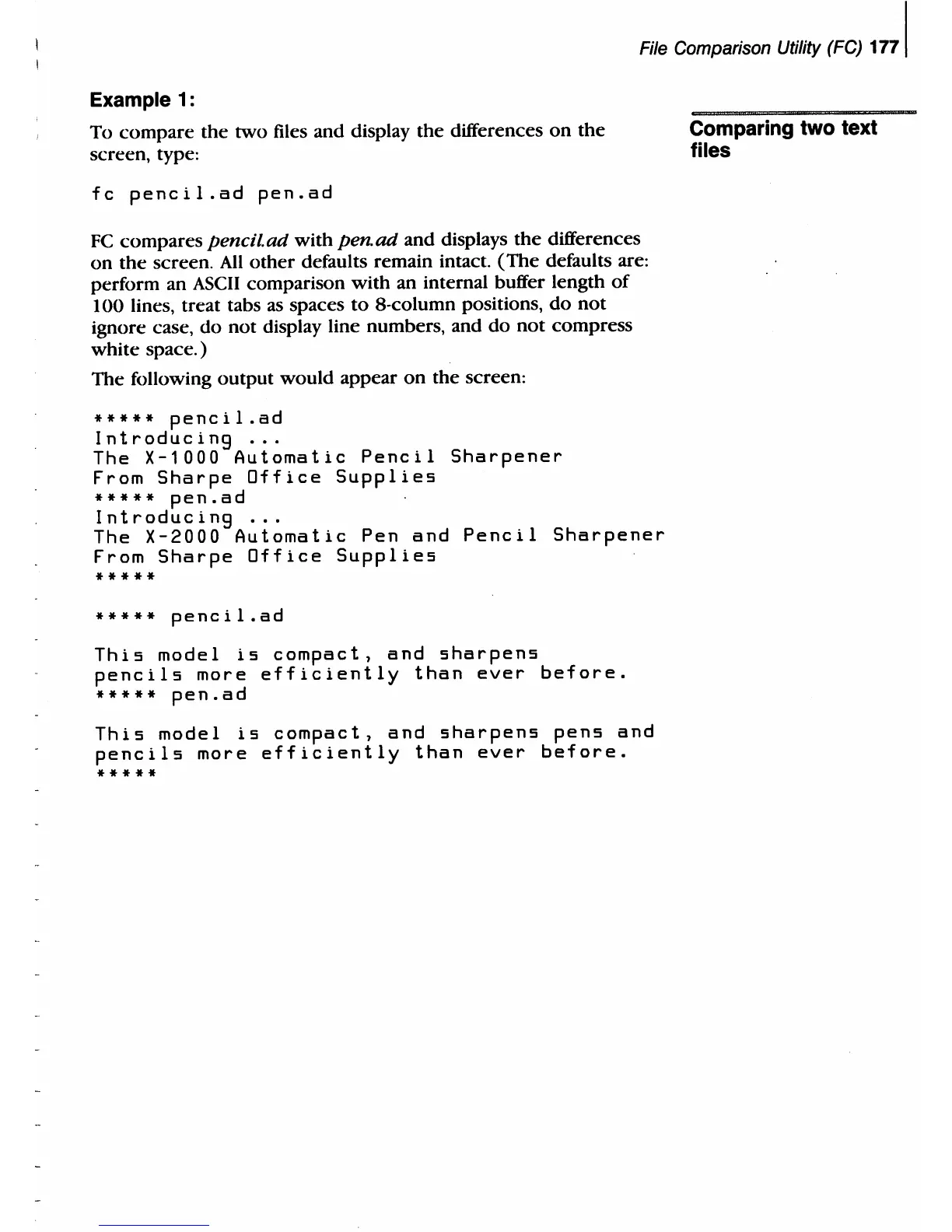
The following output would appear
on
the
screen:
*****
pencil.ad
Introducing
...
The
X-1000
Automatic
Pencil
Sharpener
From
Sharpe
Office
Supplies
*****
pen.ad
Introducing
...
The
X-2000
Automatic
Pen
and
Pencil
Sharpener
From
Sharpe
Office
Supplies
*****
*****
pencil.ad
This
model
is
compact,
and
sharpens
pencils
more
efficiently
than
ever
before.
*****
pen.ad
This
model
is
compact,
and
sharpens
pens
and
pencils
more
efficiently
than
ever
before.
*****
Comparing
two
text
files



 To Next Page