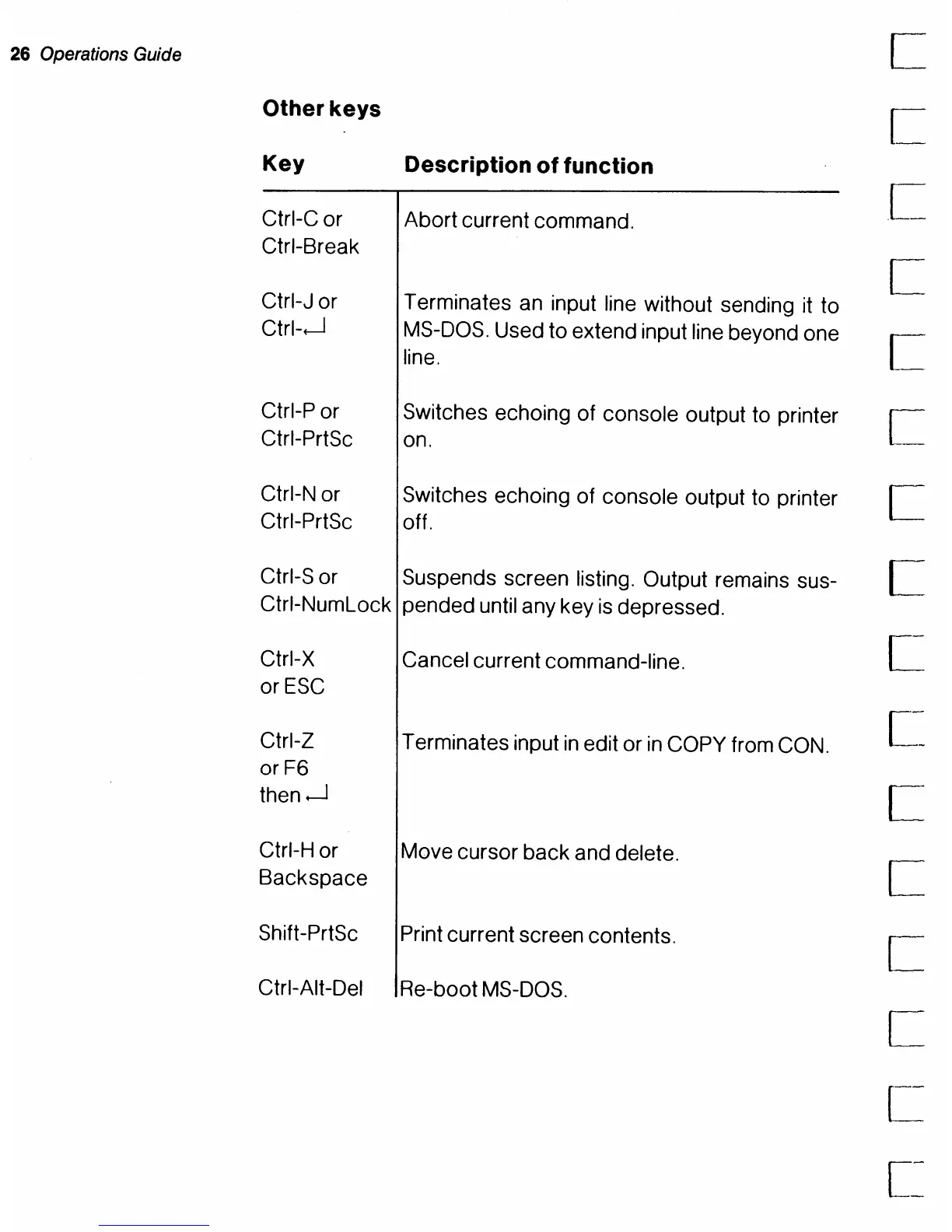
26 Operations Guide
Other
keys
Key
Ctrl-C or
Ctrl-Break
Ctrl-J or
Ctrh-J
Ctrl-P or
Ctrl-PrtSc
Ctrl-N or
Ctrl-PrtSc
Description
of
function
Abort current command.
Terminates
an
input line without sending it to
MS-DOS.
Used to extend input
line
beyond one
line.
Switches echoing of console output to printer
on.
Switches echoing of console output to printer
off.
Ctrl-S or Suspends screen listing. Output remains sus- C
Ctrl-NumLock pended until any key
is
depressed.
Ctrl-X
orESC
Cancel current command-line.
Ctrl-Z Terminates input
in
edit or
in
COpy
from
CON.
orF6
then
.--J
Ctrl-H or Move cursor back and delete.
Backspace
Shift-PrtSc Print current screen contents.
Ctrl-Alt-Del Re-boot
MS-DOS.
L
C
c
c
[~



 To Next Page