EasyManua.ls Logo

Commodore PC 20 - Page 60

Commodore PC 20
494 pages
Print Icon
To Next Page IconTo Next Page
To Previous Page IconTo Previous Page
Loading...
44
Operations Guide
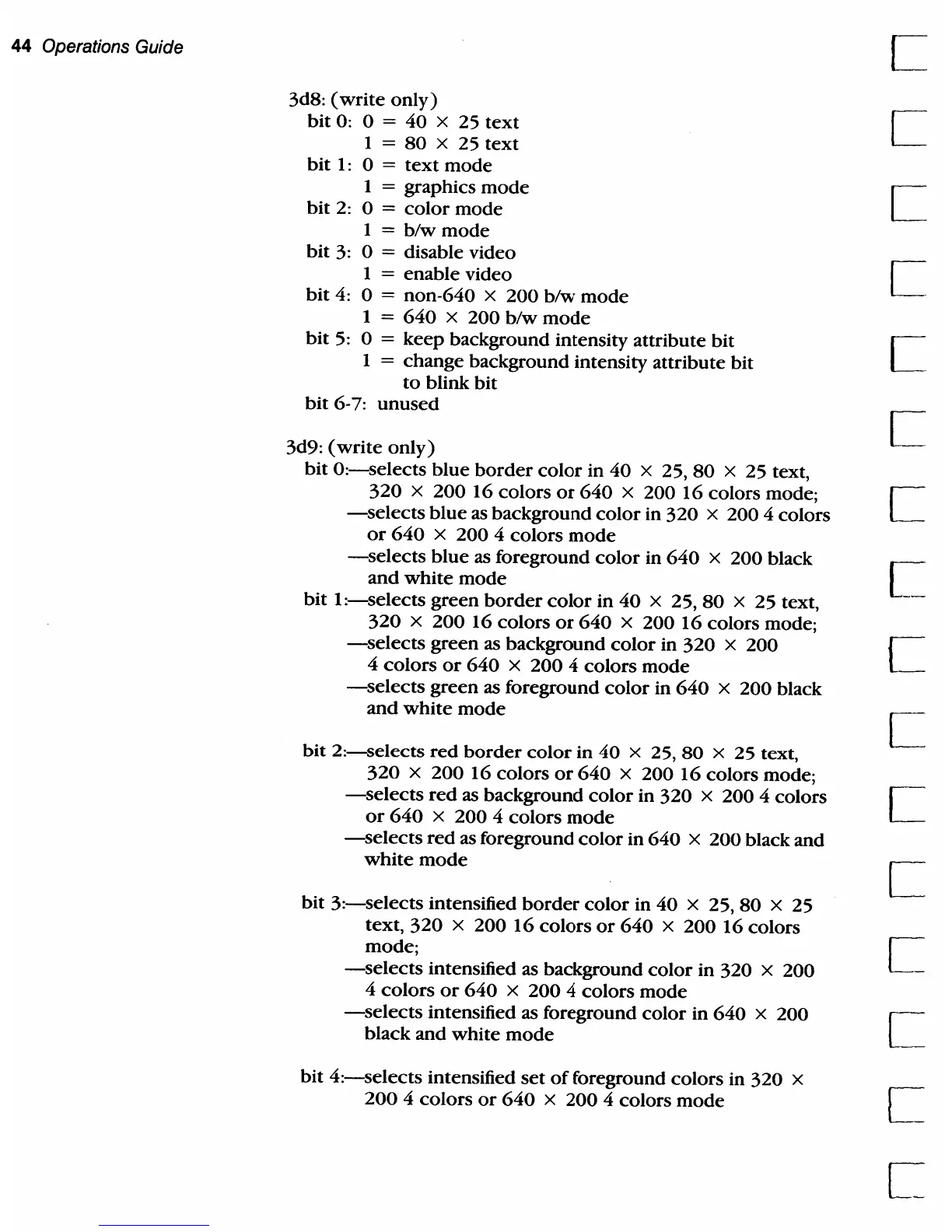
3d8:
(write
only)
bit
0: 0 = 40 x 25
text
1 =
80
x 25
text
bit
1:
0 =
text
mode
1 = graphics
mode
bit
2:
0 =
color
mode
1 =
blw
mode
bit
3:
0 = disable video
1
=
enable
video
bit
4:
0 = non-640 x
200
b/w
mode
1 =
640
x
200
b/w
mode
bit
5:
0 =
keep
background intensity attribute
bit
1 =
change
background intensity attribute bit
to
blink bit
bit
6-7:
unused
3d9:
(write
only)
bit
O:-selects
blue
border
color
in
40
x 25,
80
x 25 text,
320
x
20016
colors
or
640
x
20016
colors mode;
-selects
blue
as
background
color
in
320
x 200 4 colors
or
640
x 200 4 colors
mode
-selects
blue
as foreground
color
in
640
x 200 black
and
white
mode
bit
1
:-selects
green
border
color
in
40
x 25,
80
x 25 text,
320
x
20016
colors
or
640
x
20016
colors mode;
-selects
green as background
color
in
320
x 200
4
colors
or
640
x
200
4 colors
mode
-selects
green
as foreground
color
in
640
x 200 black
and
white
mode
bit
2:-selects
red
border
color
in
40
x 25,
80
x 25 text,
320
x
200
16
colors
or
640
x
200
16
colors mode;
-selects
red
as background
color
in
320
x 200 4 colors
or
640
x 200 4 colors
mode
-selects
red
as foreground
color
in
640
x
200
black
and
white
mode
bit
3:-selects
intensified
border
color
in
40
x
25,80
x 25
text,
320
x 200
16
colors
or
640
x
200
16
colors
mode;
-selects
intensified as background
color
in 320 x
200
4
colors
or
640
x
200
4 colors
mode
-selects
intensified as foreground
color
in
640
x 200
black
and
white
mode
bit
4:-selects
intensified
set
of
foreground colors in
320
x
200
4
colors
or
640
x
200
4 colors
mode
c

Table of Contents

Related product manuals