24
The complete language specification is found in section Fehler! Verweisquelle
konnte nicht gefunden werden. .
6.2 Recording a Program using the 3D Interface
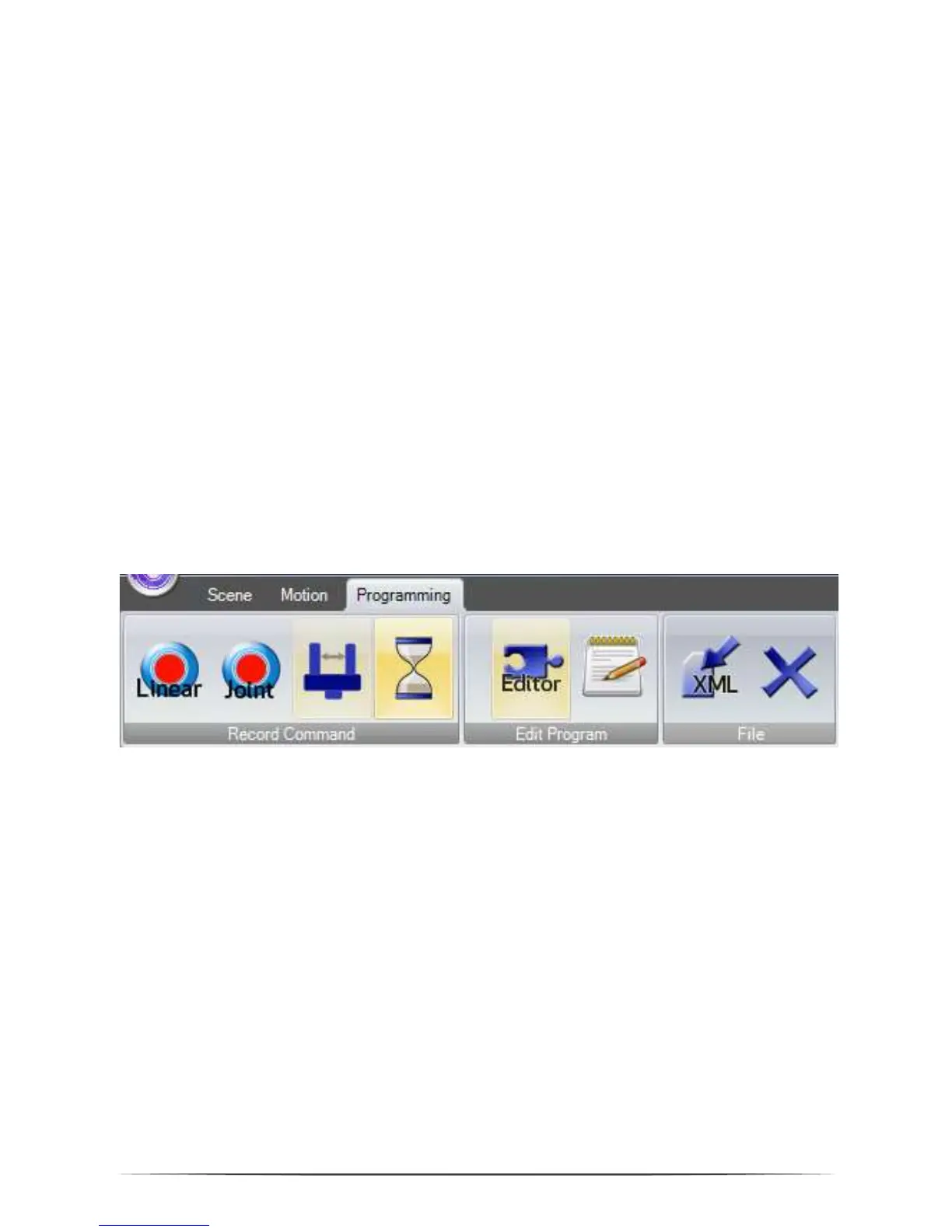
Using the 3D screen a program can be recorded using the joypad or the buttons.
Joypad: Every time the A button (or button 2) on the joypad is pressed a linear
command to the current robot position is recorded. If necessary a command to open
or close the gripper is added, together with a short break. A sound indicates that the
point was recorded.
Program Buttons: If there are still commands in the memory, they can be deleted
using the Delete button. Afterwards linear, joint, gripper and break commands can
be recorded. The buttons record the current state of the robot or gripper.
6.3 Saving and Loading of a Program
With the button „Save Program” the commands are saved in an XML file in the
directory
c:\CPRog\Data\Programs\
or in any other user defined folder. The button to load a program is found in the
Motion/Programs area.
6.4 Replay of a Program


 To Next Page