9
3. Installation
3.1 Setting up the Robot
The robot has to be placed on a table or stand so that he cannot tumble down.
3.2 Connecting the Power Supply and the USB Adapter
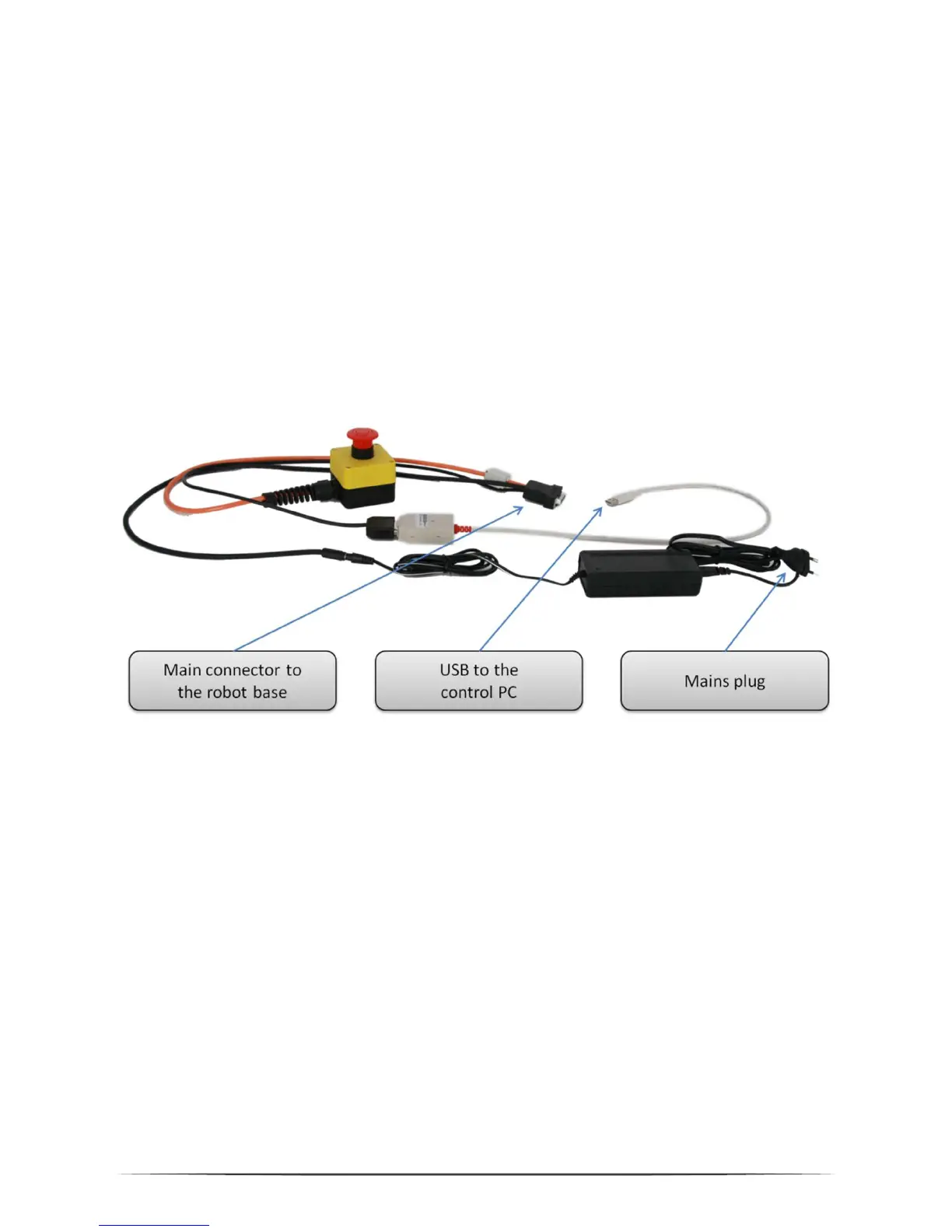
The cable loom connects the power supply, the USB adapter and the robot as
depicted above. All connectors fit only one way. The USB adapter may be white or
black, depending on the current type.
When plugging in the USB2CAN adapter, a driver installation assistant may appear.
Please refer to section 3.4 for installation guidelines.


 To Next Page