Section 6: Using Routes
95
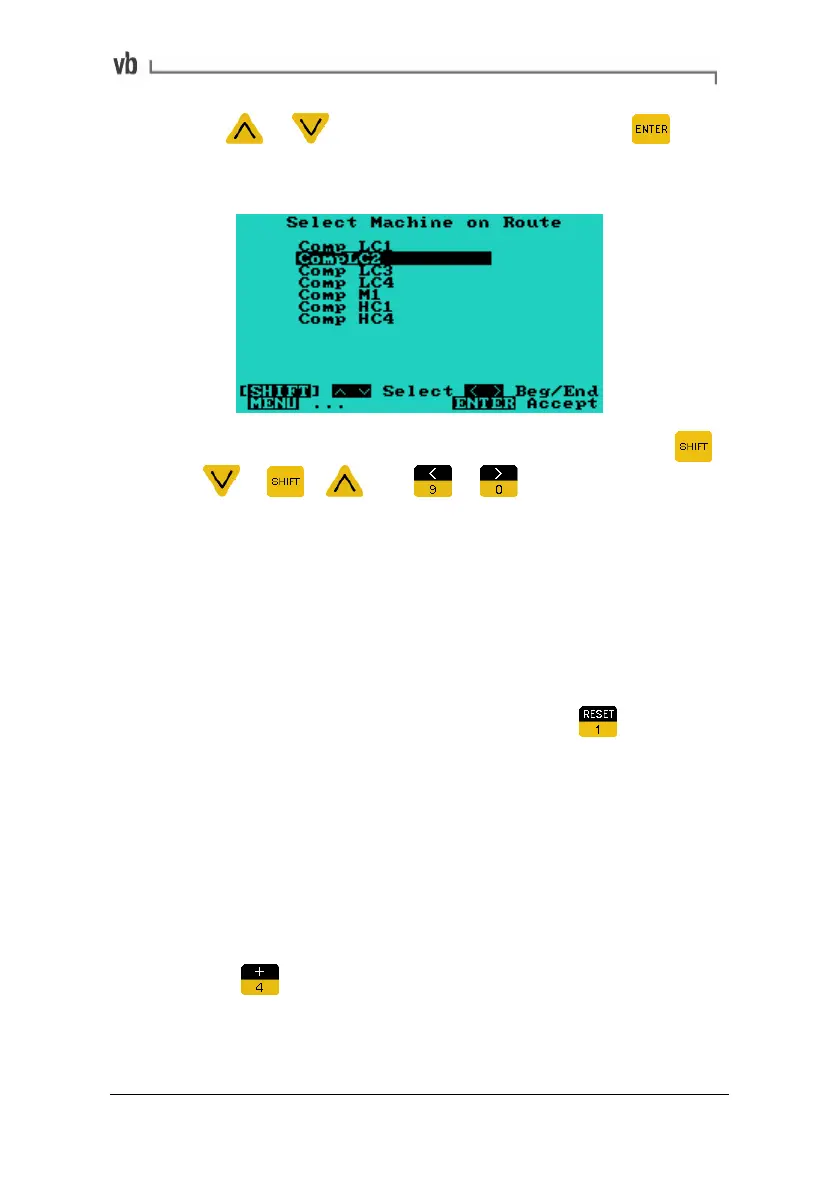
• Use or to highlight a machine then press to
select it and return to the route. The first location at this
machine is displayed.
• To move forwards or backwards by 10 machines press
+
or + . Use or to move to the
beginning or end of the machine list.
Off-route Recordings
When collecting data, you may decide to take additional
measurements that are not part of the route sequence. This might be
done if a machine's vibration pattern does not look as expected when
taking the measurement.
• With the Auto Route screen displayed press
to
temporarily step out of the route.
• The Select Machine Menu will display. From here you can
set up the location and parameters of the extra
measurement.
• Take the measurement as normal. Once recording is
complete you will be returned to the Select Parameter Set
Menu where you can review the recording.
• Press
to return to the route.
Artisan Technology Group - Quality Instrumentation ... Guaranteed | (888) 88-SOURCE | www.artisantg.com



 To Next Page