Section 9: Balancing Rotors
127
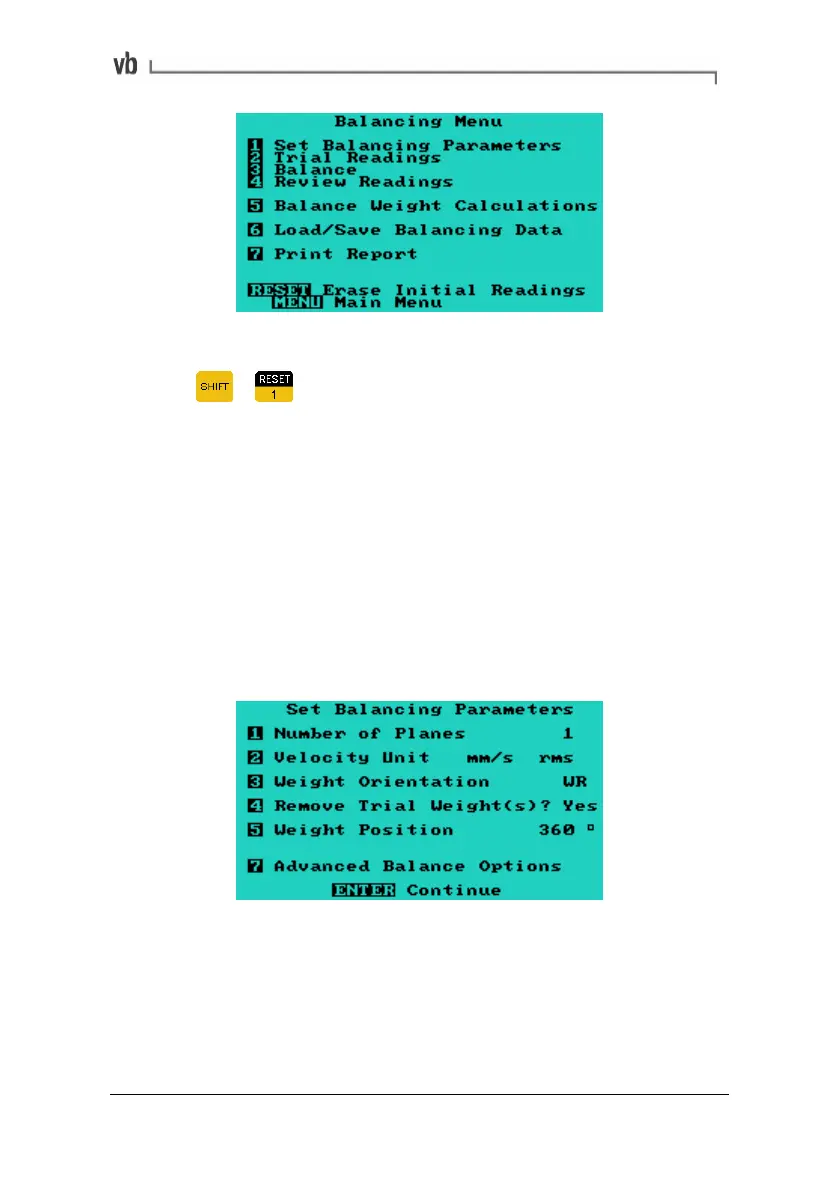
Example of Balancing Menu with recordings
Pressing + from this menu erases the current measurement
data in a two stage process. The first press erases the trim balance
readings. The second press erases both initial and trial weight
readings.
The rest of this section describes the Balancing Menu options.
Balancing Walk-through (page
145) will explain how to use these
options when performing a balance job.
1. Set Balancing Parameters
The Set Balancing Parameters Menu allows you to select the
appropriate parameters to be used for balance jobs.
Artisan Technology Group - Quality Instrumentation ... Guaranteed | (888) 88-SOURCE | www.artisantg.com



 To Next Page