Section 9: Balancing Rotors
128
Number of Planes
(vb3000 and vb2000 only)
• Press
to toggle the number of balance planes to use.
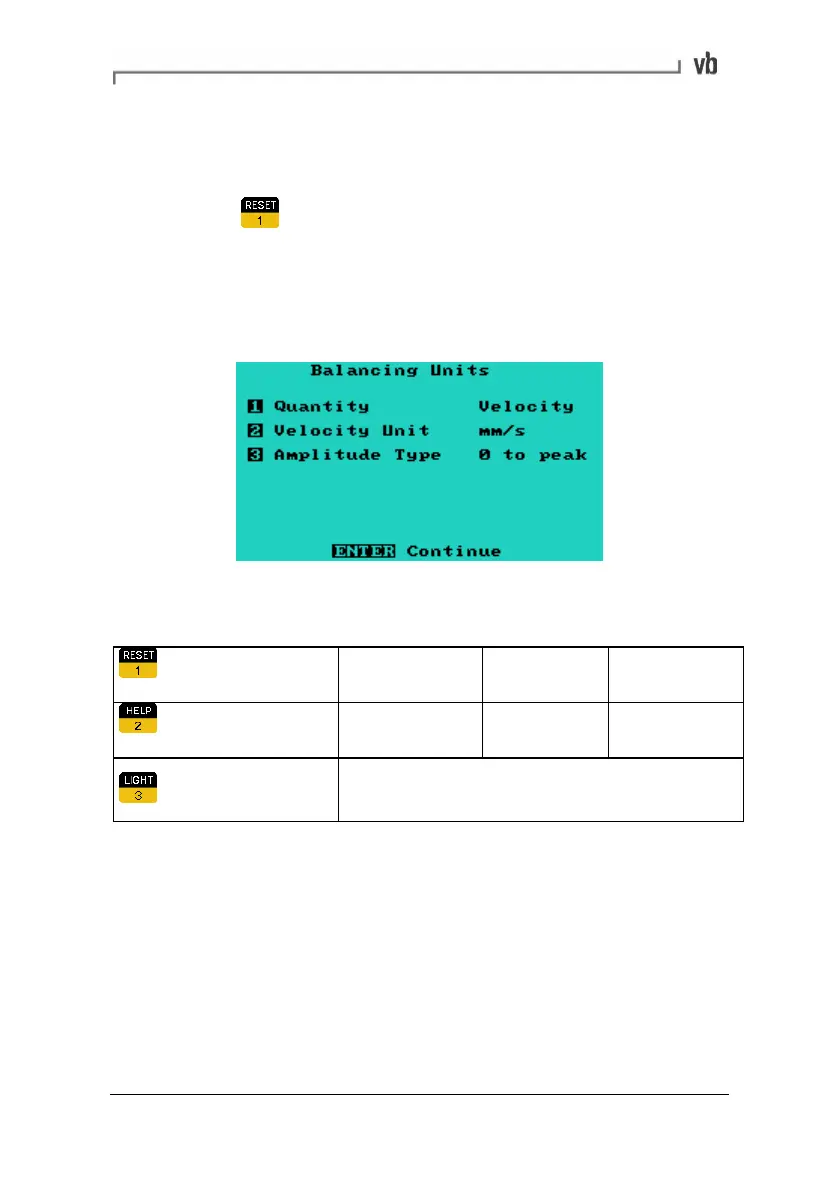
Balancing Units
The Balancing Units Menu allows you to select different balancing
units.
Available units are: (press the appropriate number key to toggle the
setting)
Quantity
Displacement Velocity Acceleration
Units
µm, mm, mil mm/s, in/s g, m/s2
Amplitude Type
peak-peak, rms, Ø-peak
Weight Orientation
This option allows you to choose where to place balance weights on
a rotor relative to the rotor's direction of rotation.
With rotation (WR) means you choose a reference point then place
your weights forward of that point in the direction of rotation (i.e. in
the same direction as the rotor turns).
Artisan Technology Group - Quality Instrumentation ... Guaranteed | (888) 88-SOURCE | www.artisantg.com



 To Next Page