Section 8: Creating Machines
115
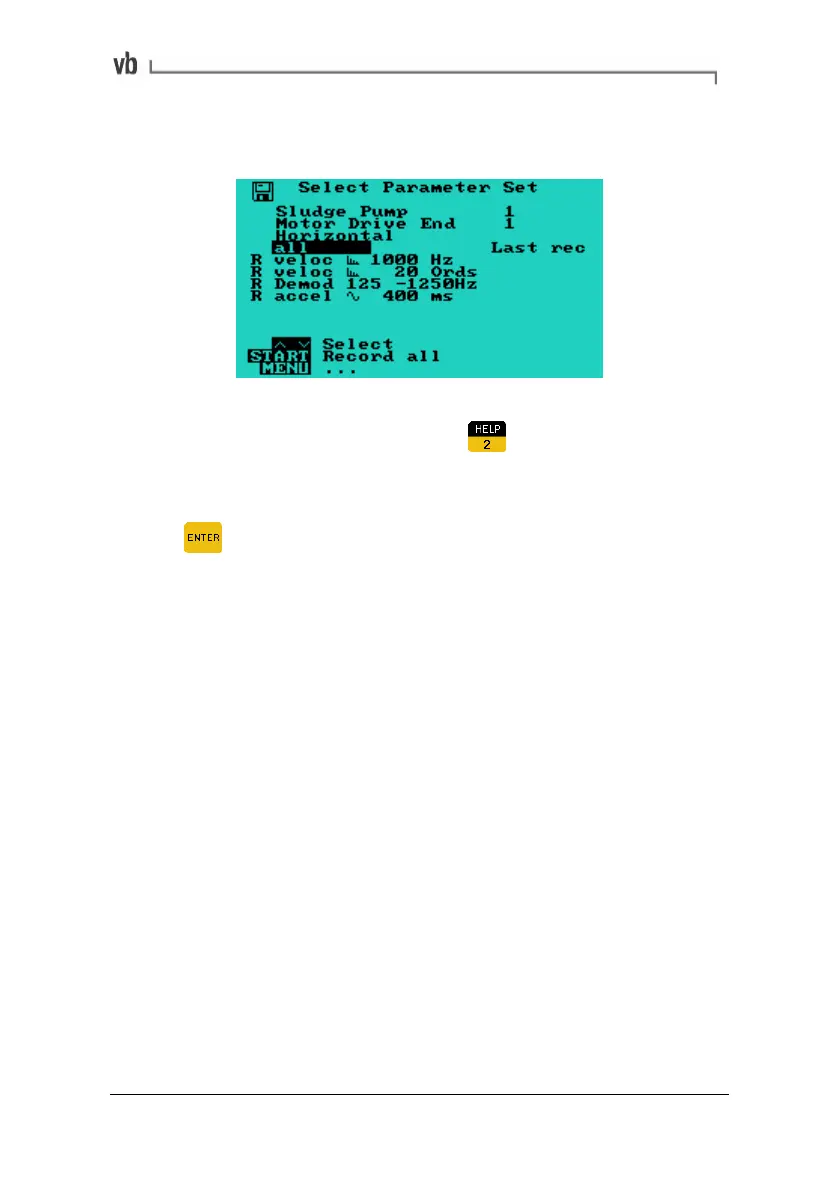
If the direction/axis already has a parameter set defined the Select
Parameter Set Menu will be displayed.
• To review a parameter set, highlight it in the Select
Parameter Set Menu and press
to review its parameter
values.
• To review the parameter set's most recent recording press
Note: When taking recordings, only the single trigger type can be
selected because you are limited by the number of lines specified in
your parameter set.
Artisan Technology Group - Quality Instrumentation ... Guaranteed | (888) 88-SOURCE | www.artisantg.com



 To Next Page